
Как скачать и установить голосовой чат в Among Us
Новый мод для «Among Us» позволяет игрокам общаться в голосовом чате без использования сторонних программ.
Большинство модов для популярной игры Амонг Ас для ПК нацелены на добавление новых скинов, которые игроки могут использовать для разнообразия одежды своих персонажей. Некоторые моды могут улучшать аспекты игрового процесса, например, зомби мод. Игроки могут загружать моды, чтобы добавить 100 игроков в одно лобби, а не 10. Или скрыть цвет мертвого тела, что затрудняет игрокам узнать предателя.
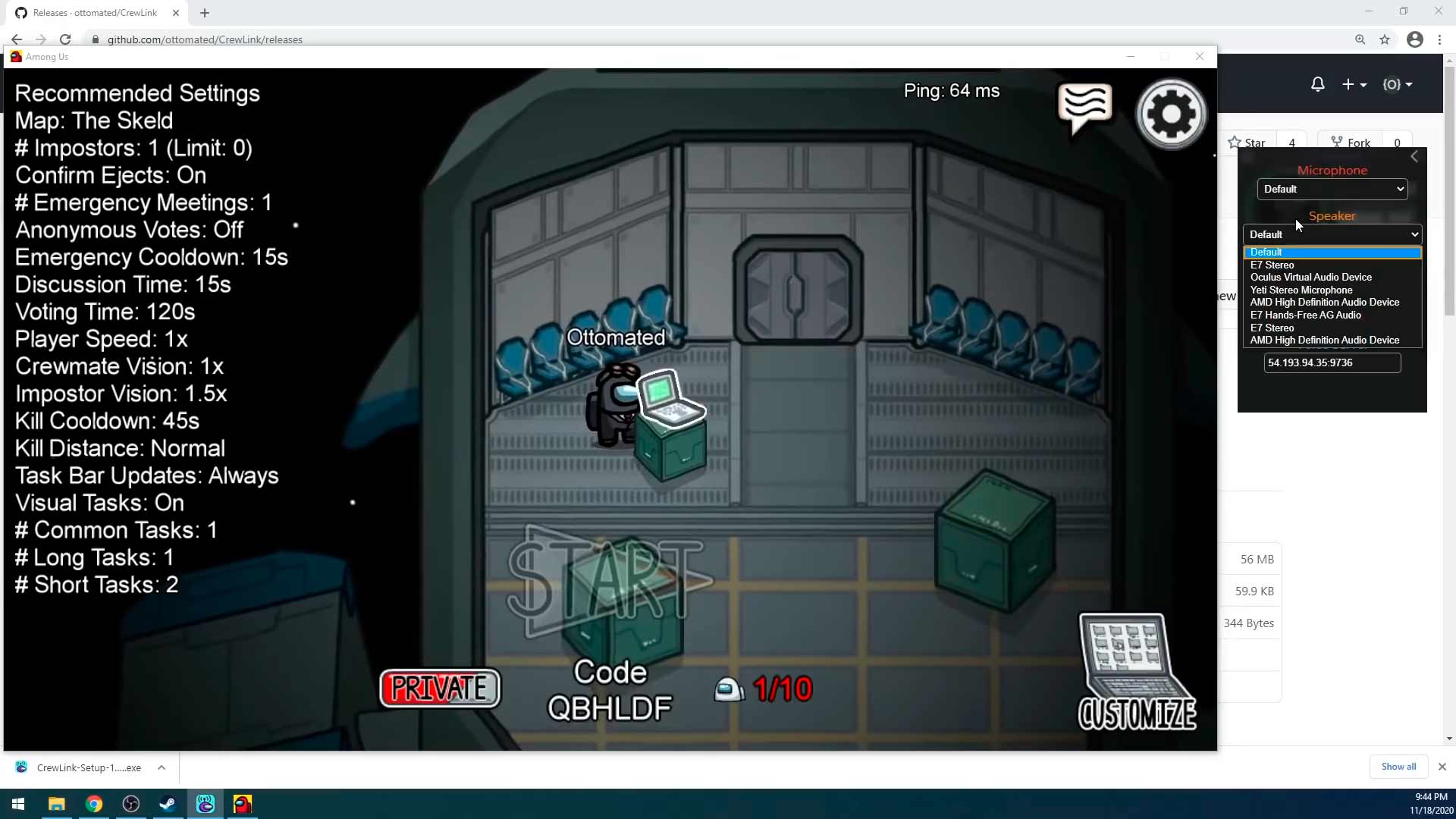
Новый мод приобрел популярность в сообществе стримеров благодаря облегчению геймплея, — это мод Proximity Voice Chat.
Мод Proximity Voice Chat, созданный Ottomated, представляет собой бесплатный мод с открытым исходным кодом. Он позволяет игрокам общаться в голосовом чате в Амонг Ас без использования сторонних сервисов, таких как Discord.
Мод также включает пространственный звук, поэтому игроки слышат только тех, кто рядом с ними, как в реальной жизни. Это добавляет погружение в игру и создать новый уровень испытаний для игроков. Для модификации не требуются специальные серверы, если игроки сначала скачивают специальное приложение. Но внимательно прочитайте этапы установки приложения CrewLink и мода Proximity Voice Chat для Among Us на ПК.
Как установить мод Proximity Voice в Among Us
Чтобы начать играть в Among Us с модом Proximity Voice Chat, игрокам нужно сначала скачать и установить приложение CrewLink созданное Ottomated. Игрокам необходимо будет выполнить следующие действия:
На видео автор мода Ottomated описывает процесс настройки и варианты устранения ошибок.
Далее входим в лобби, их персонаж должен появиться в приложении CrewLink вместе с кодом игрока. Для настройки используйте значок шестеренки в левом верхнем углу, чтобы убедиться, что их голос слышен, установив флажок «Активность голоса». Если голосовой чат работает, вокруг изображения персонажа появится зеленый кружок.
Download Proximity Voice Chat MOD for Among US (CrewLink 2.0.1)
CrewLink, also known as Proximity Voice Chat, is a MOD for Among Us that allows us to communicate by voice with other players in the game without Discord or other applications. In addition, in the moments of the game where it is assumed that we could not talk to the other crew members, we will be allowed to do so as long as we are close to them (otherwise they will not be able to hear what we say).
This MOD is undoubtedly one of the must-have for Among Us today, since the proximity chat functionality improves the game a lot, as it makes it more dynamic and fun. In fact, we have been able to see numerous streamers on Twitch using this MOD, since to give Show in their streamers is even better.
Download Crewlink Proximity Voice Chat for Among Us v2.0.1
This MOD is developed by Ottomated, which releases it for free via Github for anyone who wants to download and install it. In addition, and believe it or not, the installation of this MOD is really simple, since it has an automatic installer, so we do not have to be moving files between folders.

The latest version of Proximity Chat MOD for Among Us is 2.0.1, which brings new support for Epic Games and Microsoft Store, as well as fixing certain bugs and generally improving the usability of the MOD.
Download Crewlink Proximity Voice Chat MOD – Link
How to install Crewlink Proximity Chat MOD on Among Us

Once the installation is finished, just click on “Launch Game” and you will be able to enjoy the MOD options inside the game. Please note that for CrewLink to really work, all players in the game must have the MOD installed. Otherwise, only those who have installed it will be able to access the proximity voice chat.
Consider downloading one of the following MOD PACKs if you are interested in playing new roles and game modes in Among Us:
Among us мод на голосовой чат
If you are looking for a community that uses this mod, join the Discord server!
You can also read a blog post about this mod.
Patch versions refer to unmarked Steam updates where the game version did not change.
Use the installer: Download: Latest release
Latest mod version: Release 2021.6.30s, Mod manual download: 1.0.0.22
Older versions: Versions table
If you would like to donate to the project, You can do so on Bountysource SALT, or via crypto:
Please note that we are NOT associated with Innersloth, the original developer of «Among Us». Please support them as well by buying their games and merch.
We thank the developers of Mumble for not only providing their software for free and open-source, but also for being open to suggestions and actively supporting this project.
This mod is not affiliated with Among Us or Innersloth LLC, and the content contained therein is not endorsed or otherwise sponsored by Innersloth LLC. Portions of the materials contained herein are property of Innersloth LLC. © Innersloth LLC.
This modification would be detected by any simple anti-cheat engine. At the time of writing, Among Us uses no such technology. However, we are not responsible for any bans or other problems arising from the usage of this mod.
THIS SOFTWARE IS PROVIDED BY THE COPYRIGHT HOLDERS AND CONTRIBUTORS «AS IS» AND ANY EXPRESS OR IMPLIED WARRANTIES, INCLUDING, BUT NOT LIMITED TO, THE IMPLIED WARRANTIES OF MERCHANTABILITY AND FITNESS FOR A PARTICULAR PURPOSE ARE DISCLAIMED. IN NO EVENT SHALL THE COPYRIGHT OWNER OR CONTRIBUTORS BE LIABLE FOR ANY DIRECT, INDIRECT, INCIDENTAL, SPECIAL, EXEMPLARY, OR CONSEQUENTIAL DAMAGES (INCLUDING, BUT NOT LIMITED TO, PROCUREMENT OF SUBSTITUTE GOODS OR SERVICES; LOSS OF USE, DATA, OR PROFITS; OR BUSINESS INTERRUPTION) HOWEVER CAUSED AND ON ANY THEORY OF LIABILITY, WHETHER IN CONTRACT, STRICT LIABILITY, OR TORT (INCLUDING NEGLIGENCE OR OTHERWISE) ARISING IN ANY WAY OUT OF THE USE OF THIS SOFTWARE, EVEN IF ADVISED OF THE POSSIBILITY OF SUCH DAMAGE.
About
Mumble VoIP Plugin and mod for the popular game «Among Us» to enable Proximity Voice Chat.
How To Get Proximity Chat In Among Us
Here’s how to download and install Proximity chat mod in Among Us.

If you want to talk to nearby players, a proximity chat mod lets you do that. To know how to download and install the Proximity voice chat mod and how it works, check this guide until the end. It can be greatly beneficial for crewmates to talk to each other as well as imposters when there are multiple of those.
Among Us Proximity Voice Chat Mod Download: How to Install?
Thanks to @Ottomated_ on twitter, players can access an Among Us Proximity chat mod. All you have to do is download and install it after which you can play the game with Proximity voice chat. Here’s the step-by-step process to get the Among Us Proximity voice chat mod.
How to Install CrewLink Among Us Mod
You can also change the options in the mod like changing the connected voice server and more.
How to Fix Voice Bugs in Among Us CrewLink
@Ottomated_ has also stated that if players are getting any voice bugs like “not connecting or infinite range” then everyone in the lobby needs to press CTRL-R in the Crewlink Window. This will refresh the app and possibly fic the voice bugs in Among Us proximity chat.
If you are facing any more issues with the mod, there are a few things you can try (troubleshooting):
With this Among Us Proximity Mod, crewmates and imposters can talk to players nearby without getting into emergency meetings. So, you can talk to someone who is next to you or passing by as well. For Crewmates, this is a great way to discuss the clues to determine who is the imposter. This also means that the Imposter has to be smarter if he/she is alone. If it’s a game with multiple imposters, they can also communicate with each other using this feature and get some kills in.
That’s everything you need to know about how to download Crewlink and install Among Us proximity voice chat mod. Once you get the mod, make sure you know all the pro tips and tricks to be the best crewmate and imposter. Our Among Us guides have all the hidden secrets so check them out! If you have any questions at all, you can search it in our search bar and get your answers right away.
Among us мод на голосовой чат

В этом гайде будет описание пользовательского бесплатного мода для Among Us, который позволяет вам говорить с игроками прямо во время игры! Вы будете слышать членов экипажа и предателей в определённом радиусе и сможете общаться с ними, пока пытаетесь не умереть от ножа в спину.
In this guide I’ll explain you how to setup and play with free community mod for Among Us, which gives you ability to talk while you in-game! You can hear your fellow crewmates and evil impostors in some range and talk with them, while you trying not to be stabbed in the back.














Самая первая версия мода вышла 11 ноября 2020, разработчик продолжает поддерживать своё творение и выложил его в бесплатный свободный доступ для всех желающих.
Геймплей с модом в видео ниже
________________________________________________
First version was released November 11th 2020, developer still supporting his creation and published it for everyone for free.
Mod gameplay below
Это официальный сайт разработчика, где вы сможете найти последнюю версию мода.
ВО ИЗБЕЖАНИЕ ЗАРАЖЕНИЯ ВАШЕГО КОМПЬЮТЕРА НАСТОЯТЕЛЬНО СОВЕТУЮ ВАМ СКАЧИВАТЬ ПРОГРАММУ ТОЛЬКО С САЙТА РАЗРАБОТЧИКА!
This is official developer website, where you can find the latest version of the mod.
IN CASE TO PRECAUTION YOUR COMPUTER SAFETY I STRONGLY RECOMMEND YOU TO DOWNLOAD CREWLINK ONLY ON DEVELOPER WEBSITE
После установки необходимых компонентов у вас появится следующее окно:
Вы можете включать игру через CrewLink, а можете сначала запускать Among Us, затем приложение, последовательность не имеет значения.
Очень важный момент: CrewLink поддерживает только английский язык, поэтому для нормального функционирования софта перед входом в лобби установите английский язык в игре!
Для настройки нажмите шестерёнку слева сверху, вам выпадет следующее меню:
В настройках Microphone и Speaker вам нужно выбрать микрофон и динамик соответственно. Если вы играете с наушниками через порт на компьютере, то можете оставить в Speaker пункт Default
ВАЖНО: сервер у всех игроков должен быть один и тот же!
Если вы играли с друзьями на своём сервере, а потом пойдёте играть на публичном Discord’е с другими людьми, то вам надо будет изменить адрес в строке Voices server
After you install CrewLink you will see this window:
You can launch game through CrewLink or launch game, then CrewLink, order doesn’t matter.
For setup push Gear button top-left, you will see next menu:
The only option for you to precise setup is Voice server. This is an ip-address, where your data exchanges between CrewLink clients and this address must be same with the users, with who you decided to play. I still don’t know for sure, how to setup own server by yourself, but on developer website you can find insrtuction for this purpose:
https://github.com/ottomated/CrewLink-server
IMPORTANT: as I said above, server must be the same for everyone in lobby. Check Voice Server every time you going to the public Discord’s servers, synchronize it with every user on the channel.
Когда вы создаёте сервер через Heroku перейдя по ссылке с сайта разработчика помните, что созданный сервер идёт с привязкой к актуальной на тот момент версии игры, т.е. если у вас версия CrewLink 1.1.6, а сервер вы создавали пока была актуальной версия 1.1.5, то вам выдаст ошибку:
В таком случае вам нужно зайти в свой профиль Heroku, снести тот самый сервер и поставить его заново. Он даже будет работать по старой ссылке, если вы в названии приложения укажете то же самое, что писали в названии предыдущего (пример: если до этого у вас был сервер на Heroku с названием roflanamong, то вы можете при переустановке сервера написать то же самое название и старая ссылка будет по прежнему рабочей).
В заключение могу показать вам сайт, где не нужно ничего скачивать, но всё равно можно играть и говорить, как при использовании CrewLink! Ссылка ниже:
https://auproxy.herokuapp.com/
Также заходите на наш Discord-сервер по игре, мы недавно открыли категорию с кастомными играми CrewLink и планируем ещё многие другие нововведения!
https://discord.gg/7JJZhPhsSg
In conclusion I can show you web source, where you can play with proximity voice chat without downloading any another files. Link below:
https://auproxy.herokuapp.com/