
Bukkit

ScoreboardStats
Bukkit Plugins
ScoreboardStats
Table of Contents

Just enable compatibilityMode in the configuration and install ProtocolLib. For normal use ProtocolLib is NOT required.
Features:
You don’t need a database for all these features
Variables for all the following plugin:

Please use the Tickets for any issues, errors or suggestions.
Installation

Commands
| Command | Description | Aliases |
|---|---|---|
| /sidebar | Toggle (show or hide) the scoreboard on the right side | side, scoreboardstats, sb toggle |
| /sidebar reload | Reload the configuration | side reload, scoreboardstats reload, sb reload |
For plugin developers/API
Permissions
| Permission | Description |
|---|---|
| scoreboardstats.use | General permission. Without that the scoreboard will not be displayed for the player |
| scoreboardstats.command.toggle | Toggle the sidebar |
| scoreboardstats.reload | With this permission a player can reload the configuration |
| scoreboardstats.sign | Only player with this permission can create signs that displays the kills, deaths, etc. |
Source

You don’t have to decompile the plugin. You can find there the source code with comments and building utilities.
ScoreboardStats is open source and hosted on GitHub; feel free to fork, star, or contribute by making pull requests and opening issues.
Auto-Updater
Compatibility with older minecraft versions
As you can see on file list there are selected three versions. These version numbers are for the Minecraft versions. Lowest test version, mid version and the highest tested version. That means that you should always use the latest version of ScoreboardStats although you use an old Minecraft version. It’s very hard to use all versions at once, so please use the newest version of ScoreboardStats.
Donations
Donations are always appreciated, it’s the best way to say thanks to a developer. 
or using Bitcoin: 1MXHPP9NYqrV366dMg2fPLUWnjemrU8EZS

Comments

I love this plugin just sucks its not being worked on anymore. 🙁

[23:38:27 WARN]: [ScoreboardStats] Task #5454 for ScoreboardStats v0.10.5 generated an exception
java.util.ConcurrentModificationException: null
at java.util.HashMap$EntrySet.forEach(HashMap.java:1047)
[?:1.8.0_241]
at com.github.games647.scoreboardstats.scoreboard.bukkit.BukkitScoreboardManager.createTopListScoreboard(BukkitScoreboardManager.java:131)
[minecraft_server.jar:git-Bukkit-2b93d83]
at org.bukkit.craftbukkit.v1_12_R1.scheduler.CraftScheduler.mainThreadHeartbeat(CraftScheduler.java:360) [minecraft_server.jar:git-Bukkit-2b93d83]
at net.minecraft.server.v1_12_R1.MinecraftServer.D(MinecraftServer.java:690) [minecraft_server.jar:git-Bukkit-2b93d83]
at net.minecraft.server.v1_12_R1.DedicatedServer.D(DedicatedServer.java:371) [minecraft_server.jar:git-Bukkit-2b93d83]
at net.minecraft.server.v1_12_R1.MinecraftServer.C(MinecraftServer.java:651) [minecraft_server.jar:git-Bukkit-2b93d83]
at net.minecraft.server.v1_12_R1.MinecraftServer.run(MinecraftServer.java:555) [minecraft_server.jar:git-Bukkit-2b93d83]
at java.lang.Thread.run(Thread.java:748) [?:1.8.0_241]

How to make a counter of dug blocks? Can someone help me?
I like your plugin a lot but i have a problem. If i make a restart of the server, the plugin dont load anymore.
If i remove everythiing of the plugin start the server and close and reinstall erverything it work but only on the first start.

Hello this plugin is the best! but i need help, when i kill one time a player, on the scoreboard its shows me like i’ve killed for three times, how do i fix it
Hi I wanted to know if there is anyway of getting the player name on the scoreboard? As I have a dynamic variable specific to a player set up in skript so I do %skript_variable.%player%% but the problem is there is no %player% variable in this plugin. I am sure I did it once very long time ago on my server but I can’t remeber how I did it. Any ideas?

Yes, because the variables always has to be replaced to integers (numbers).
So.. How do I do it? Do I need to make a script so every player gets unique number identifier? Anyways I can’t do that. I need a way for the plugin to get the name or some kind of an id of a specific player. Same as if I would want their name to be displayed only on their scoreboard.
P.s. Anyways I made my own skript for a scoreboard and it works now as I wanted to.

Compatibility mode is bugged in 1.14.3, it just spam errors in the console.

Я установил плагин а теперь в табе невидно прфикса типо админ и тд
I installed the plugin, and now there are no prefixes in Taba. Tipo admin and others.
Due to a limitation in Bukkit. It’s not possible to use the scoreboard in multiple ways. You can enable compatibility mode to workaround this.

Hey, I love this plugin, but I have 2 problems:
1) I can’t order the scores, and I want the sidebar to show the amount of players online first, then the player’s money next
2) When I use the Temporary Scoreboard, I can only use «top kills», but I want to do things like «top richest players» or «top best islands»
Hey i like the Plugin alot but after a restart of the server, it looks like the server dont find the file.
so if i start the server first time with the plugin it show me the scoreboard but after i restart it, it dont find the plugin anymore.
can someone help me?

does it work now in 1.13?

bonjours, probleme avec mon serveur, le scoreboard ne s’affiche pas..
version du serveur : 1.7.10 thermos
# Should be the node disabled-worlds handled as whitelist or blacklist
disabled-worlds-whitelist: false
Scoreboard:
Title: ‘&a&lGreenop’
# seconds
# For instant updates you can or 1 and it will update every second
Update-delay: 2
Items:
# The Title must have under 48 characters
# Title: Type
‘&9Connectes’: ‘%online%’
‘&2Berrys’: ‘%money%’
# Your can choose your custom score here
‘&aHello World’: 1337
# Let ScoreboardStats track stats (kills, deaths, mobkills, killstreak) You need no plugin for this
enable-pvpstats: true
Temp-Scoreboard:
Title: ‘&a&lTop Kills’
# %mob% | %kills% | %killstreak%
Type: ‘%kills%’
Color: ‘&9’
# How many Players would be displayed
Items: 5
Intervall-show: 300
Intervall-disappear: 300
et enfin pl installer sur mon serveur : buy region, chestcommand, essentialschat, essentials, essentialsXgroupmanager, flyspeed, headkill, multiverse-core, placeholderapi, skinsrestaurer, skript, spigot, staffessentials, titlemanager, vault, worldedit, worldguard
Stats v5.3.6-BETA
Track your players and gather interesting statistics about them!
Supported Stats
Right now the following Stats are supported and tracked for everyone:
— Blocks broken (including location, type & timestamp)
— Blocks placed (including location, type, tool & timestamp)
— Playtime (including world)
— Kills (including world, victimType, victimName & weapon)
— Deaths (including location & cause)
— Arrows shot (including world)
— Beds entered (including world)
— Buckets emptied (including world & type)
— Commands performed (including world)
— Damage taken (including world & type)
— Eggs thrown (including world)
— Fish caught (including world & type)
— Food consumed (including world & type)
— Items crafted (including world & type)
— Items dropped (including world & type)
— Items picked up (including world & type)
— Times kicked (including world)
— Last join (including world)
— Last quit (including world)
— Move (including world & type)
— PVP (including world, victimType, victimName & weapon)
— PVP streak (including world)
— Times sheared (including world & type)
— Times joined (including world)
— Tools broken (including world & type)
— Trades performed (including world, item & price)
— Words said (including world)
— XP gained (including world)
If any stat is missing/not working properly, let me know here: https://gitlab.com/lolmewn/stats-plugin/issues
Setting up the plugin
Simply drop the jar in the plugins folder. On first startup, the plugin will generate a config.yml, in which you have to put your MySQL Database credentials. Then restart your server and you’re ready to go!
Seeing your Stats
You can use /stats to view your individual Stats (hover over a value to see more detailed information).
In the future, websites can be built to read the database and show statistics on a webpage.
Signs (from v5.3.2)
Simply put down a sign with [Stats] on the first line, and it’ll start the configuration process for that sign. Please note that you need the permission node stats.sign.place, and to remove a Stats sign, you need permission node stats.sign.break.
You can either display a Single, multiple or a random stat on the sign. Furthermore, you can specify a single, multiple, a random or all online players to show up on the sign. Please note that some stats do not show up when using random stats for all players, such as Last join, Last quit and PVP kill streak. They don’t really make sense.
Disclaimer
This build is mostly intended for new users of Stats. This build will not convert old data (Stats 2 / Stats 3) data into Stats 5 data (yet). Watch for updates on when this is supported.
Furthermore, all gathered statistics are sent to a global server which will be used to display statistics on a website, just like with Stats 2. Will we reach 219 years of playtime again?
Below is info on Stats 3, the previous version of the plugin. It can still be used, but will not be developed for anymore.
Stats 3 details below
This plugin is licensed GPLv3
NOTICE: I’m looking for a new maintainer for the plugin. I unfortunately cannot give this project the love that it so desperately needs. If you’re interested, hit me up on Telegram (t.me/lolmewn) or send me an email (lolmewn[at]gmail.com)
Plugin description
Stats is an advanced statistics gathering plugin, currently focussed on player statistics. Information such as PVP kills, blocks broken, playtime and much more. You can store this data as simple files, or store them in a MySQL database. The benefit of using the database is that you can also use any web-end out there to display your players’ statistics on your website.
How to install
To install the plugin, simply drag-and-drop the Stats.jar into your ‘plugins’ folder.
When you start the server, a «Stats» folder will be created, containing a config file.
For a detailed description on the config file, click here.
The most important option is «storage», which can be set to either «flatfile» or «mysql» by default.
If you choose MySQL, there is another file (mysql.yml). Fill in your MySQL details there. That’s all!
PlayerStats 4.3
Get all sorts of stats about your players!
This plugin contains a variety of commands for gathering intelligence about a player. The commands range from things like displaying whether or not a player can fly, to getting their namemc link.
As for setup and configuration, there is not too much. As of now, it is used to configure MySQL (instructions below). In the future, I plan to add some more customization features, such as advanced information, like the actual ItemStack of an item, or the technical potion effect name.
As of now, I try and release updates every week or so, but school is back in session, so it may not be as consistent as expected. Additionally, if you like this plugin, please consider leaving a rating, suggestion, or other idea. These really help me out, and I always appreciate them!
Also, check out the discord server for support and suggestions!
As of now, I don’t have any sort of source code or github site, but if anyone wants source code to make something cool, just let me know (preferably discord), and I can get it to you!
Tutorial video:
Here is a list of all the commands and their permission nodes:
description: This tells you if a user can fly
description: This tells you what potion effects a player has
description: This tells you what surface a player is standing on
description: This tells you where a certain player is
description: This tells you a players health/hunger level
description: This tells you various stats about a player
description: This tells you if a player is oppped
description: This brings you to a players namemc page, online or not
description: This lets you send a custom link. Put http(s):// for it to function properly, and please use responsibly
description: This tells you where a players bed/bedspawn is. Location only works if a player is sleeping
description: This tells you where a players compass is pointing to
description: This tells you a players chunk render distance
description: This tells you a players ping
description: This tells you what is in a players hand/offhand
description: This tells you how many arrows are sticking out of a player
description: This tells you a players nickname
description: This tells you a players xp level
description: This tells you the cause/amount of a players last damage
description: This tells you a players uuid, or Universally Unique ID
description: This pulls up a GUI that contains all of the stats obtainable through this plugin
description: This pulls up a GUI that shows you a players echest/current viewed inventory
Discord bot commands:
!stathelp: Produces a message about the bot.
: Look up the stats of a player
Logo courtesy of:
thedatasteps.com
Recent Updates
Recent Reviews
Genial. Gracias a esto, por ejemplo pude saber que un amigo en mi servidor utilizo un hack para volar (porque en fly_time aparece que volo durante 33 minutos), y me sirve mucho para sacar otras estadísticas, espero las próximas actualizaciones!
Muchos gracias IamSeverus, me siento muy feliz porque tu te gusta mi plugin! (Lo siento por español malo!)

Good Work, For a suggestion it would be nice to have MySQL support in the future to be able to pull data into a web interface and have Placeholder support. keep up the excellent work.
Ok, thanks for the feedback. I’m still pretty much a beginner, so that feature probably wont come until 3.0 or 4.0, but stick around, and it will come out eventually.
PlayerStatueBuilderX 1.11.0
Builds a player statue out of blocks based on username. ALL skin formats supported.
Need something to decorate your server? Tired of building player statues by hand? A tad bit conceited? If you answered yes to any of these questions, this plugin is perfect for you!
Configuration File Details:
Video Showcase/Tutorial by Barbercraft
My video (documentation)
Gallery
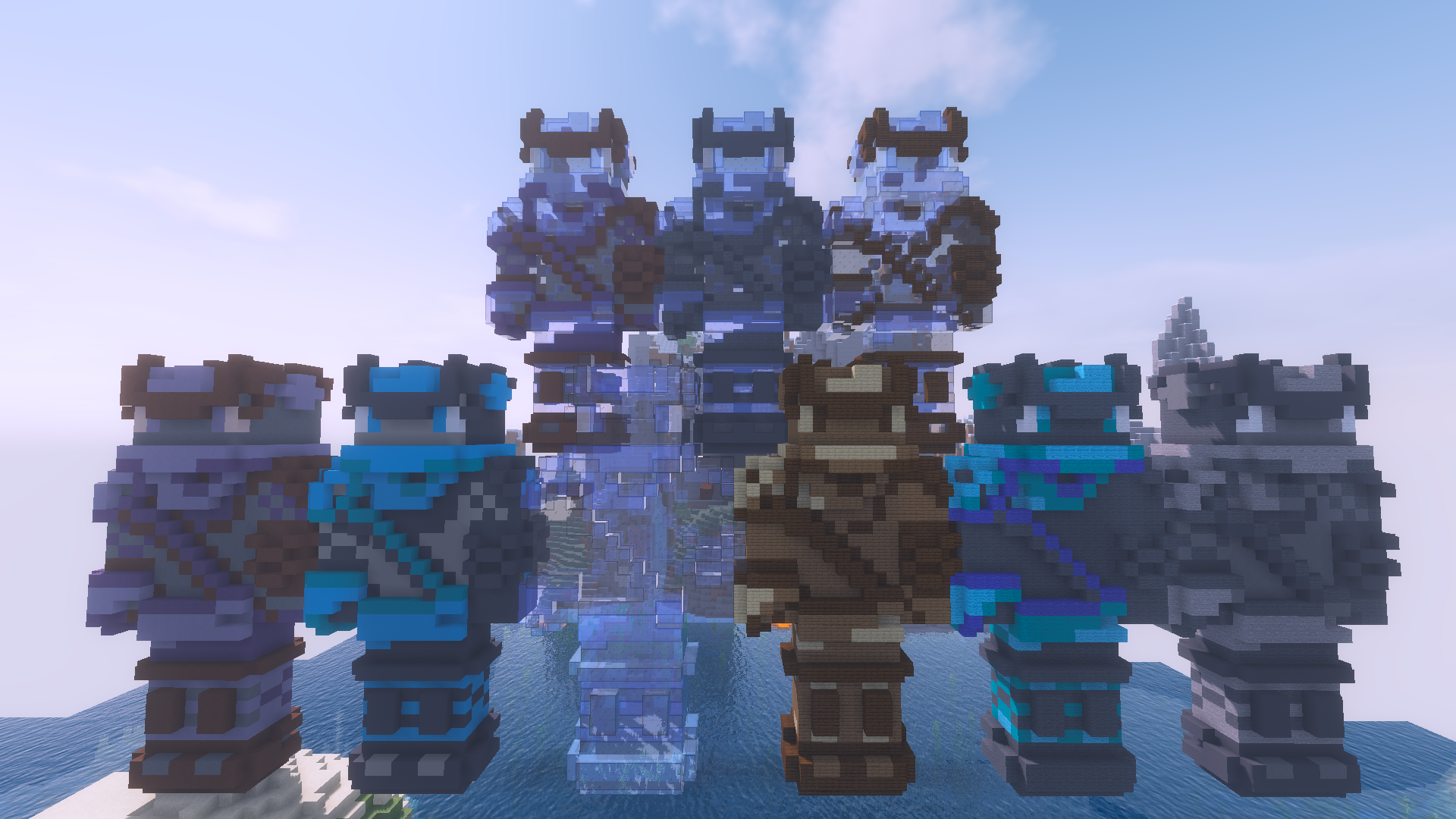
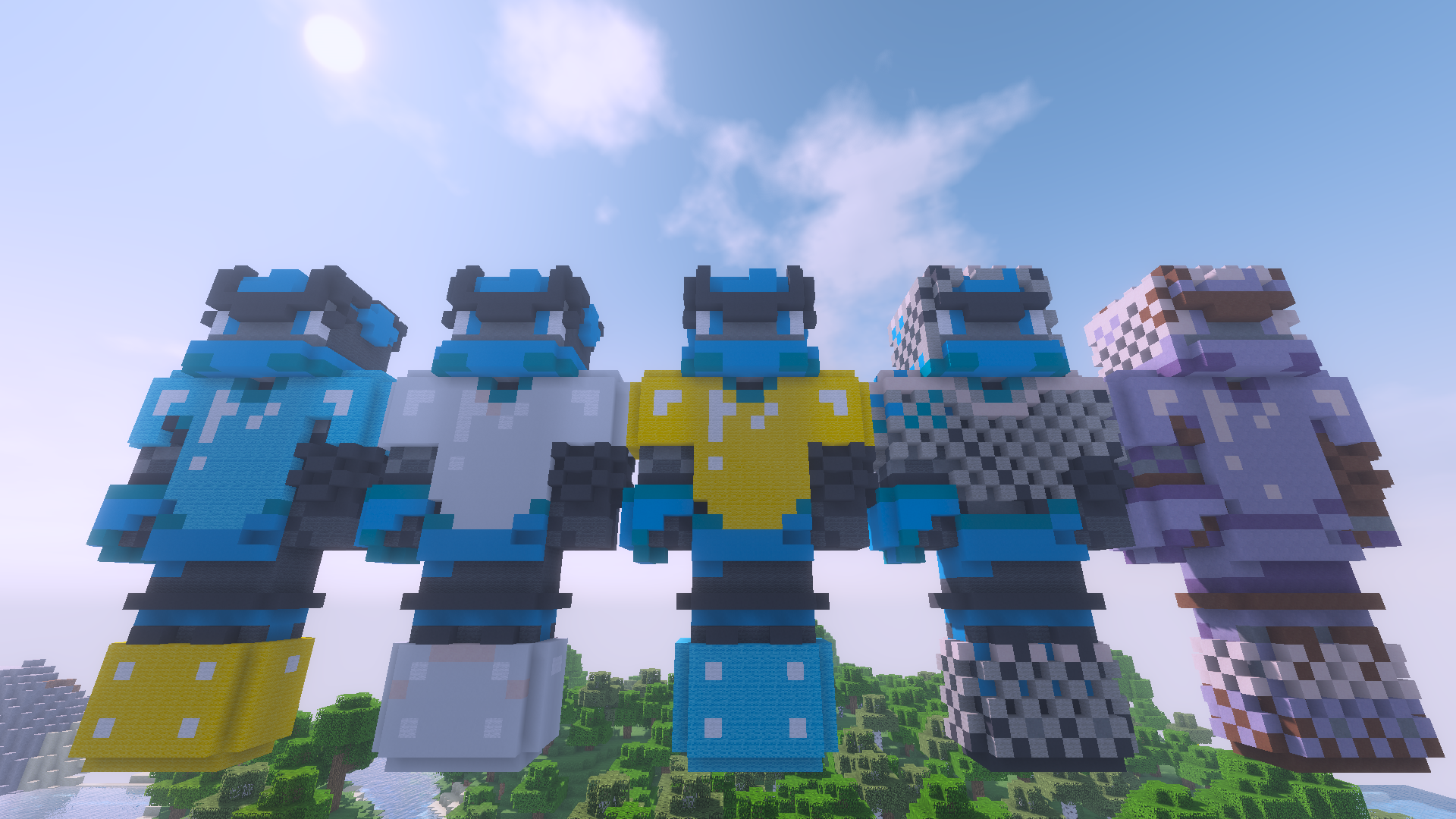


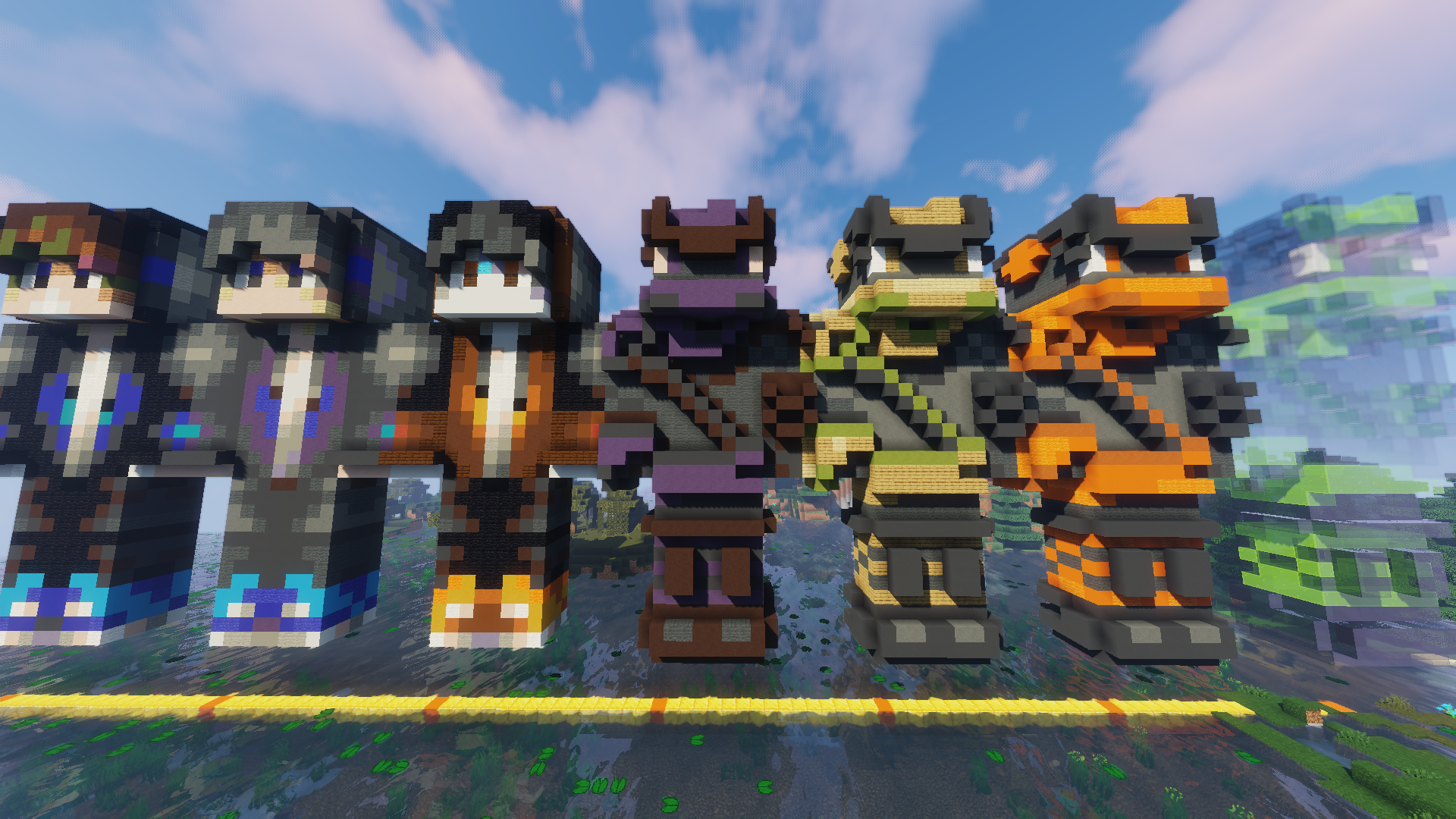
https://imgur.com/a/m3HXHHj
Плагин Dynamic Difficulty | Настраиваемый уровень сложности игроков для сервера Minecraft


Описание плагина Dynamic Difficulty:
Основные команды плагина Dynamic Difficulty:
Основные права плагина Dynamic Difficulty:
Конфиг плагина Dynamic Difficulty:
# points-on-interval is made to give the user points every few minutes. Pairs up with interval-timer
# The amount of affinity a user or the world increases (or decreases):
# when a block from the blocks list is mined.
# When player is hit by a mob.
# When a player kills another player.
# When a mob from the mobs-count-as-pve list is killed.
# When a player dies.
# The amount of affinity a user has when joining the server for the first time (or the first time after installing DynamicDifficulty)
# What The Minimum and Maximum Affinity Are, no one can get more or less than this (even with commands)
# 0 Equals Disabled, timer is in minutes
# Mobs That Will Give Points From «pve-kill» when killed: https://hub.spigotmc.org/javadocs/bukkit/org/bukkit/entity/EntityType.html
# Will use pve-kill if only MOBTYPE is given