
Dead Space 3 «ReShade+MasterEffect Cinematic Style v3»
Графическая модификация для Dead Space 3, которая добавляет:
*новые шейдеры
*эффект грязной линзы на фоне ярких источников света
*Magic DOF/Deep of Field(Глубина резкости)
*Movie bars(Горизонтальные полосы как в кино.)
*И ещё ряд графический фич на подобии хроматической аберрации и Bloom, которые делают картинку более насыщенной и кинематографичной.
Инструкция по эксплуатации)
1. Распакуйте архив в любое удобное для вас место.
В папке Мод, вы найдёте архив и текстовый файл.
2. Распакуйте содержимое архива ReShade 0.16.0 Public Beta+MER 1.1.111(DS3).rar, в корневую папку игры.
3. Переименуйте файл SweetFX_Settings_Dead Space 3_Cinematic Style v3.txt, в MasterEffect.h (расширение должно быть ‘h’, а не ‘txt’)
4. Переместите получившийся MasterEffect.h в корневую папку игры с заменой файла.
5. В игре используйте сглаживание FXAA 3.11 или SSAO.
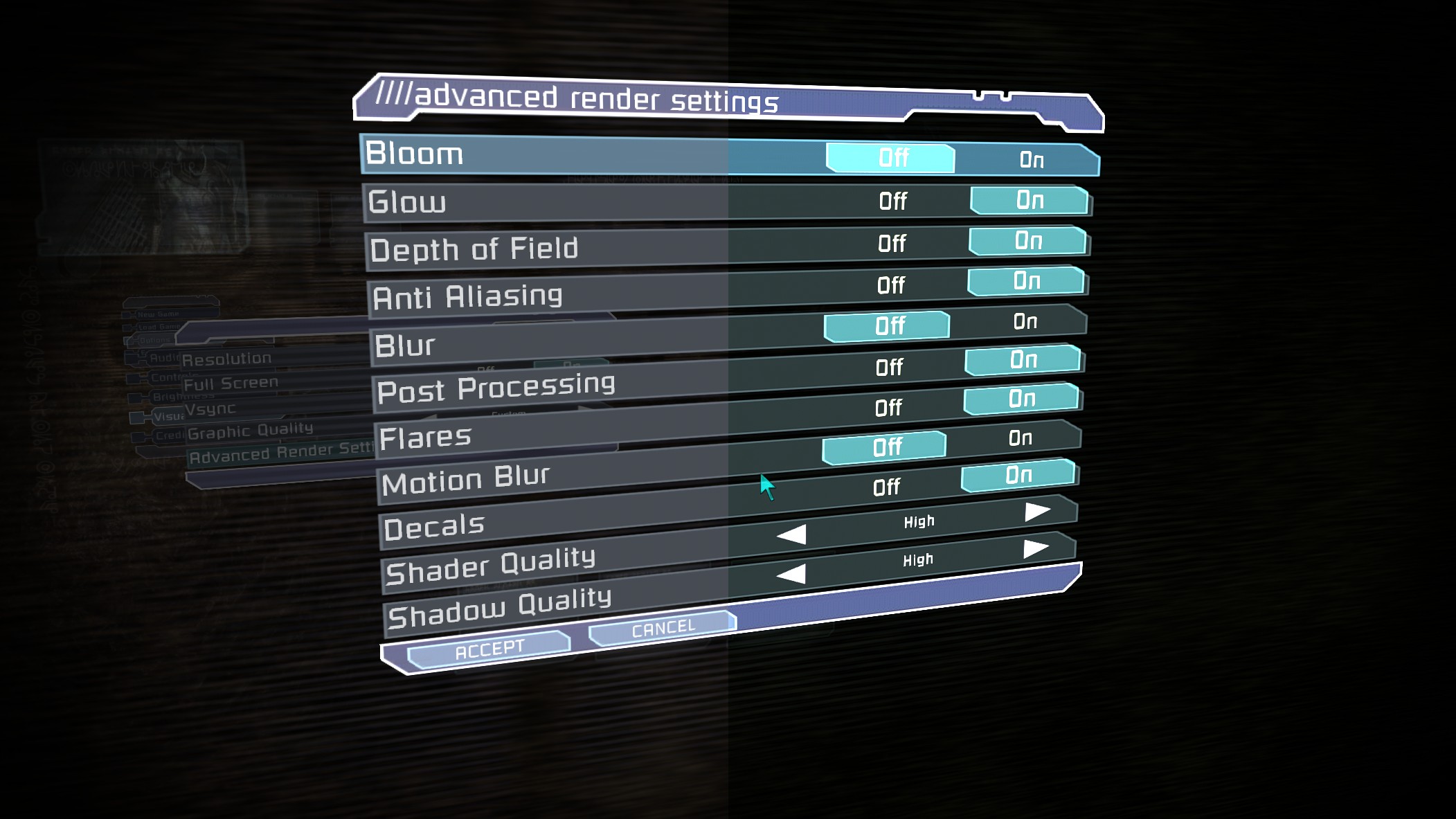
6. Обязательно отключите Glow и Bloom в графических настройках игры.
7. Если мод работает не корректно, или не работает вовсе, не смотря на то, что вы делали всё согласно инструкции, скопируйте содержимое архива DS3_Cinematic_Style_v3, находящегося в папке Резерв, в корневую папку игры с заменой файлов.
Рекомендации.
В прологе и главе 8, из-за Блума, на фоне снегу может быть слишком ярко. Если для вашего зрения или чувства прекрасного, содержания блума в кадре покажется чрезмерным, то вы можете отключить/включить модификацию нажатием клавиши Num1.
Лучшие моды Dead Space
Первая часть до сих пор играется на ура. Геймеры на ПК могут улучшить впечатление от Dead Space. Для этого нужно установить моды, перечисленные ниже.
Chapter Saves
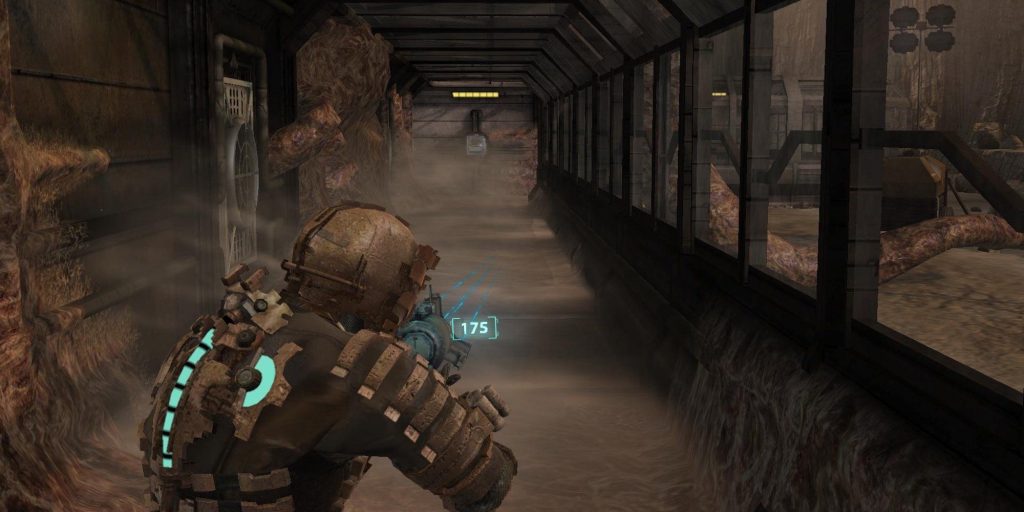
Хотя это не совсем модификация, она очень полезна: добавлена функция сохранения в каждой главе Dead Space. Опция особенно актуальна для тех, кто хочет перепройти лишь некоторые игровые моменты.
Данные сохранения занимают слоты 2-15. Ваши сейвы будут перезаписаны, так что будьте осторожны. Переименуйте их либо запустите другую главу.
DMG’s Suits And Weapons Overhaul for DS1
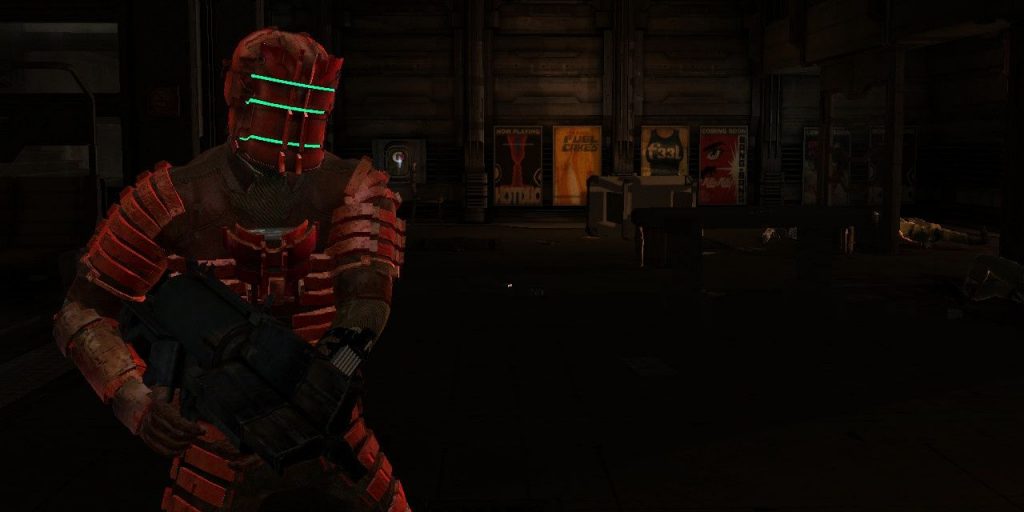
В Dead Space представлена возможность улучшать облачение Айзека Кларка. Так вы сможете преодолеть все трудности на USG “Ишимура”. Правда, они все одинаковые, за исключением некоторых структурных различий.
DLC Suits
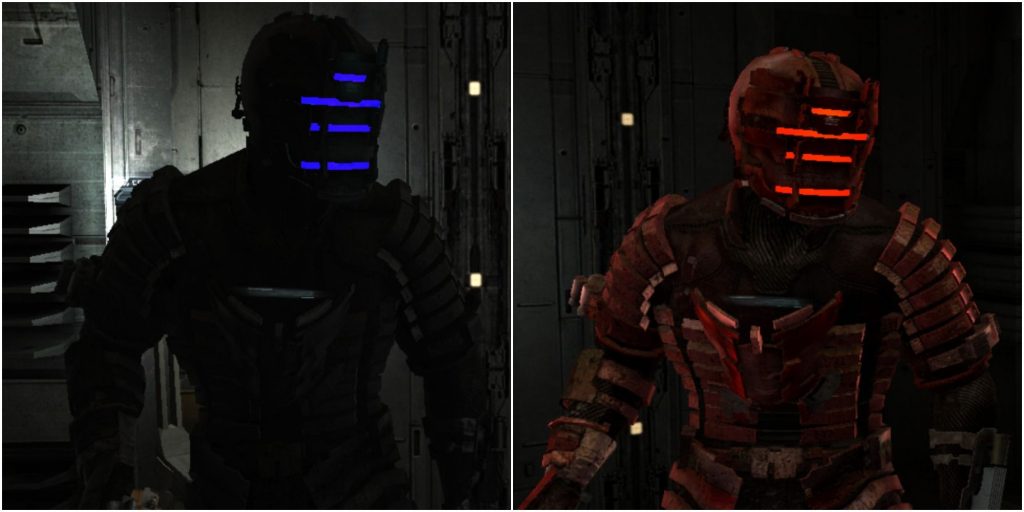
На консольной версии Dead Space есть два эксклюзивных костюма: “Обсидиан” и “Скорпион”. Выглядят они потрясно, но на ПК не доступны. TheDouglas717 решил исправить проблему.
Он выпустил модификацию, которая добавляет эти наряды в основную игру на 5 уровне. Примечательно, что автор создал модельки с нуля, лишь ориентируясь на консольный вариант. Такая работа заслуживает похвалы.
All Suits Black – StinVec Re-textures
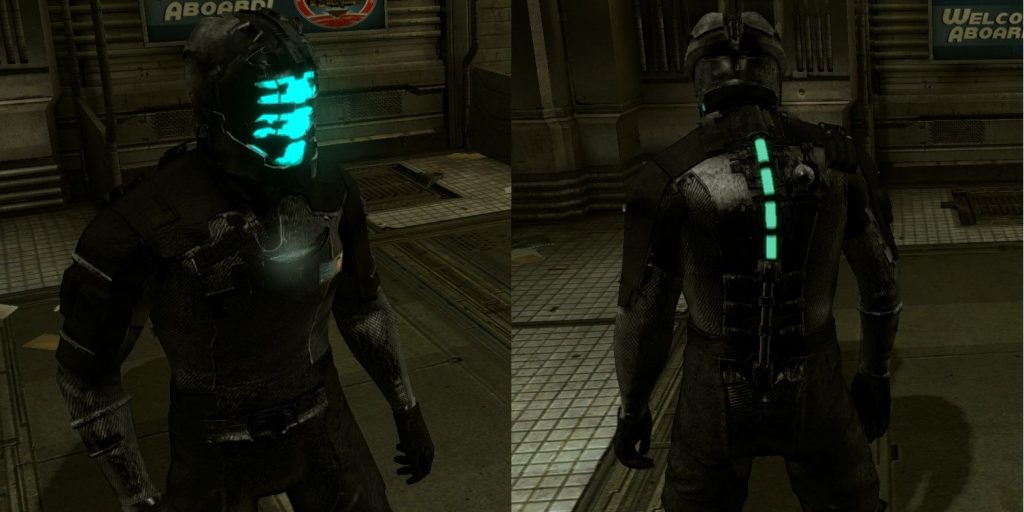
Это самый лучший мод в рамках категории. Черная форма выглядит очень внушительно.
Блуждание по пустым коридорам USG “Ишимура” выглядит как никогда лучше. Отличный мод для игроков, уставших от стандартного костюма Айзека Кларка.
Mouse And Controls Fix
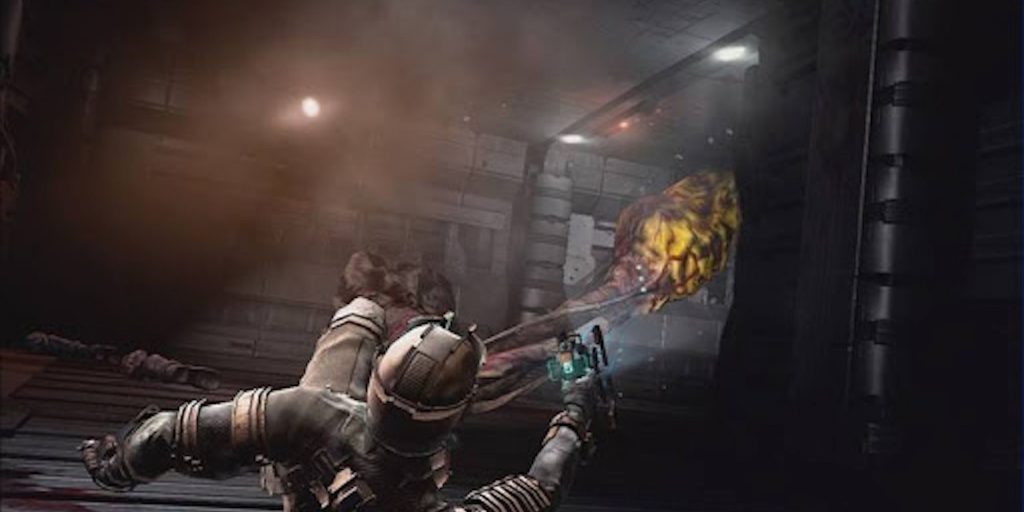
Хотя Dead Space лучше всего проходить на контроллере, некоторым хочется играть на мыши и клавиатуре. Однако в этом случае на ПК возникают сложности с управлением. До сих пор непонятно, почему частота кадров влияет на перемещение курсора. Мод “Mouse And Controls Fix” решает проблему: теперь движение мышки связано напрямую с камерой, а значит, управление будет более плавным.
Еще одна неприятная особенность версии на ПК – невозможность назначить управление на стрелки. Вот уж действительно самое странное решение, принятое EA и Visceral Games. К счастью, этот недостаток исправлен в данной модификации.
FPS Counter And Post Processing Effects
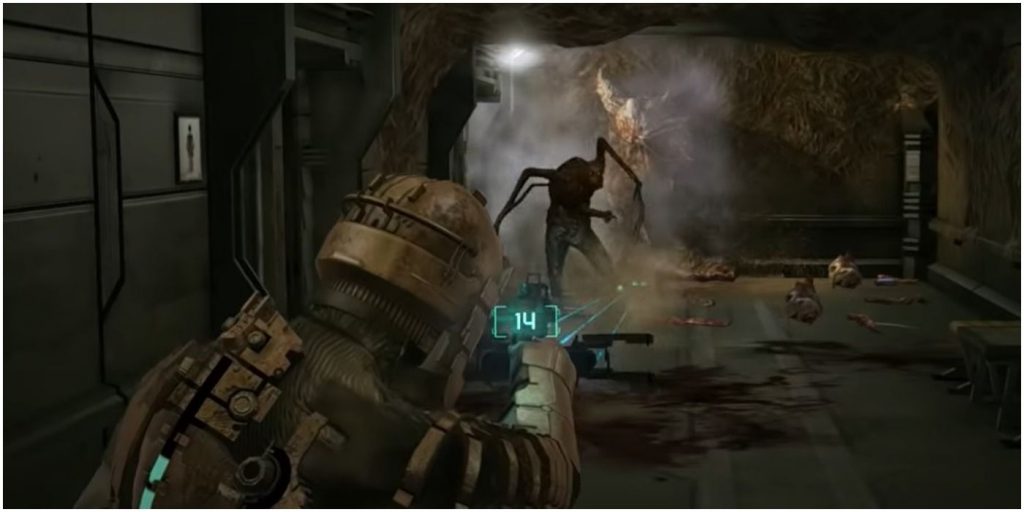
Геймеры с мощным железом хотят играть на самых высоких настройках. Сейчас, когда Dead Space уже начинает устаревать, вы можете улучшить графику при помощи модов.
Шедевральный хоррор обрел новую жизнь: помимо счетчика частоты кадров, появились сглаживание, коррекция цвета, модель затенения ambient occlusion SRBAO 2.0, повышенная резкость, запись аудио/видео и многое другое. В случае необходимости можно отслеживать производительность игры.
ULTIMATE Vision For Dead Space
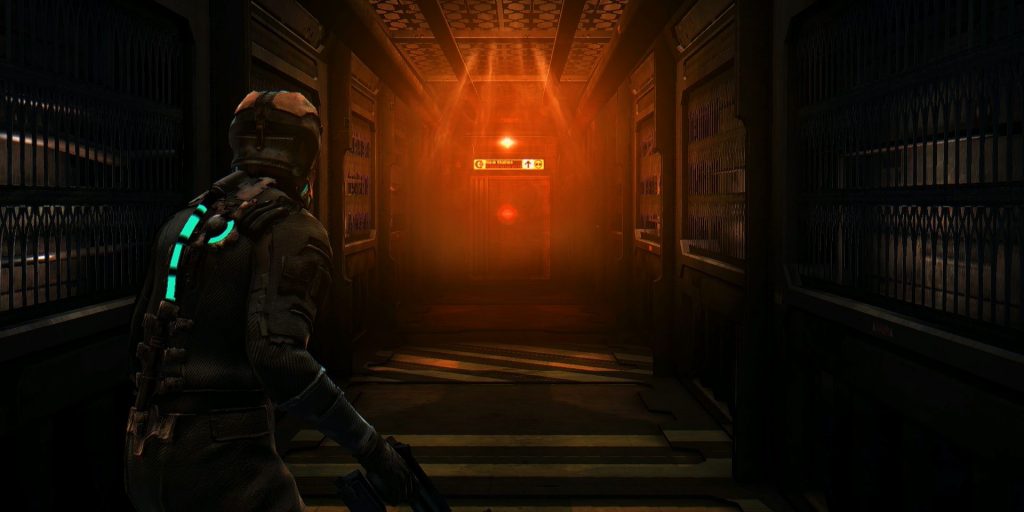
Именно благодаря своей атмосфере игра стала такой пугающей, и в то же время увлекательной. Во время прохождения вы постоянно чувствуете себя в опасности, в основном из-за тесных помещений и жуткого освещения.
А может, вы уже хорошо знакомы с леденящей атмосферой этого хоррора и хотите чего-то нового? Тогда установите ULTIMATE Vision – лучший решейд для Dead Space. Игра станет более страшной и мрачной.
ENB and SweetFX for Dead Space addon
Dead Space
Visceral Games | Electronic Arts | Released 2008
Dead Space; an adventure through space hell. A alien parasitic life form has transformed the majority of crew members of the USG Ishimura into violent, monstrous mutations. Where the only hope of survival is one of the crew members, an engineer, Isaac Clarke. Conserve ammo and med-kits and attempt to repair crucial parts of the ship to find a way off it. Melee ability is limited, a weak human can only hope to knock these creatures back long enough to reload or run. They are highly resistant to normal organ damage, there weakness is dismemberment. Severing just their head isn’t enough.
Location
Filename
Category
Licence
Uploader
Added
Updated
Downloads
MD5 Hash
Embed Button
Embed Widget
ENB and SweetFX for Dead Space. This is a Place and Play, no adjustments required.
For reshade and sweetfx version go here.
To Install:
Download and extract to the following location :
Steam C:\Program Files (x86)\Steam\steamapps\common\Dead Space
Origin C:\Program Files (x86)\Origin Games\Dead Space
To Uninstall:
Remove the same files.
Use Pause Break to toggle effects.
Additional Setup:
Nvidia Users. Enable DSR in your Nvidia control panel (as shown here), under the global settings. (I checked all the boxes to allow for all the resolutions).
ATI Users: Enable VSR here.
If game has performance issues or microstutters.
Open enbseries.ini in the \Dead Space folder and change the line under [GLOBAL] AllowAntialias=1 to AllowAntialias=0.
Mod Information.
This is meant to enhance the overall game.
Use the Sweetfx/Presets/Dead Space.txt file to alter settings.
Use PauseBreak to enable/disable effects.
Using the Printscreen, will generate ingame screenshots.
They can be found placed in the game folder, where the files were placed.
Use FastStone Image Viewer, to convert them to jpg or other formats.
Alter ENB and SweetFX settings as you like.
Full ENB Download available here.
Full Sweetfx Download available here.
For further information check here.
Trouble Shooting: Game
Look here for mouse or game issues Steamcommunity.com
Trouble Shooting: Mod
Install the DX9 final release if you haven’t done so previously. DX9 Final Release June2010
DX install: Download and run the file, tell it to extract to c:\dx, then after goto c:\dx and run the dxsetup file.
Check to make sure you are using the newest graphics drivers.
Try disabling any turbo or overclocking software.
If you experience issues with the ENB D3D9 try this: CTD, Graphics issues.
Replace the d3d9.dll with one of the alternates provided.
Contains altd3d9 folder with alternate ENB launchers included.
Nvidia users can also use this mod (Thanks to khalilsm) to allow the game to run if you have any issues.
Rename the ENB d3d9.dll that came with this mod to d3d9orig.dll and place the d3d9.dll from that mod with it in the game folder.
Thanks to Christian Jensen (CeeJay.dk) and Crosire for reshade and sweetfx.
Thanks for enb by Boris Vorontsov.
I hope you find these programs and adjustments helpful at making your game more enjoyable.
Thanks also to Mod DB and the Mod DB Community.
Please log in or register
To enjoy the benefits of Nexus Mods, please log in or register a new account
ULTIMATE Vision for Dead Space
File information
Last updated
Original upload
Created by
Uploaded by
Virus scan
Tags for this mod
About this mod
This is a reshade mod that I have been working on for quite some time.
You NEED reshade. You should be sure to install all the reshade effects during installation to ensure this mod is working properly. Dead Space uses DX9 for installation so remember that!
Credits and distribution permission
Author notes
This author has not provided any additional notes regarding file permissions
File credits
This author has not credited anyone else in this file
Donation Points system
This mod is opted-in to receive Donation Points
Both straight donations and premium membership donations accepted
This is a reshade mod that I have been working on for quite some time, you can see my work here on Monster Hunter World: Iceborne
You NEED reshade. You should be sure to install all the reshade effects during installation to ensure this mod is working properly.
Dead Space uses DX9 for installation so remember that! (Follow the installation video down below this demo video)
ARMOR MODS FEATURES IN THE SCREEN SHOTS:
Bloody Military Armor by ViLeDeth: https://www.nexusmods.com/deadspace/mods/13
Tearless Emperor Armor by ViLeDeth: https://www.nexusmods.com/deadspace/mods/14
These are old mods I made for Dead Space in 2009 and we recently uploaded to the Nexus per requests.
Please log in or register
To enjoy the benefits of Nexus Mods, please log in or register a new account
File information
Last updated
Original upload
Created by
Uploaded by
Virus scan
Tags for this mod
About this mod
A well-balanced ReShade that aims to enhance the original graphics of this game by using various shader effects. I’ve carefully tweaked this preset for maximum image quality. Enjoy!
Credits and distribution permission
Author notes
This author has not provided any additional notes regarding file permissions
File credits
Credits to the ReShade v3.4.1 team (https://reshade.me/)
Donation Points system
This mod is opted-in to receive Donation Points
A well-balanced ReShade that aims to enhance the original graphics of this game by using various shader effects. I’ve carefully tweaked this preset for maximum image quality. Enjoy!
Many hours of my time went into producing this ReShade, please consider clicking the Endorse button, it only takes a second.
Copy everything from the «Main files» folder to your game directory.
(where deadspace2.exe is located)
Leave the in-game brightness at default, and use Fullscreen mode.
End key to toggle main effects
PageDown key to toggle Depth of Field
Home key to open GUI
Always remove ReShade files from a previous install before installing.
Disable Steam overlay if you have issues.
Disable third-party programs, and seek help in the forums if all else.