
Dramatic Skys для Майнкрафт 1.16
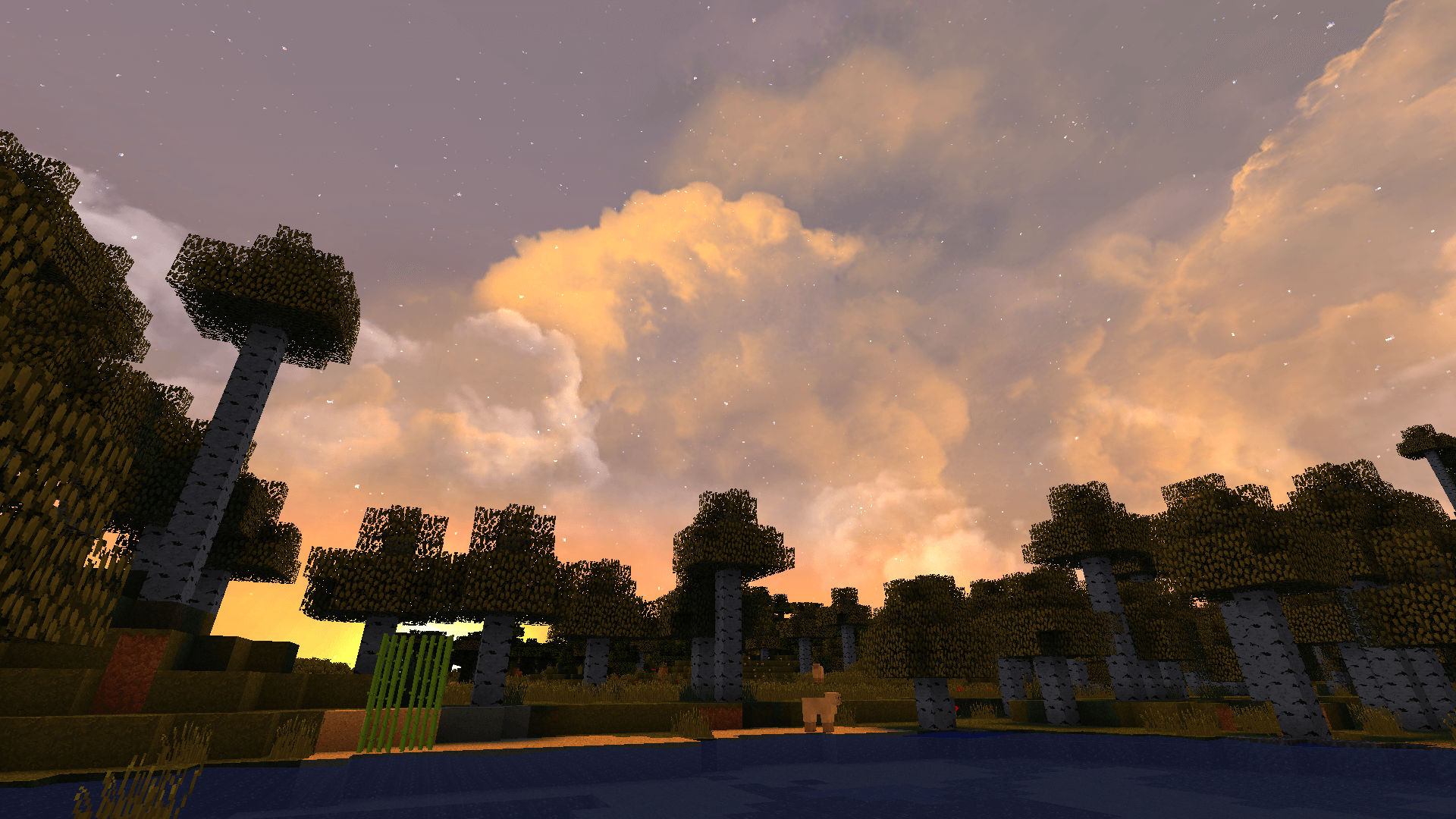 Пришла пора немного расслабиться и получить обновленный поток новых эмоций. Благодаря всем перечисленным изменениям вы сможете насладиться атмосферой. Автор поработал над отображением неба, сделал его максимально реалистичным и проработанным.
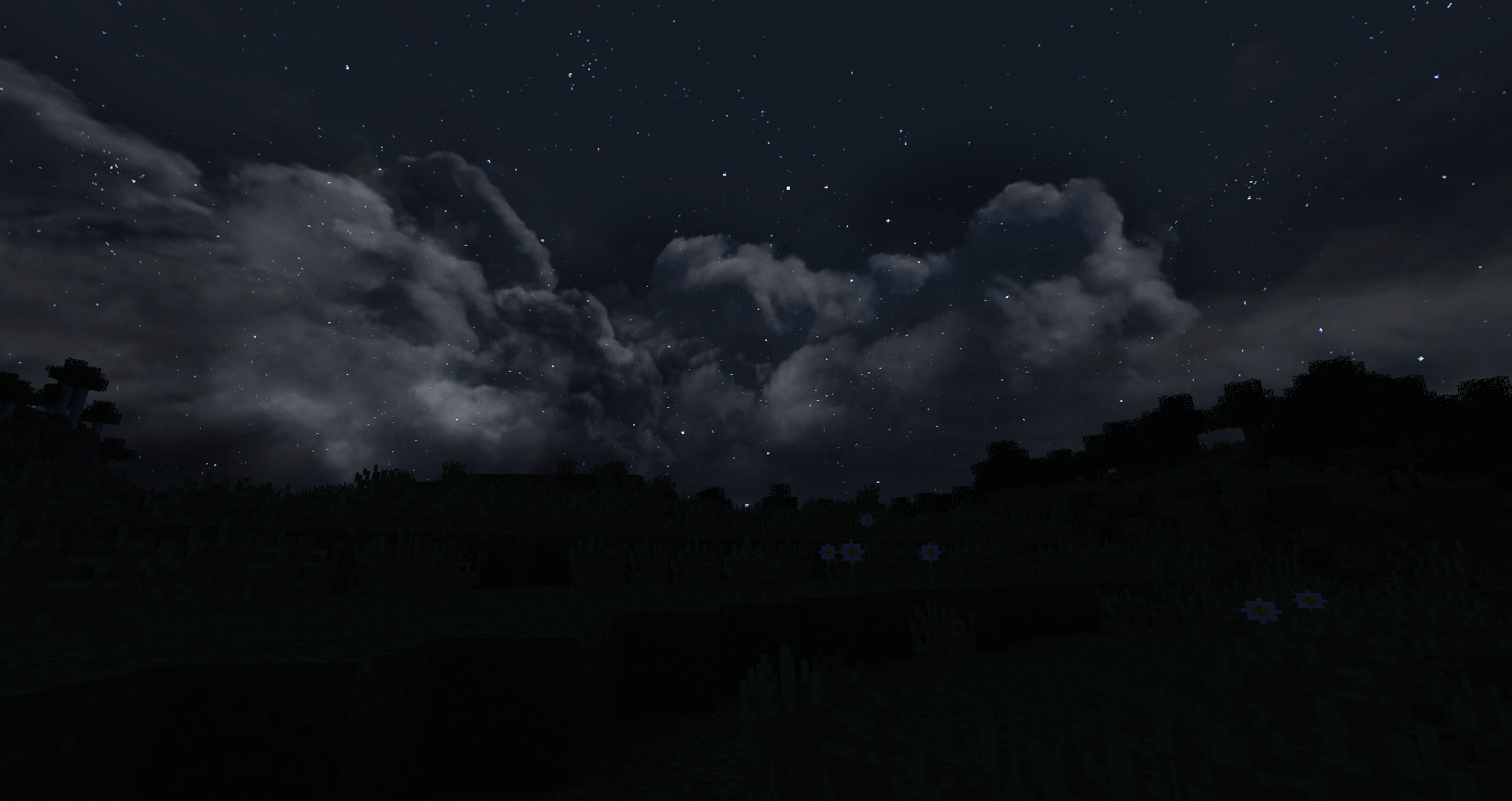
Теперь объемные облака и различного рода анимация точно вас не разочарует и позволит получить целый ворох новых эмоций. Для начала вам предстоит воспользоваться текстур-паком Dramatic Skys для Майнкрафт, который предлагает массу возможностей насладиться красивым окружением и ощутить всю прелесть работы автора. Оценивайте, открывайте новые просторы и получайте удовольствие от путешествия.
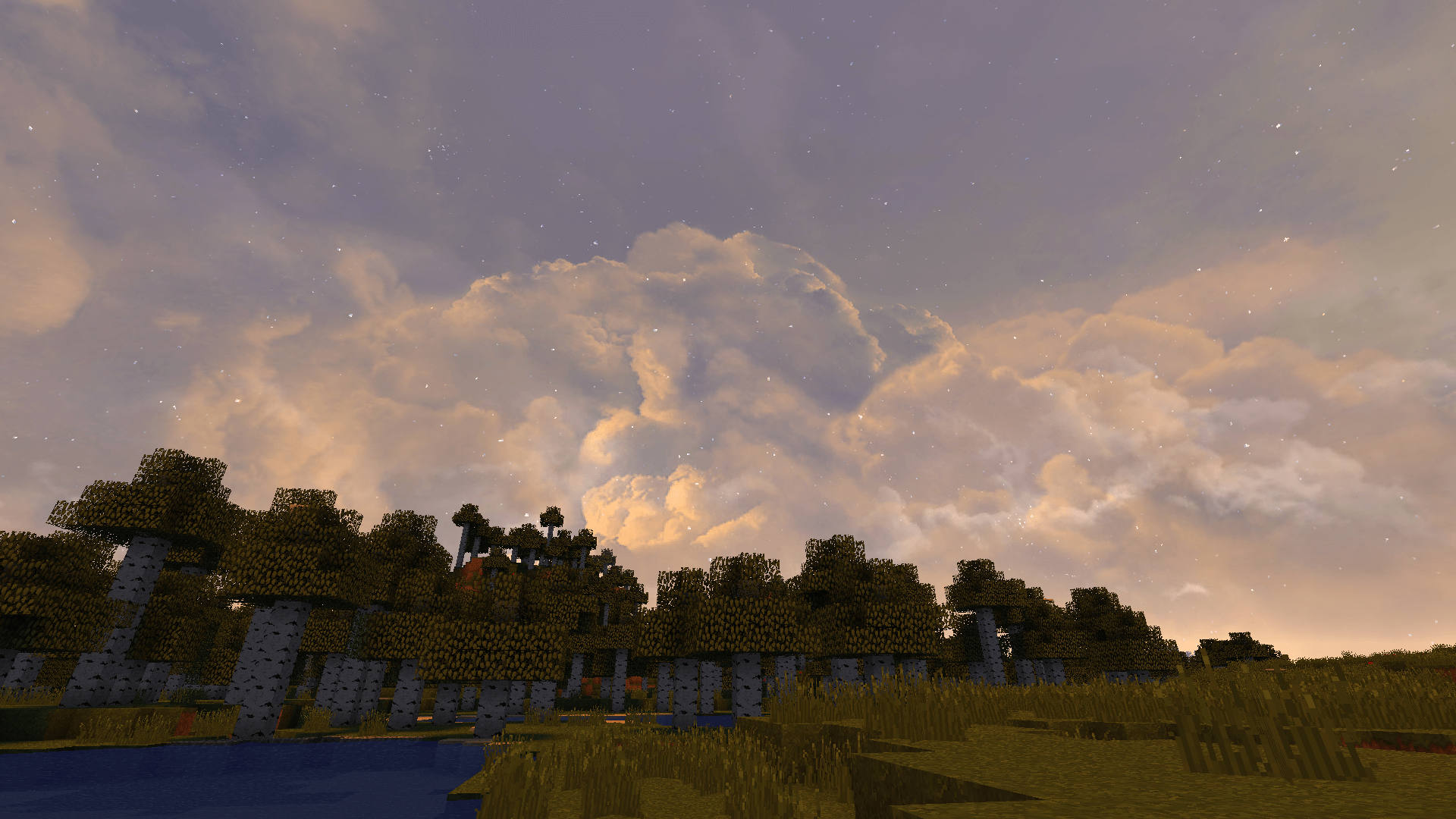
Как установить текстур-пак:
Первый шаг: скачайте пакет с текстурами по ссылке ниже.
Второй шаг: Распакуйте скачанный архив и скопируйте папку Dramatic Skys по пути c:\Users\Пользователь\AppData\Roaming\.minecraft\resourcepacks\ ( если данной папки не существует, создайте сами ) ( Для Windows )
Третий шаг: В игре зайдите в Настройки, далее в Пакеты ресурсов. Там нажмите на иконку в левом списке на появившийся новый текстур-пак.
Dramatic Skys Resource Pack 1.17 / 1.16
The Dramatic Skys is unique when it comes to any other resource pack you can find for many different reasons. The primary distinguishing feature of this pack is that it will not try to change the game’s whole appearance, for instance, by replacing default textures of blocks, items, mobs and the rest. Rather than trying to completely change the standard look of the minecraft, it moves its focus in a different direction – it is the skies! The pack introduces something fresh and it does a pretty decent job at it too. The Dramatic Skys resource pack will add a hyper-realistic set of sky textures that will elevate the whole look and experience of playing the game like never before. The in-game sky will appear richer, more realistic, and simply one step ahead than what it used to be like before applying this pack. Probably the most amazing part about it is the originality of concept.
In contrast to most other resource packs available for download that tend to recycle the same old approach repeatedly, this one takes matters a step further. Besides the textures, what will not go unnoticed are some of the gorgeous weather animations. They are just a sight to behold. The Dramatic Skys texture pack not only has great looks but it is exceptional on a technical level too. Firstly, it is supremely well-optimized. Normally, it would be expected that running a similar pack would demand a PC on the higher-end but that is absolutely not the case. This pack will run smoothly, without any flaws even on low-end PCs. Any lags or bugs will rarely be encountered, if at all. It is no coincidence that this pack has been downloaded so many times ever since its release. The complete player-base can relish it with no issues whatsoever.
Dramatic Skys — Video & Screenshots
How to install Dramatic Skys Resource Pack:
Dramatic Skys Texture Pack 1.17.1 / 1.16.5 → 1.8
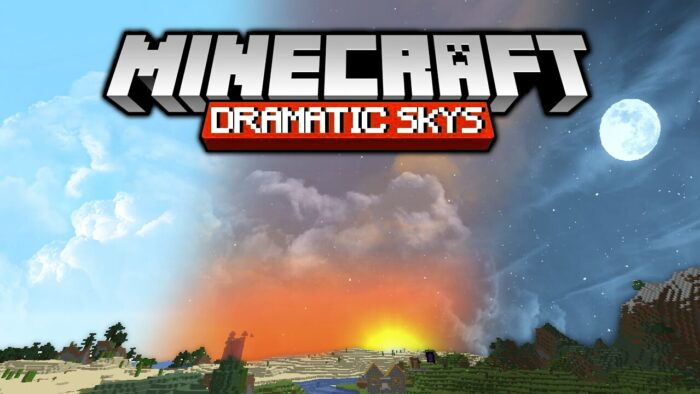
With the Dramatic Skys texture pack you will quickly notice that the pack sets completely new standards. It is an add-on pack that makes the sky look much more realistic. Of course, some changes have been made for this realistic result. For example, the redesign of all clouds.
Normally, the clouds have a very square shape and don’t resemble real life, but you probably already know that. In the end, every Minecraft player will notice this, because the in-game clouds in the Default Pack really don’t cut a good figure.
However, Dramatic Skys not only changes the shape, but also the lighting of the Minecraft sky. In our opinion, the night sky benefits the most from this new lighting, because it now looks as if you are looking at the real starry sky through a telescope. Nevertheless, the equally great sky-blue graphics that are offered to you during the day should not be underestimated. In the end, the sky looks really cool at any time of the day.
Finally, we’ll give you one more important piece of information. The Dramatic Skys texture pack is “only” an add-on and therefore works with any of your resource packs. Since there are comparatively few textures included, there will be no bugs or lags.
The developer has also thought about players with bad computers. Normally you’d think that the pack would only run on a really good computer, but that’s not the case. On a technical level, everything is optimized so well that you’ll have an excellent gaming experience even with a bad PC. Only extremely rarely, if ever, will you notice low FPS. Normally, there are no delays, lags or bugs. Probably this is one of the main reasons why Dramatic Skys is so popular in the Minecraft community and has already been downloaded over a million times. In conclusion, you see that you don’t need an expensive graphics card to improve your game experience.
The Minecraft screenshots with the Dramatic Skys add-on look very impressive and show you what you can expect in your game world. The best way to see the changes is to look at the before and after image that we have created just for you.
Also, you should know about the cool new weather animations. The next time you run into a thunderstorm in your game world, you might think you’re in real life. Maybe that’s a bit of an exaggeration, but by Minecraft standards, the raindrops and lightning look extremely realistic. By the way, the same goes for the snowflakes that you can see at high altitudes and snowy biomes.
How to download and install Dramatic Skys
3. Start the game and go to Options > Resource Packs and activate the pack by moving it to the right side by using the arrows.
4. It is strongly recommended to install Optifine to take full advantage of all features. Otherwise you will only be able to use a fraction of the features and that would be a really sad.
Dramatic Skys для Майнкрафт 1.9
 Dramatic Skys — специальный текстур-пак, изменяющий текстуры неба, облаков и солнца и делающий их в разы более реалистичными.
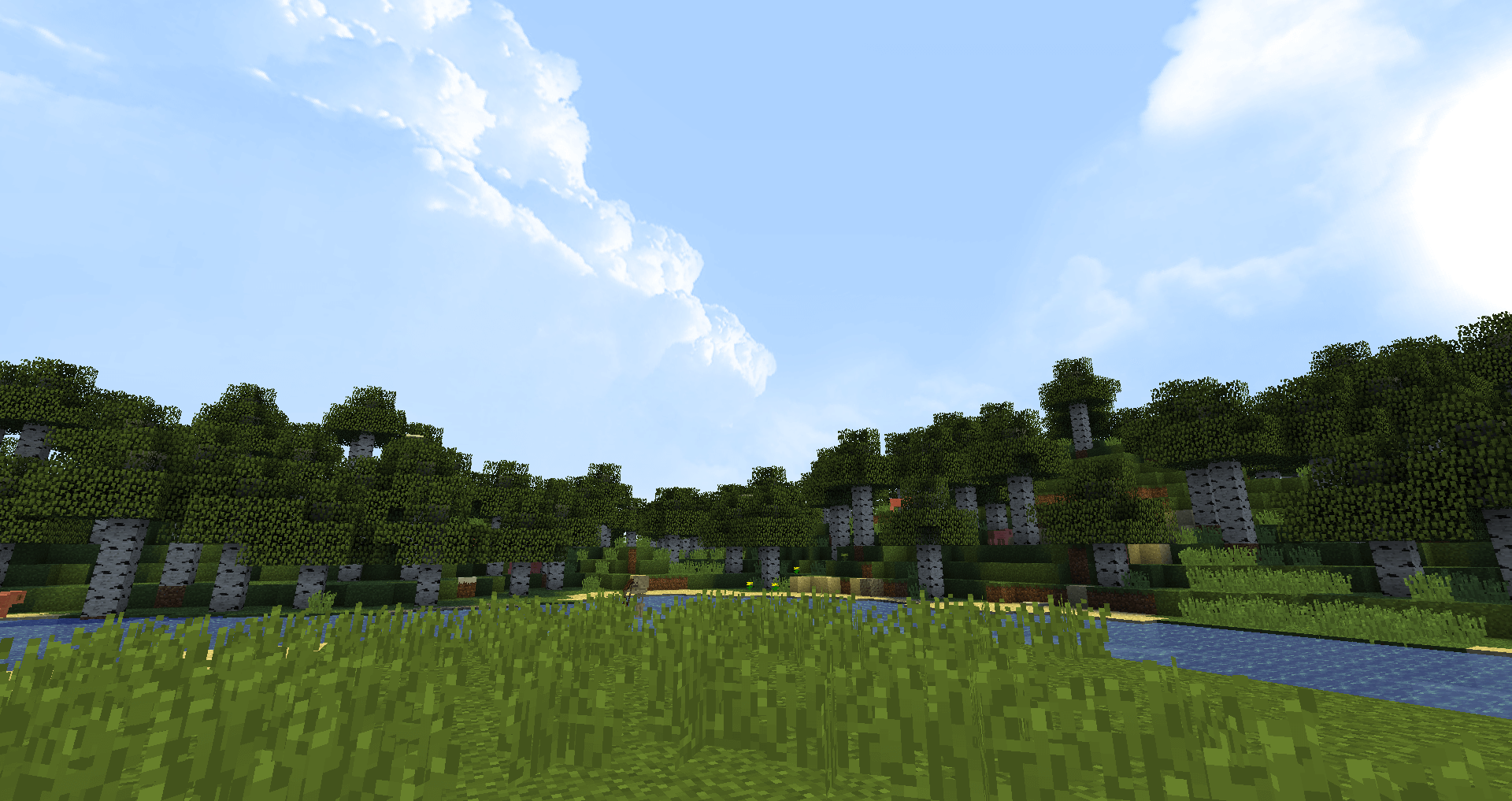
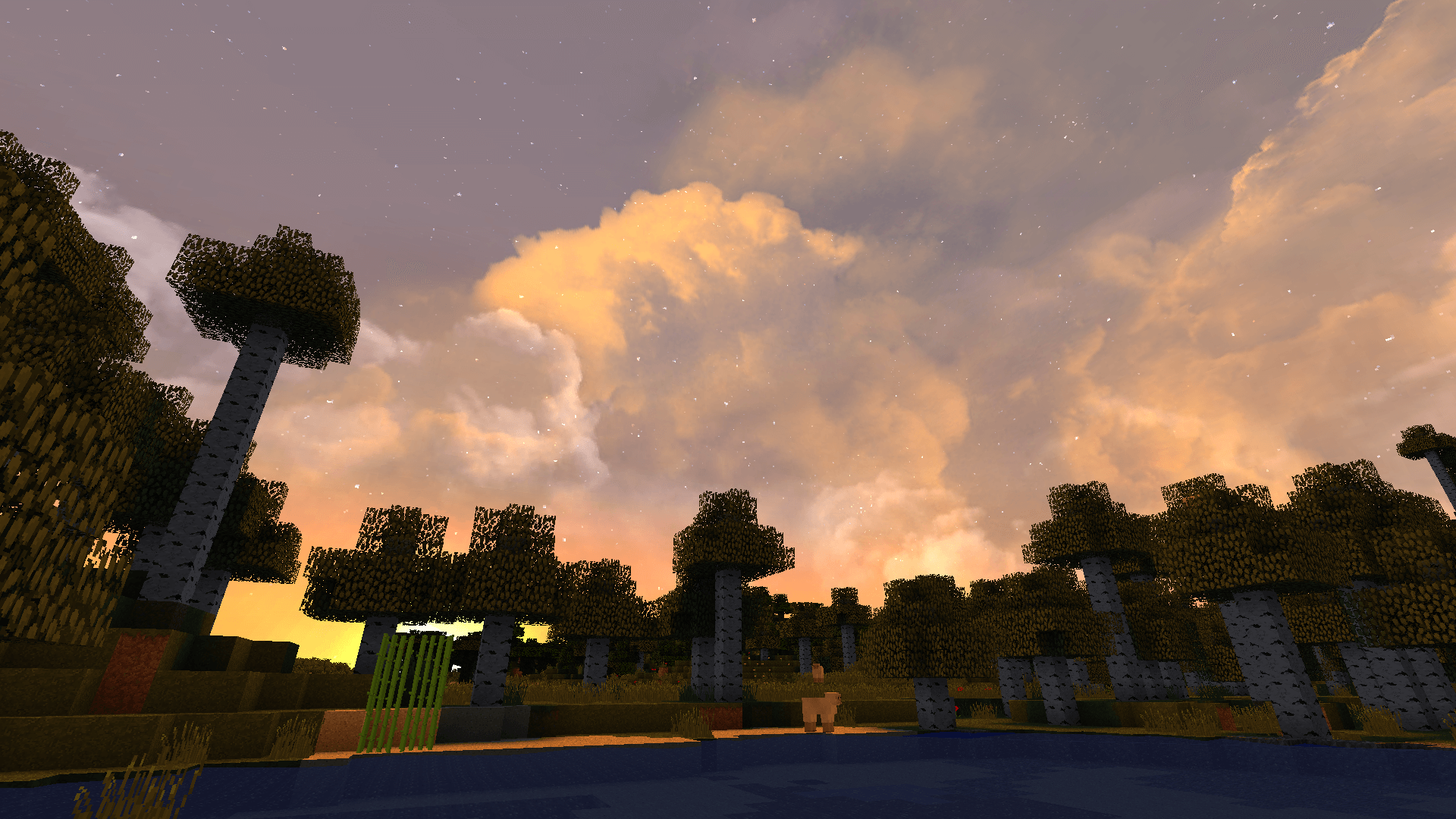
То, что вы увидите на небе, зависит от времени суток. Разработчики сделали максимально приближенными к реальности все элементы небосвода: солнце, свет от него, луну и звёзды на ночном небе. Этот текстур-пак может действительно завораживать своими прекрасными рассветами и закатами, заставив игрока позабыть про все внутриигровые дела.
Dramatic Skys не вызывает лагов или просадок параметра FPS, совместим с другими ресурс-паками и может быть использован на старых компьютерах и ноутбуках.
Как установить текстур-пак:
Первый шаг: скачайте пакет с текстурами по ссылке ниже.
Второй шаг: Распакуйте скачанный архив и скопируйте папку Dramatic Skys по пути c:\Users\Пользователь\AppData\Roaming\.minecraft\resourcepacks\ ( если данной папки не существует, создайте сами ) ( Для Windows )
Третий шаг: В игре зайдите в Настройки, далее в Пакеты ресурсов. Там нажмите на иконку в левом списке на появившийся новый текстур-пак.