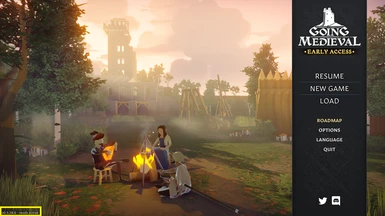
Going Medieval может быть одной из крупнейших средневековых стратегических игр, но есть игроки, которые хотели бы вывести игровой процесс на совершенно новый уровень. Это можно сделать с помощью реализации новой функциональности, механики и аналогичными способами с использованием так называемых «модов». Но как установить моды на Going Medieval? Это вообще доступно?
Установка модов в Going Medieval
Существуют и другие средневековые игры, в которых есть моды, созданные сообществом. Но так ли обстоит дело с Going Medieval? Что ж, как вы, возможно, знаете, Going Medieval находится на ранней стадии развития.
Игра еще даже не вышла, что означает, она все еще находится в раннем доступе, поэтому многое может измениться в ближайшем будущем. Но ответ на вопрос, да, игроки могут устанавливать моды в Going Medieval.
ПРИМЕЧАНИЕ: Чтобы упростить вам задачу, мы будем использовать консольный мод в качестве примера того, как проходит процесс установки мода.
Итак, как устанавливать моды в Going Medieval:
Одно можно сказать наверняка, Going Medieval выиграет от некоторых модов, созданных сообществом. Эта тема уже обсуждается в сообществах игры, поскольку сама по себе игра невероятно велика и обширна.
Однако, если посмотреть на это со всех сторон, есть небольшая вероятность, что моддинг может стать чем-то особенным в будущем, возможно, после выхода полной игры.
На данный момент для Going Medieval доступно лишь несколько модов. Также в зависимости от мода установка может отличаться. Для консольного мода описанные выше шаги показывают, как правильно установить его, но это может быть не так с другими модами.
Сообщества моддеров уже созданы на нескольких модификациях, таких как NexusMods, ModDB и другие. Будущее может быть позитивным с точки зрения того, сколько модов будет доступно.
Кроме того, очень важно упомянуть, что официально разработчиками было заявлено, что в этой игре будет поддержка модов, и это было в разработке с момента первоначальной игры.
Тем не менее, многие игроки и создатели модов могут быть уверены, что в игру будет добавлено больше модов.
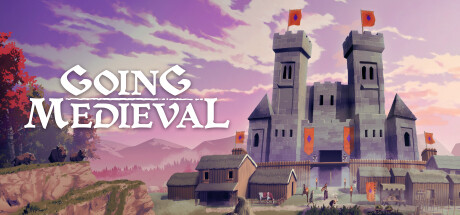
Going Medieval
Going Medieval — это симулятор средневекового поселения. Восстаньте из пепла в это непростое время, постройте крепость и сделайте все для защиты и процветания жителей в мире, где каждое событие отражается на настроениях в обществе.
ВОССТАНЬТЕ ИЗ ПЕПЛА Конец XIV века. В мире Going Medieval темное Средневековье. После эпидемии чумы в живых осталось лишь 5% населения, и природа начала отвоевывать свое.
Но те, кому удалось победить в схватке со смертью, постепенно образовали новое общество. Вам предстоит вести их вперед, заново отстроить дома и защитить людей от разбойников, варваров и религиозных фанатиков в разрушенной стране, где не осталось ни сословий, ни границ, ни законов.
ПОСТРОЙТЕ КРЕПОСТЬ Заложите центр новой жизни и развивайте поселение: от деревянной лачуги до величественного каменного замка. С простыми и понятными 3D-инструментами очень легко создать любые элементы ландшафта, будь то подземный лабиринт пещер или неприступный многоэтажный форт.
ЗАЩИЩАЙТЕ ЖИТЕЛЕЙ Опасность представляют не только мародеры. Голод и стихийные бедствия могут уничтожить поселение гораздо быстрее захватчиков, поэтому необходимо делать запасы и строить надежные дома. Следите за эмоциями жителей: если им чего-то не хватает, это отразится на настроениях в обществе.
СОЗДАВАЙТЕ ИСТОРИЮ Рост населения — залог процветания. Увеличить его численность можно по-разному: помогайте попавшим в беду чужеземцам или принимайте к себе беззаботных путешественников. У каждого жителя своя история и занятия. Узнайте своих подданных поближе, наблюдая за их поведением и отношениями с другими.
Please log in or register
To enjoy the benefits of Nexus Mods, please log in or register a new account
You can filter your search by including or excluding tags. To add tags, simply start typing the tag you’re after. Separate new tags with spaces.
Lets you tweak your characters’ stats when creating a new world and in-game.
Lets you tweak your characters’ stats when creating a new world and in-game.
Enables the game’s developer tools.
Enables the game’s developer tools.
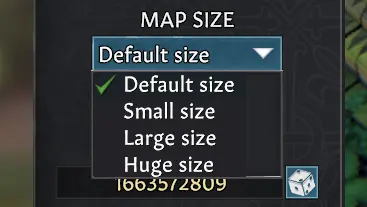
A simple mod that adds multiple map sizes to the map size selection menu.
A simple mod that adds multiple map sizes to the map size selection menu.
This project allows the loading of mods within Going Medieval by providing code-injection and a plugin API.
This project allows the loading of mods within Going Medieval by providing code-injection and a plugin API.
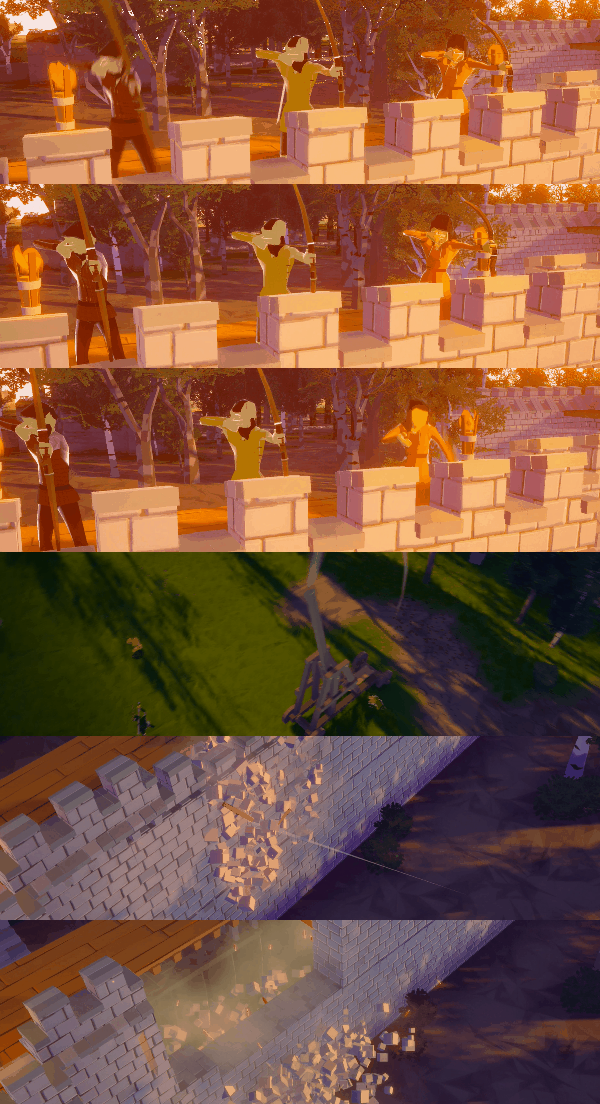
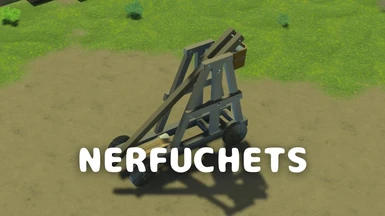
It slightly or moderate nerf or completely disable trebuchets.
It slightly or moderate nerf or completely disable trebuchets.
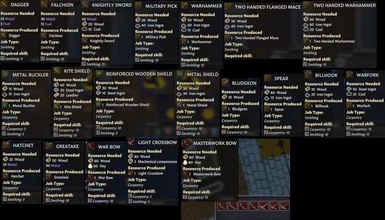
Increased most stack sizes and decreased weight of some smaller items.
Increased most stack sizes and decreased weight of some smaller items.
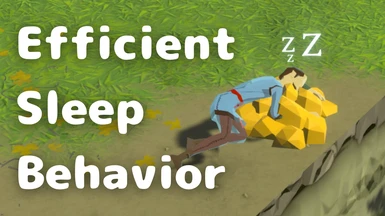
Let your settlers take a nap and avoid fainting, or make them awake if they are full rested.
Let your settlers take a nap and avoid fainting, or make them awake if they are full rested.
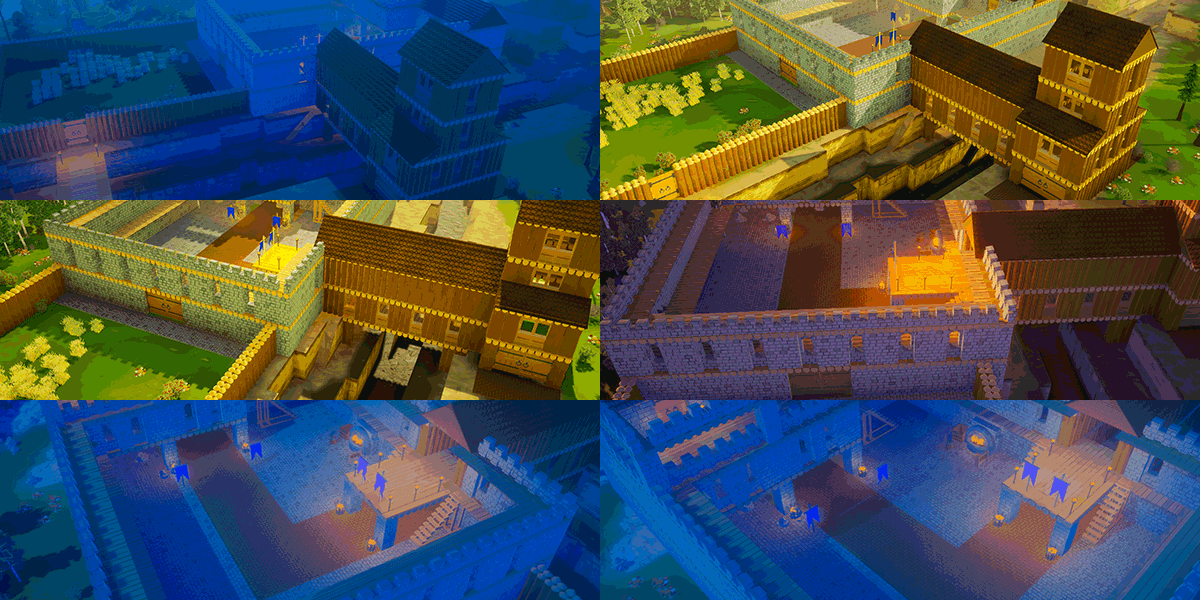
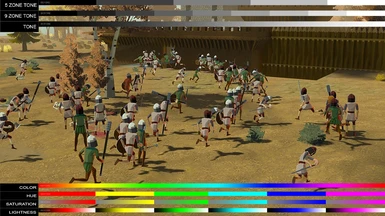
Color Correction based on Reshade.
Color Correction based on Reshade.
Let’s you tweak the camera settings. Comes with a default set-up and has a config file for customization.
Let’s you tweak the camera settings. Comes with a default set-up and has a config file for customization.
Please log in or register
To enjoy the benefits of Nexus Mods, please log in or register a new account
Top Lists
Most endorsed files in the last two weeks
Most endorsed recently added files
Most endorsed files of all-time (non-adult)
Top 30 Files in past two weeks:
Lets you tweak your characters’ stats when creating a new world and in-game.
Lets you tweak your characters’ stats when creating a new world and in-game.
Increased most stack sizes and decreased weight of some smaller items.
Increased most stack sizes and decreased weight of some smaller items.
A simple mod that adds multiple map sizes to the map size selection menu.
A simple mod that adds multiple map sizes to the map size selection menu.
Let your settlers take a nap and avoid fainting, or make them awake if they are full rested.
Let your settlers take a nap and avoid fainting, or make them awake if they are full rested.
Enables the game’s developer tools.
Enables the game’s developer tools.
This project allows the loading of mods within Going Medieval by providing code-injection and a plugin API.
This project allows the loading of mods within Going Medieval by providing code-injection and a plugin API.
It slightly or moderate nerf or completely disable trebuchets.
It slightly or moderate nerf or completely disable trebuchets.
Let’s you tweak the camera settings. Comes with a default set-up and has a config file for customization.
Let’s you tweak the camera settings. Comes with a default set-up and has a config file for customization.
Color Correction based on Reshade.
Color Correction based on Reshade.
Please log in or register
To enjoy the benefits of Nexus Mods, please log in or register a new account
Character Edit
File information
Last updated
Original upload
Created by
Uploaded by
Virus scan
Tags for this mod
About this mod
Lets you tweak your characters’ stats when creating a new world and in-game.
Credits and distribution permission
Author notes
This author has not provided any additional notes regarding file permissions
File credits
This author has not credited anyone else in this file
Donation Points system
This mod is opted-in to receive Donation Points
Version 0.5.0
Version 0.4.1
Version 0.4.0
Version 0.3.0
Version 0.2.0
Version 0.1.2
Version 0.1.1
Straight donations accepted
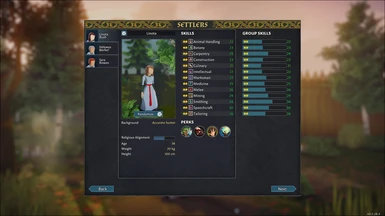
This mod lets you adjust various aspects of your characters by using the mouse wheel and in some cases a modifier key while hovering over a UI element.
It currently works fully when creating a new world and almost fully in-game via the bottom right panels.
This mod currently lets you change the following while hovering over the corresponding element:
Character Skills
Scroll: increase or decrease the skill level.
Left Control + Scroll: increase or decrease the skill’s passion level.
Avatar
Scroll: randomize the character’s general appearance.
Left Control + Scroll: change the character’s gender (and randomize appearance). Background / Backstory
Scroll: switch the second part of the background / back story.
Left Control + Scroll: switch the first part of the background / back story.
Character Perks
Scroll: change the perk.
Left Control + Scroll: increase or decrease the number of perks a character has (max 10).
Religious Alignment
Scroll: move the religious alignment left or right by 1%.
Left Control + Scroll: move the religious alignment left or right by 10%.
Scroll: increase or decrease the age.
Height
Scroll: increase or decrease the height. Technical
To install this mod you will need BepInEx, which you can download from the releases page.
Copy the contents of the zip file into the Going Medieval folder. winhttp.dll will be in the same folder as the game’s exe file.
Place this mod’s dll file into the BepInEx/plugins/ folder (create the folder or just start the game once and it will be created).