
Hollow Craft (1.12.2, 1.14, 1.15, & 1.16)
Many items in this pack are renamed. To get the full experience from this pack, change your language to «English (Hallownest)»
This pack brings the world of Hollow Knight into Minecraft! Here are all of the changes:
—ORES—
Replaced Emeralds with Geo
Replaced Diamonds with Pale Ore
Updated all diamond related achievements and advancements
Made Netherite Abyss themed
Changed Ancient Debris to Abyssal Ore
Changed Netherite Scrap to Abyssal Scrap
Changed Netherite Ingot to Abyssal Egg (looks like arcane egg but with gold flakes)
Abyssal block’s color adjusted to match other abyssal items
—WEAPONS & TOOLS—
Replaced swords with nails
Replaced all diamond tools with pale tools (pale nail, pale axe, etc.)
To make pale items distinct from iron items, pale items are given slightly different designs, different outlines, and are brighter (see media gallery)
Replaced all netherite tools with abyssal tools (abyssal nail, abyssal, axe, etc.)
Abyssal tools are all animated with gold
Changed lanterns to lumifly lanterns (animated)
—ARMOR—
Replaced iron, gold, diamond, and netherite helmet with masks
Removed sleeves from all chestplates (except diamond and netherite)
replaced leather and chainmail chestplates with leather/chainmail cloak
replaced iron and gold chestplate with iron/gold shell
Gave diamond and netherite armor different designs from other armor.
Pale mask looks like monomon’s mask
Pale chestplate is renamed as «Pale Mantle» and looks like Pure Vessel’s armor
Waistband for Pale Leggings is lower than other leggings
Abyssal armor loosely based off of the Lord of Shades
Diamond horse armor replaced by pale horse armor.
Elytra renamed «Monarch’s Wings»
All achievements and advancements changed accordingly
—MOBS—
Skeletons, strays, zombies, skeleton horses, and zombie horses now have orange infected eyes.
Cave Spiders have infected eyes and infected sacs on their bodies.
Wither skeletons replaced with torchbearers (see Grimm Troupe section)
Bees replaced with Hivelings
—GUI—
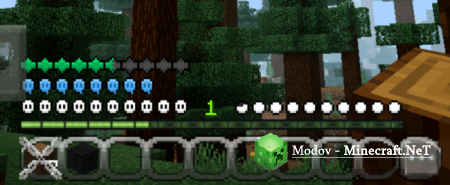
Hearts replaced with masks that shatter when taking damage.
Hardcore mode hearts are steel soul masks
Poison hearts are hearts with infected eyes which flash orange when taking damage
absorption hearts (yellow hearts given by golden apples) are lifeblood masks
Armor icon replaced with a shell
Horse hearts replaced with stag heads
Hunger bar replaced with soul orbs
When under the hunger effect, orbs will appear cracked
Empty head armor slot replaced with the knight’s head
Empty chest armor slot replaced with mothwing cloak
Empty shield slot replaced with dreamshield
—STATUS EFFECTS—
Changed absorption to Lifeblood Heart
Blindness icon is now No-Eyes
Dolphin’s grace icon is now Durandoo
Changed glowing to Radiant
Icon changed to The Radiance
health boost icon is now a lifeblood cocoon
Hunger is now a broken soul vessel
Night vision icon is now a lumifly lantern
Changed poison to infected
Icon changed to lightseed
Changed regeneration to Hiveblood
Changed Speed to Sprintmaster
Changed strength icon to two nails in an X pattern
Weakness icon changed to fragmented nail
Changed Wither to Troupeflame (see Grimm Troupe Section)
—MONOMON’S ARCHIVES—
Conduit power icon is now Monomon’s archives
Nautilus shells are now Archive Shards
Heart of the sea is now Heart of the Archives (animated)
Conduit has been recolored to fit with Archive Shards and Heart of the Archives
The heart of the archives is animated for Optifine users
—THE GRIMM TROUPE—
Wither Skeletons replaced with Torchbearers
All achievements and advancements changed accordingly
Torchbearers are animated for Optifine users
The Wither replaced by The Nightmare King
Texture made by Nikolai78 and edited by me
All achievements and advancements changed accordingly
Nether star replaced with Heart of The Troupe (animated)
All achievements and advancements changed accordingly
Beacon replaced with The Eternal Torch
All achievements and advancements changed accordingly
Wither rose replaced by Troupe Rose
Wither effect renamed to Troupeflame
Wither hearts replaced by Troupe colored masks
Wither icon now looks like the first troupe torch you find in Hollow Knight
—TRIAL OF THE FOOL—
Raid renamed Trial of the Fool
Pillagers replaced with sturdy fools
Vindicators replaced with armored fools
vexes replaced with winged fools
witches replaced with soul twisters
Evokers replaced with Stagehands
This new mob looks like a sturdy fool, but has 6 diagonal eyes and white armor.
Changed Bad Omen to Fool’s Omen
Icon changed to Little Fool
Changed Hero of the Villiage to Fool’s Mark
Replaced totem of undying with Zotem of undying
—MISC—
Added pack logo as a painting
Added easter egg to paintings
Cave Spider, torchbearer, drowned, pillager, vindicator, vex, evoker, and witch eggs recolored to fit new textures (requires Optifine)
Map changed to Map & Quill (with quill color indicating whether it is a normal map or a ruin/structure map)
Soul Sand changed to Sibling Sand and made to look like the sibling masks at the bottom of the abyss
Soul Soil changed to Sibling Soil and recolored to fit with Sibling Sand
Gravel is generally darker with brighter highlights to be easier to differentiate from Sibling Sand
Bedrock made darker and will have a pulsing black glow (requires Optifine)
—How to make your wooden sword look like the 1st sword in Image #2—
Go into the item files of the resource pack (Hollow Craft>assets>minecraft>textures>item) you will find that there is a second skin for the wooden sword, which looks like Zote’s Life Ender. If you want to use that texture, rename wooden_sword (the original texture) to wooden_sword3 and then rename wooden_sword2 (Life Ender) to wooden_sword. If Minecraft is open, press f3+t to reload the resource pack.
Texture made by Atom596
This pack is constantly being updated. Be sure to subscribe so that you will know when updates go live.
IMPORTANT: If your game crashes when trying to load the resource pack, just try one or two more times and it should work.
Nails and Shades | Hollow Knight Datapack
Higher beings, these words are for you alone.
Beyond this point you enter the land of Mobs and Crafters.
I welcome you, The First Hollow Knight datapack,
Nails and Shades is a Minecraft Hollow Knight datapack, which will eventually add all kinds of different Hollow Knight weapons, ranging from the Knight’s trusty nails you can upgrade at your local nailsmiths in villages, to Zote’s mighty life-ender. But we’re not stopping at just weapons, fellow insects. You can have The Knight’s very own abilities, as seen in Hollow Knight, varies from the majestic Monarch Wings, the fast and furious Crystal Heart, to the terrifying Abyssal Shriek.
The datapack is currently on its’ very early alpha state, and future updates are primarily focused on the second half of the Caves and Cliffs update (1.18). At its current state, the datapack contains:
Old Nail
A traditional weapon of Hallownest. Its blade is blunt with age and wear.
Pressing sneak and holding the nail above certain metallic and slimy blocks will allow you to bounce on it. You’re also able to bounce on any enemies, dealing them a good amount of damage. (Though, it’s recommended you do this on smaller mobs, as bigger hitboxes can make this move more difficult.)
Batwing Cloak (Mothwing Cloak)
Allows the wearer to dash forwards along the ground or through the air.
In the future, you can craft the Batwing Cloak using Bat Wings and Strings, but for the time being, you can directly get the cloak by killing the bats themselves. They have a 30% drop rate.
Press sneak will allow you to dash about 4 blocks forward wherever you’re facing.
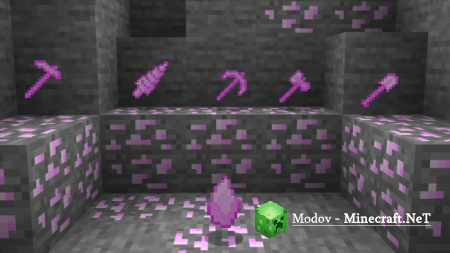
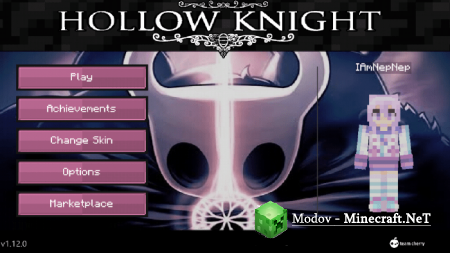
Project | Hollow Knight Текстура PE

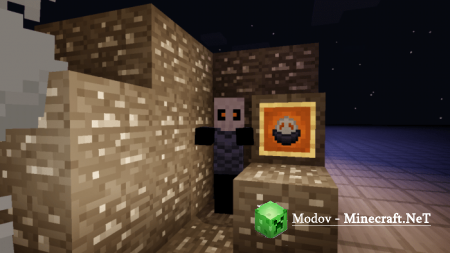
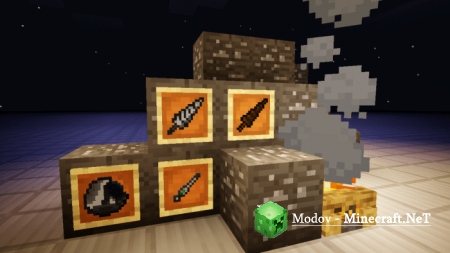
Project | Hollow Knight – отличная текстура для любителей рыцарей и фанатов Hollow Knight.
Это небольшой но очень качественный текстурный проект, он несёт в себе множество интересных и качественных изменений графики, внешнего вида мобильной игры Майнкрафт, его меню, блоков, GUI и также игрового интерфейса. Всё сделано в таком приятном средневековом стиле, когда ещё рыцари жили в мире Майнкрафт. Вы можете посмотреть на скриншотах как изменяется внешний вид текстур, после установки на игровой клиент текстур-пака. Качаем бесплатно и наслаждаемся. Удачи мой дорогой друг!
Как установить?
— Скачайте McPack файл;
— Откройте Minecraft PE;
— Зайдите в Настройки > глобальные ресурсы > активировать текстур-пак;
— Перезапустите Майнкрафт ПЕ.
Minecraft Hollow Knight: Dirtmouth

For this challenge I built Hollow Knight’s starting village, where most of the shops are and where you stay before going down the well.
Unfortunately it has many houses and things so I was not able to get a screenshot of everything.
Proof and original map images will be posted in the comments.
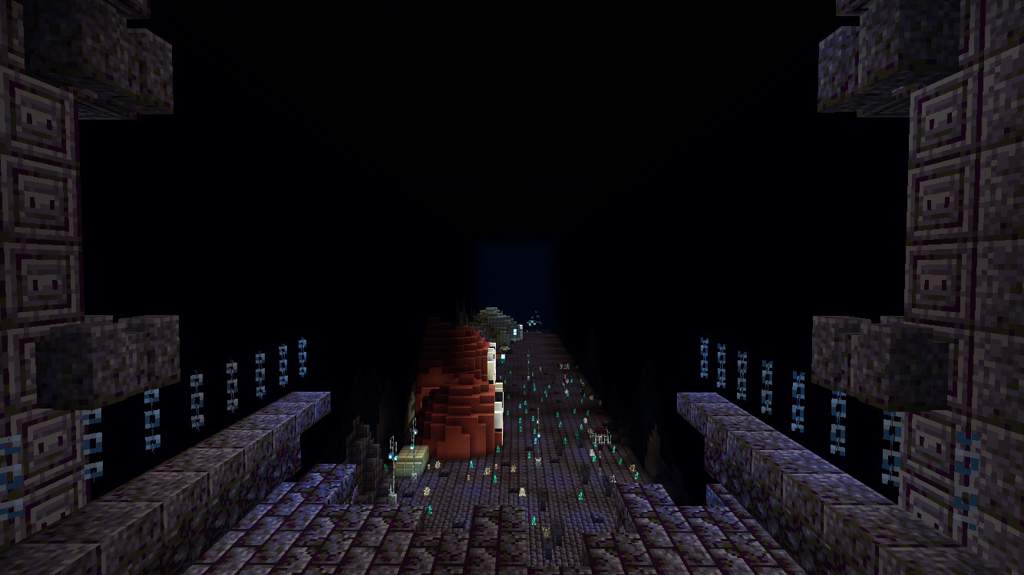
This is what you first see after exiting King’s Pass, and then in the game you jump down to the village
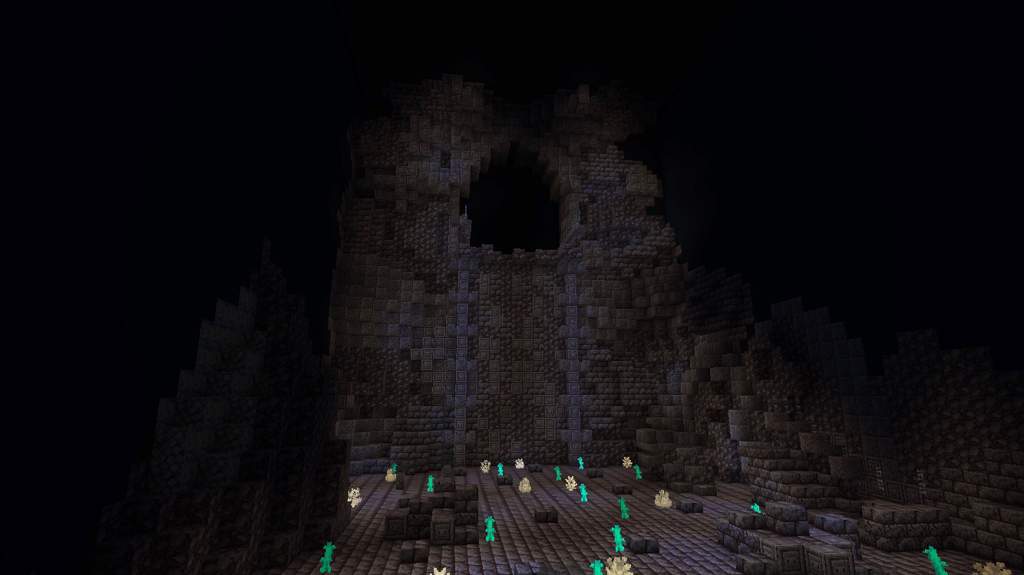
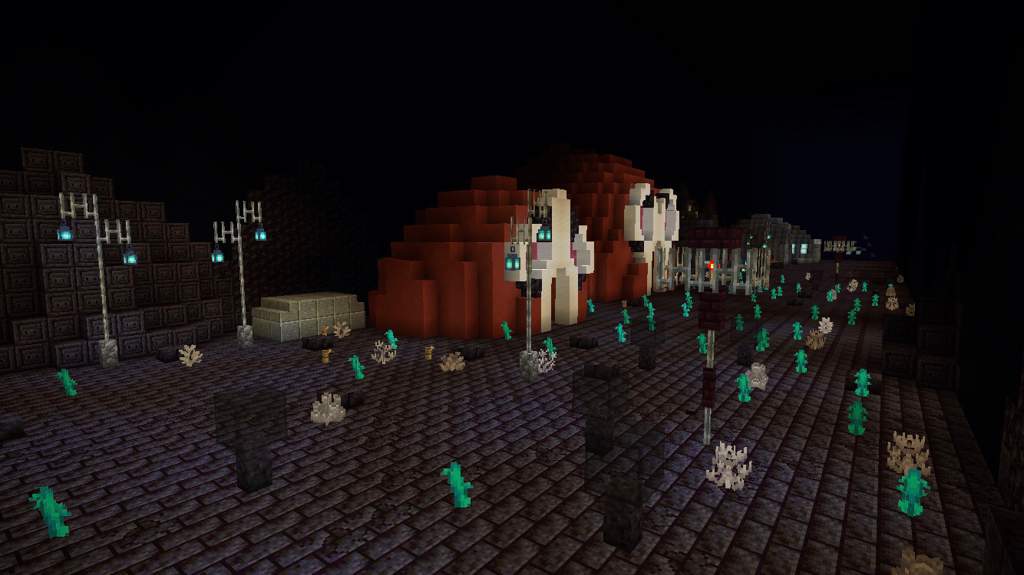
Dirtmouth with Grimm DLC. In the smaller tent there is not much so I did not take a picture of it
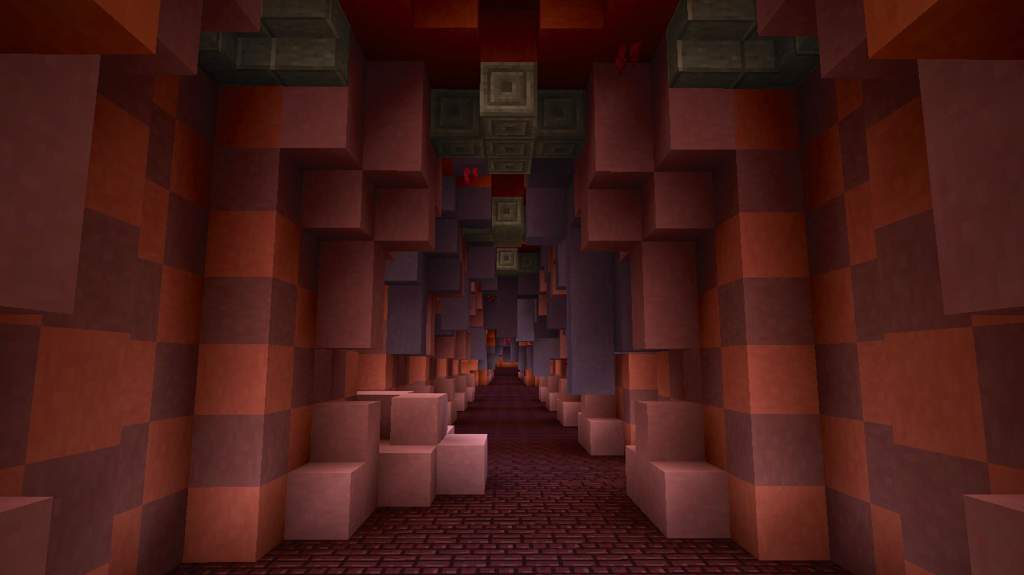
Grimm’s tent, there is a really long tunnel that leads to a big room which then leads to another long tunnel where there is a room where you can dreamnail him
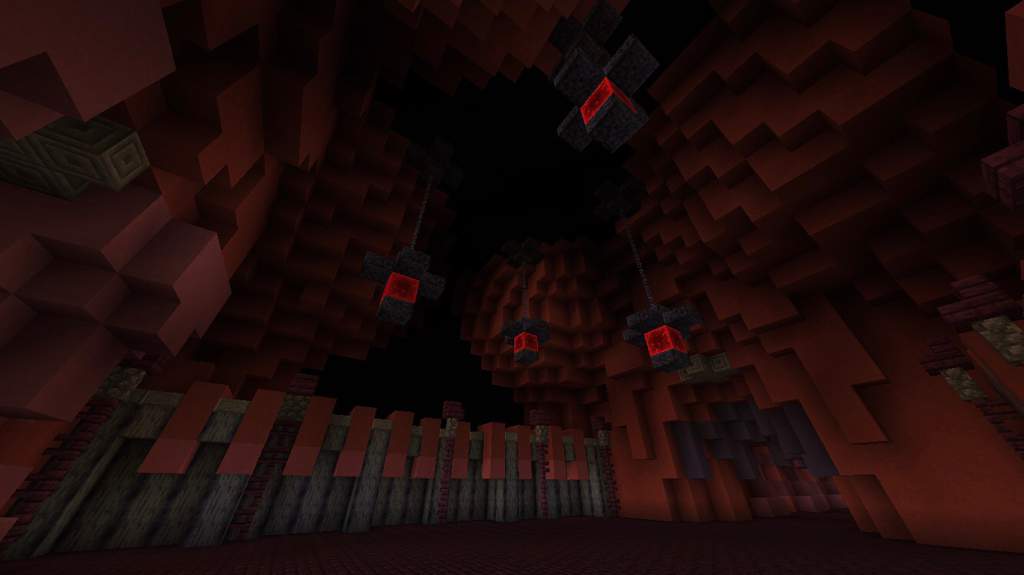
The area with the main Troupe Master Grimm fight.
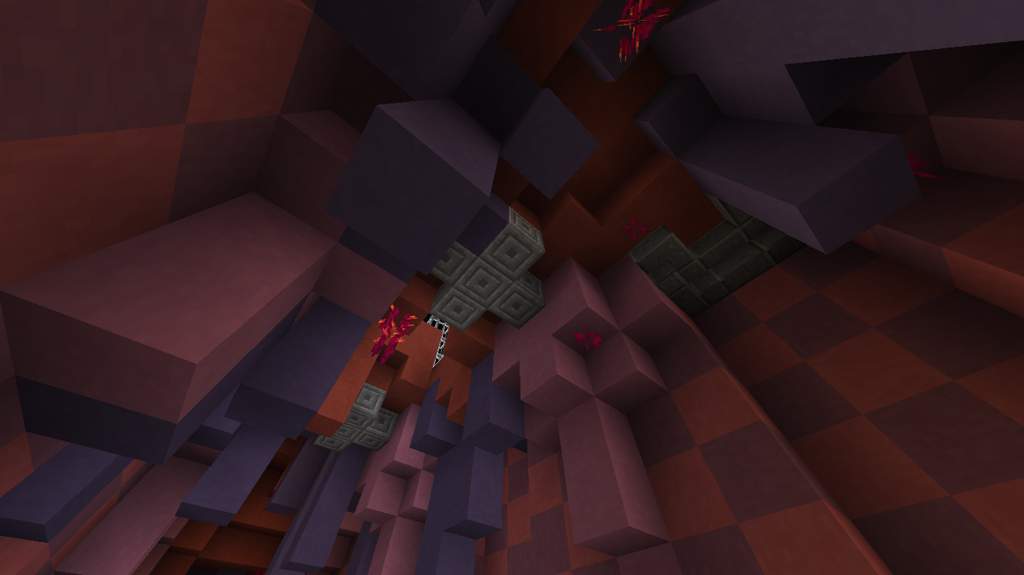
Looking up at the tunnel, there is a secret room up there
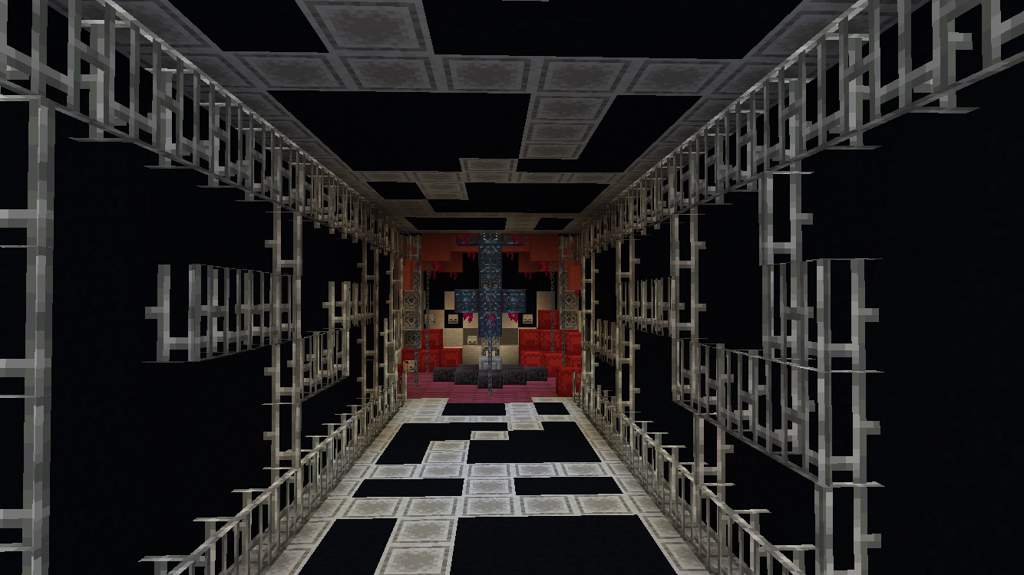
Tunnel leading to the secret room
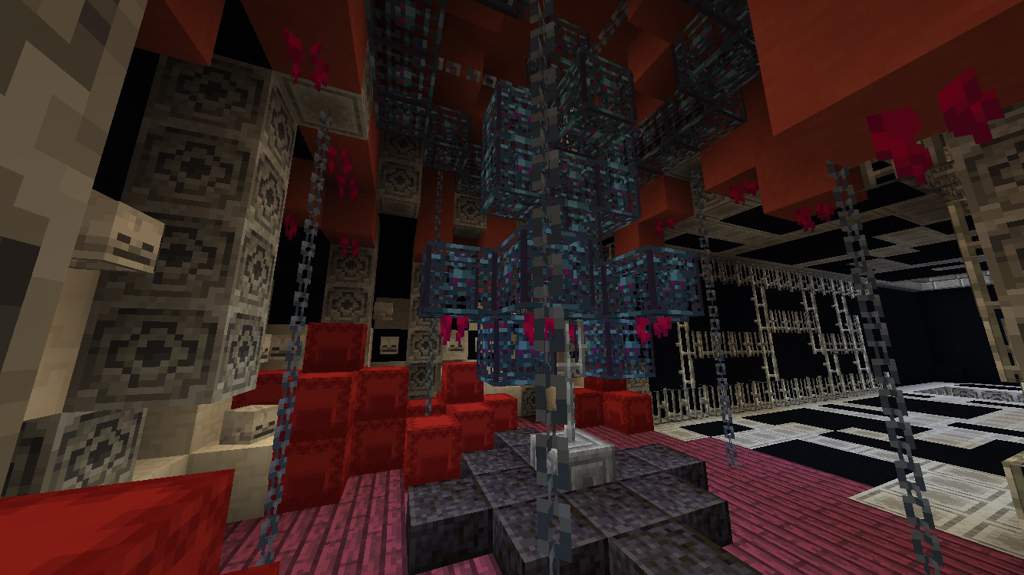
Creepy machine thingy
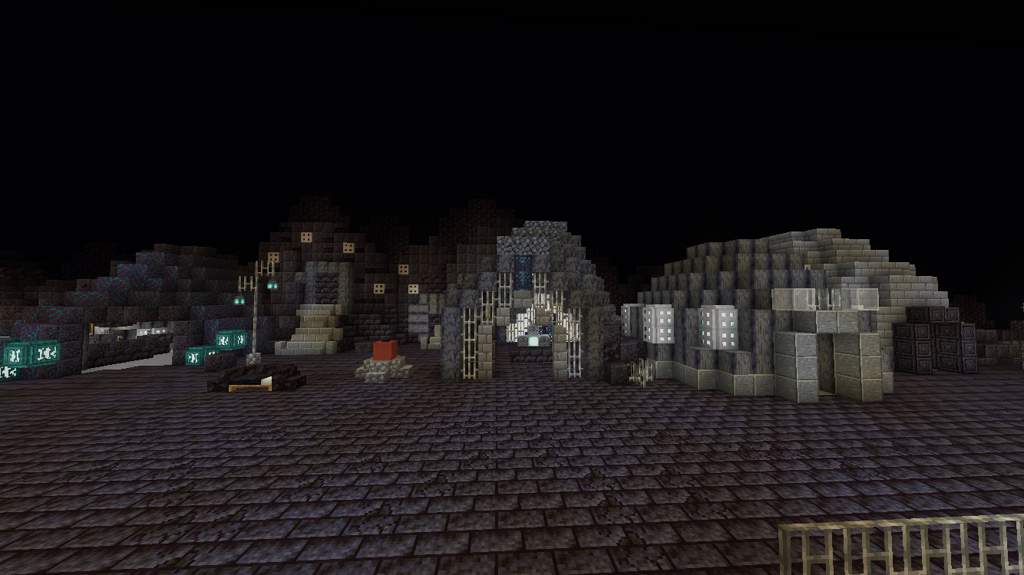
The main view of Dirtmouth. I didn’t build any NPCs but normally Elderbug stands by the bench. Elderbug is a cool dude
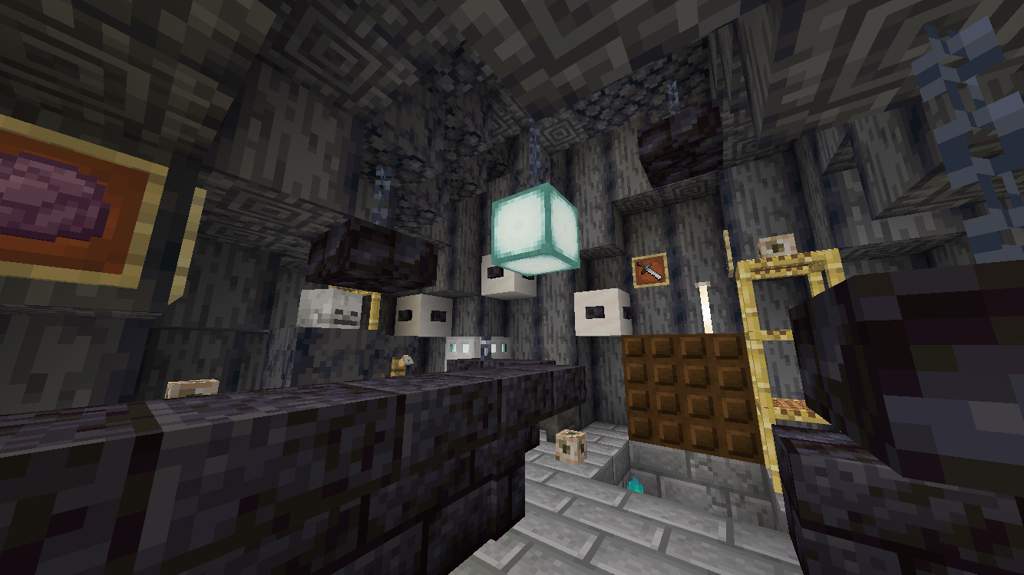
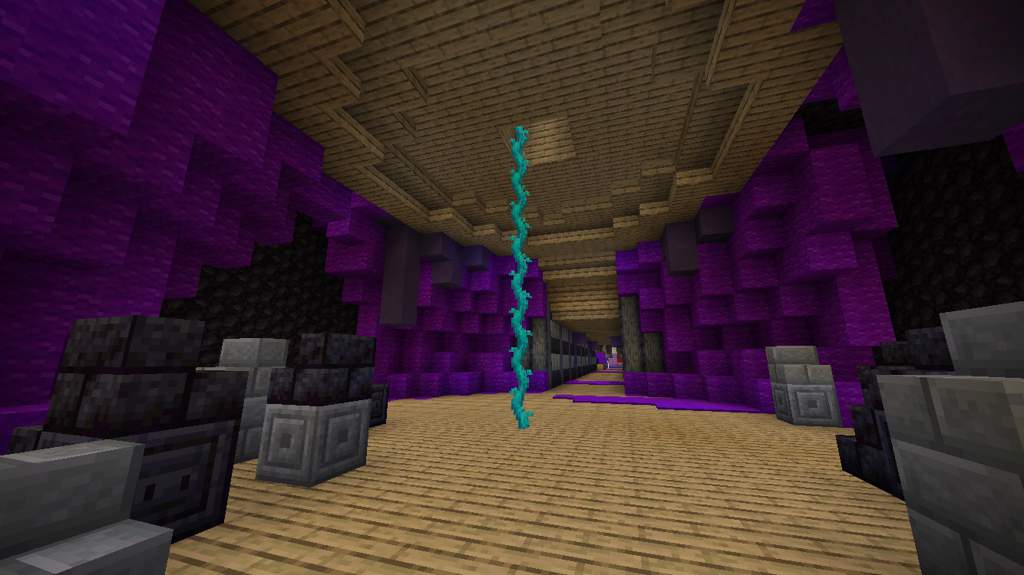
Under Sly’s house, and the tunnel
The secret room where you get the Nailmaster’s Glory charm
Bench. I could’ve made it more realistic but sense it functions like a Minecraft bed I just made it one
The Stagway upper room
In the Stagway, its a fast-travel system
Iselda and Cornifer’s shop
Well and area leading to the graveyard
Graveyard where you can find the Gravedigger. Also the elevator
Jiji’s house, its mostly just candles
Area where you enter Crystal Peak
Close up of the elevator and top of the map, unfortunately I didn’t plan this as well as I should have, I started the map too high up and I had to squeeze this top area in
Thanks for taking a look at my post, have a nice day!
Hollow knight ресурс пак майнкрафт





1) Нажимаем windows + R и вводим в строку которая открылась AppData
2) Заходим в папку LocalLow и ищем папку Team Cherry
3) Заходим в папку Team Cherry, затем в папку Hollow knight
5) Копируем файлы в удобную папку (Главное не потерять)
Теперь если сохранение пропадёт то будет возможно восстановить.
Теперь нужно скачать установщик модов.
Ссылка на установщик: https://www.moddb.com/mods/hollow-knight-lightbringer
После открытия установщика откроется окно в котором будет путь установки.
Если путь правильный: С:\Steam/steamapps/common/Hollow knght (у вас может быть немного по другому) тогда нажимаем «Да».
Если путь не правильный, тогда нажимаем «Нет» и выбираем путь к папке Hollow knight (С:\Steam/steamapps/common/Hollow knght)
И так, перейдём к полезным модам.
Мод на показ жизней у мобов
Этот мод показывает жизни у мобов.
Когда вы ударили моба у него над головой появится полоска жизней.
Она не пропадёт пока вы не перезайдёте в комнату или не убьёте моба.
Если у моба много жизней или это босс то полоска появится снизу.
Мод на быстрое перемещение
Этот мод позволяет быстро перемещаться на скамейки. Вы можете переместиться только на скамейку на которой вы сидели.
Debug mod (грубо говоря читы)
При нажатии на F1 открывается консоль.
В консоли можно изменить урон гвоздя, выдать себе все амулеты, способности и предметы.
Подробнее о нём: https://steamcommunity.com/sharedfiles/filedetails/?id=2265925164
Randomizer 3 и Enemy Randomizer
Randomizer 3: этот мод перемешивает комнаты и предметы.
Например вы вошли в забытое перепутье а оказались в городе слёз.
Так можно пройти игру но это будет сложно.
Enemy Randomizer: этот мод перемешивает всех мобов и боссов.
Сним играть не очень удобно потому что все мобы перемешиваются и может вместо жука может появится например полый рыцарь.
Мод на улучшение амулетов
Этот мод улучшает амулеты.
Так же этот мод добавляет побочные эффекты от амулетов.
Например амулет быстрый фокус ускоряет зарядку кристального сердца, а глубокий фокус замедляет зарядку.
Амулет тяжёлый выпад увеличивает урон на 15%.
Амулет ловкач увеличивает скорость ходьбы.
Амулет непоколебимое тело убирает анимацию при падении с высоты.
Как вернуться в ванильную версию?
В установщике есть кнопка Revert back to unmoded. Но. она не работает. Она просто закрывает установщик.
А что бы вернуться в ванильную игру нужно зайти в свойства, во вкладку локальные файлы и нажать на проверку целостности файлов. Steam скачает 1 файл и игра станет нормальной.
Так же моды могут конфликтовать. Поэтому комбинируйте моды на страх и риск.