How to Summon a Fireball in Minecraft
This Minecraft tutorial explains how to summon a fireball with screenshots and step-by-step instructions.
You can summon a fireball whenever you want using a cheat (game command) in Minecraft. This is done using the /summon command. Let’s explore how to do this.
Supported Platforms
The command to summon a fireball is available in the following versions of Minecraft:
| Platform | Supported (Version*) |
|---|---|
 Java Edition (PC/Mac) Java Edition (PC/Mac) | Yes (1.10) |
 Pocket Edition (PE) Pocket Edition (PE) | No |
 Xbox 360 Xbox 360 | No |
 Xbox One Xbox One | No |
 PS3 PS3 | No |
 PS4 PS4 | No |
 Wii U Wii U | No |
 Nintendo Switch Nintendo Switch | No |
 Windows 10 Edition Windows 10 Edition | No |
 Education Edition Education Edition | No |
* The version that it was added or removed, if applicable.
NOTE: Pocket Edition (PE), Xbox One, PS4, Nintendo Switch, and Windows 10 Edition are now called Bedrock Edition. We will continue to show them individually for version history.
Requirements
To run game commands in Minecraft, you have to turn cheats on in your world.
Summon Command
Summon Command in Minecraft Java Edition (PC/Mac)
In Minecraft Java Edition (PC/Mac) 1.16, the syntax to summon a fireball using the /summon command is:
* Starting in Java Edition 1.16, the direction NBT tag has been replaced with the Motion tag and is now optional.
In Minecraft Java Edition (PC/Mac) 1.14 and 1.15, the syntax to summon a fireball is:
However, you must provide the direction NBT tag or the command won’t work:
Definitions
Examples
Example in Java Edition (PC/Mac) 1.16
To summon a fireball in Minecraft 1.16:
To summon a fireball that has an Explosion Power of 4:
To summon a fireball that has an Explosion Power of 4 and moves East at an initial velocity of 3.0:
( starting in 1.16, use the Motion NBT tag to set initial velocity instead of the direction tag)
Example in Java Edition (PC/Mac) 1.14 and 1.15
To summon a fireball in Minecraft 1.14 and 1.15:
(in 1.14 and 1.15, you must include the direction NBT tag or the command won’t work)
To summon a fireball that has an Explosion Power of 4:
(in 1.14 and 1.15, you must include the direction NBT tag or the command won’t work)
To summon a fireball that has an Explosion Power of 4 and moves East at an initial velocity of 3.0:
(in 1.14 and 1.15, you must include the direction NBT tag or the command won’t work)
How to Enter the Command
1. Open the Chat Window
The easiest way to run a command in Minecraft is within the chat window. The game control to open the chat window depends on the version of Minecraft:
2. Type the Command
In this example, we are going to summon a fireball in Minecraft Java Edition (PC/Mac) 1.16 with the following command:
Type the command in the chat window. As you are typing, you will see the command appear in the lower left corner of the game window. Press the Enter key to run the command.

You will see the message » Summoned new Fireball » appear in the lower left corner of the game window to indicate that the fireball has been summoned.
Congratulations, you have summoned a fireball in Minecraft.
Other Summon Cheats
You can use other summon commands in Minecraft such as:
Как призвать молнию в Майнкрафт командой
Для того что бы призвать молнию в Майнкрафт необходимо ввести команду /summon minecraft:lightning_bolt и нажать Enter. В этот момент в Вас ударит Молния и подожжет землю.

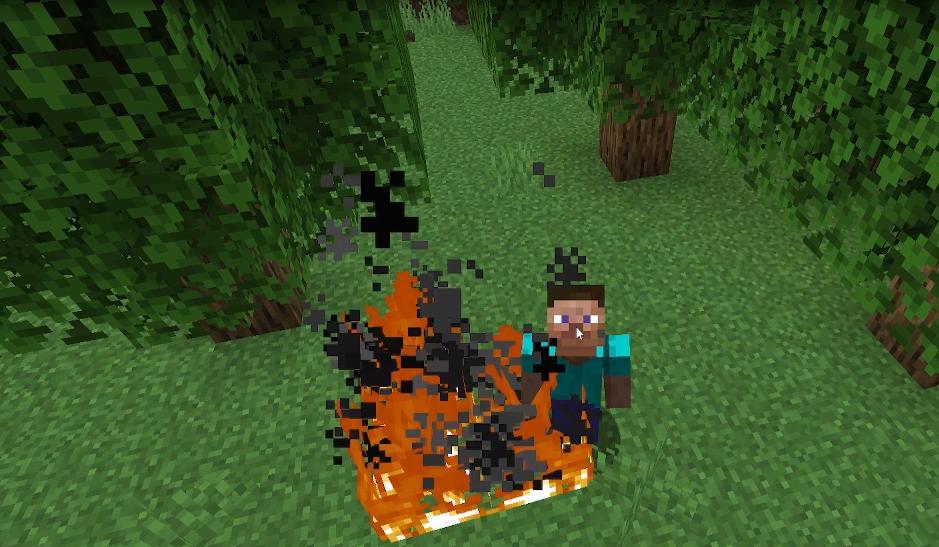
Как призвать молнию на игрока в Майнкрафт
Для того что бы ударить молнией другого игрока в Майнкрафт необходимо приписать команду /summon minecraft:lightning_bolt [Ник_игрока]
Как призвать молнию в определенное место (по координатам)
Для того что бы призвать молнию в определенную область, необходимо прописать команду /summon minecraft:lightningbolt [x] [y] [z]
Как призвать грозу и молниями
Для того что бы вызвать грузу с молниями нужно прописать команду /weather thunder.
Важно! Для того что бы ввести команду и она сработала необходимо включить читы в игре.
Видео обзор
Как призвать Лукаса в Майнкрафте
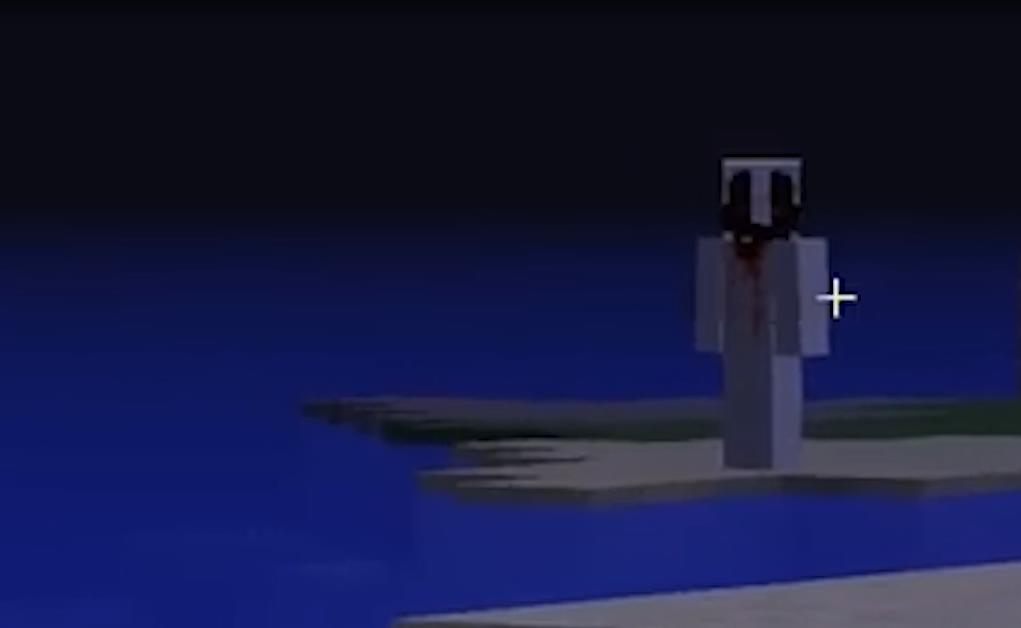
Лукас — это дух Мальчика который когда то жил в Греции и все свое свободное время проводил в Майнкрафт. В один из дней случился пожар, но его душа осталась в игре. С тех пор игроки по всему миру стали замечать силуэт Лукаса появляющийся возле их домов и нередко причиняя всевозможный вред другим игрокам.
Ритуал призыва Лукаса
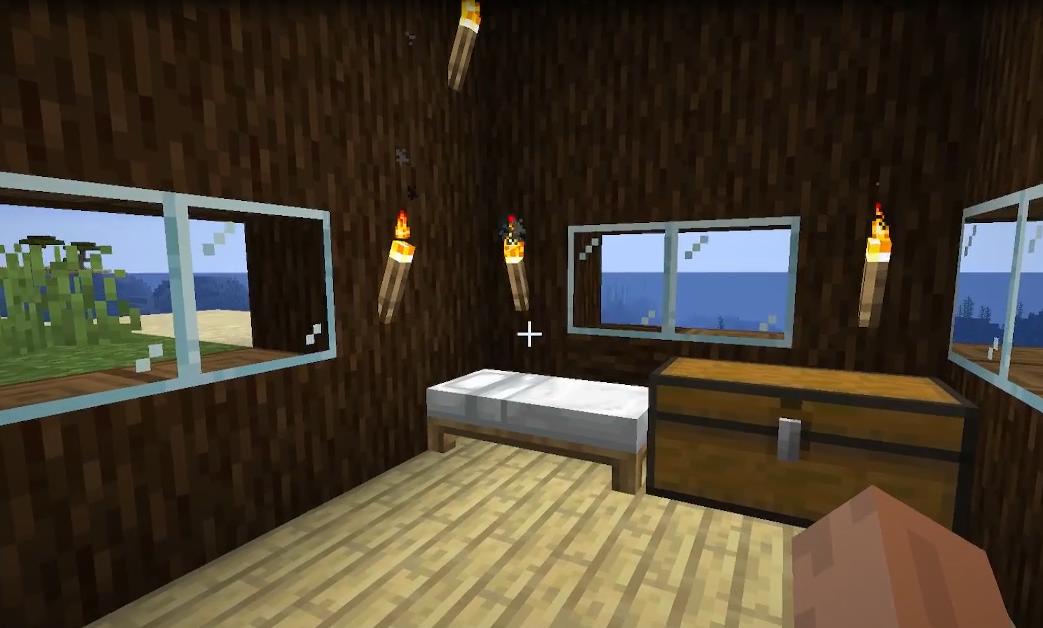
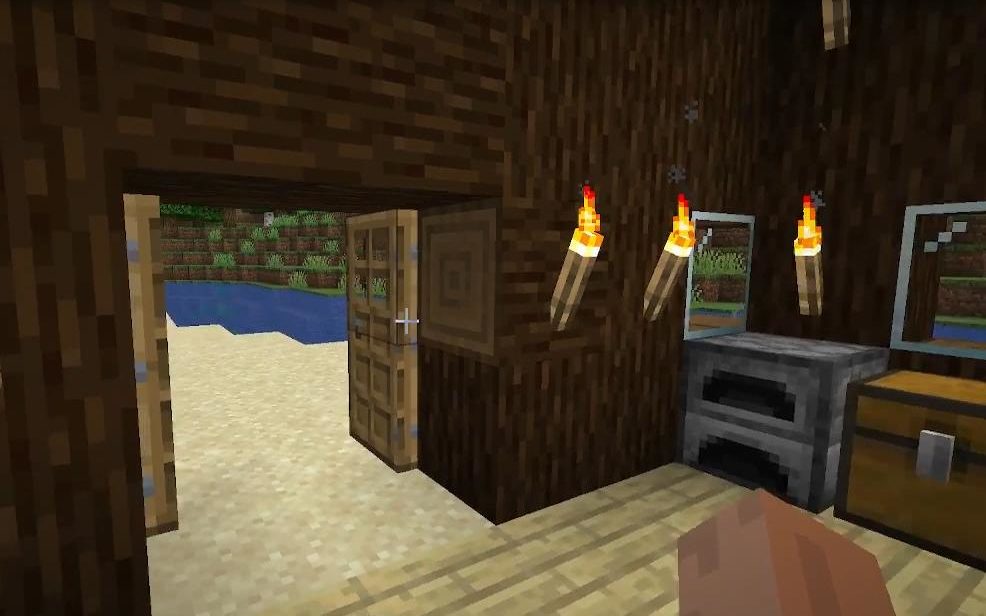
Сразу после создания мира необходимо построить небольшой, но реалистичный и уютный дом. В нем нужно поставить кровать, сундук, верстак и сделать освещение из факелов.
После того как дом готов, нужно построить специальный алтарь. Для него понадобиться:
Для создания алтаря нужно выкопать траншею из 5 блоков и заложить ее песком душ.
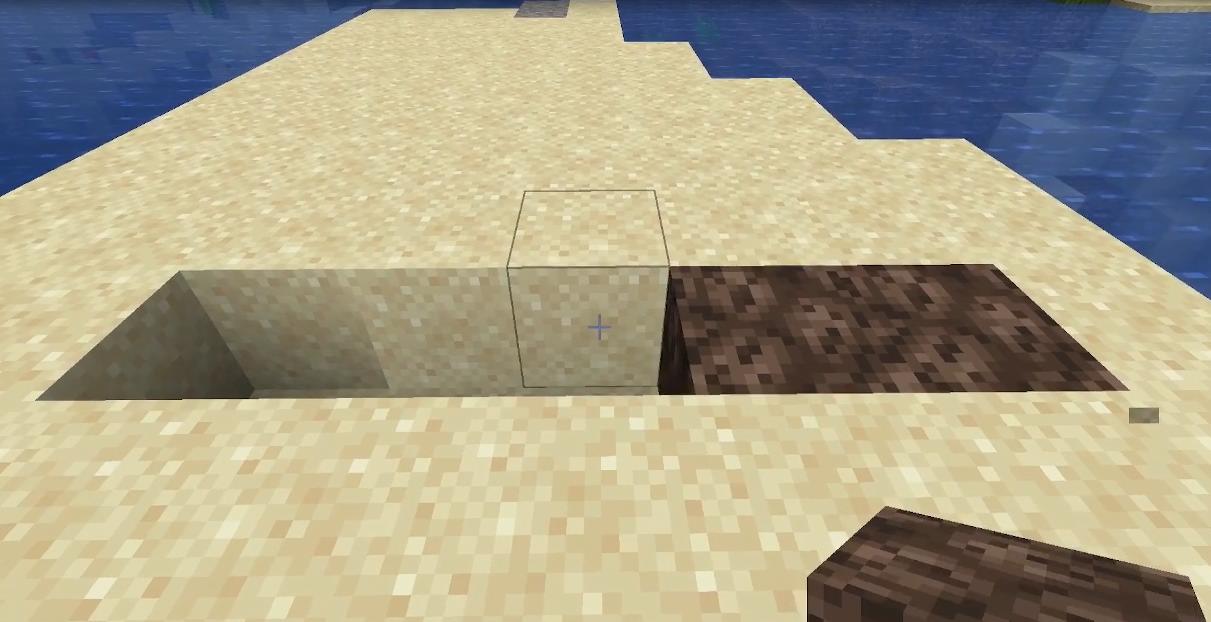
По бокам устанавливаем белую шерсть, а в центр ставим 3 блока золотой руды.
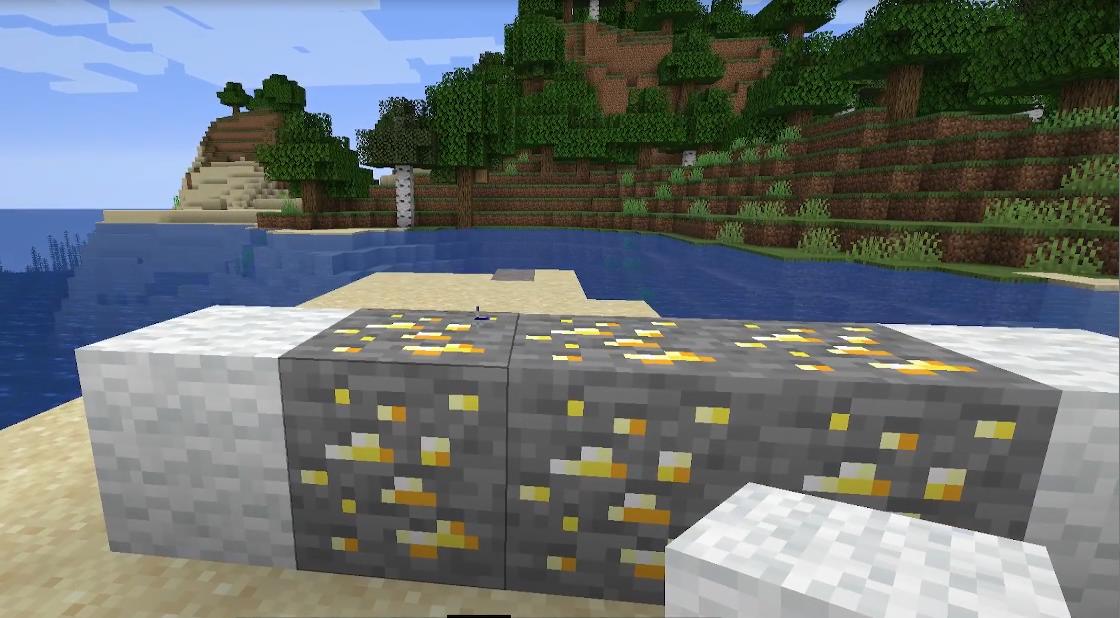
Далее на золотую руду ставим блоки красной шерсти и закрываем ее по бокам белой шерстью.
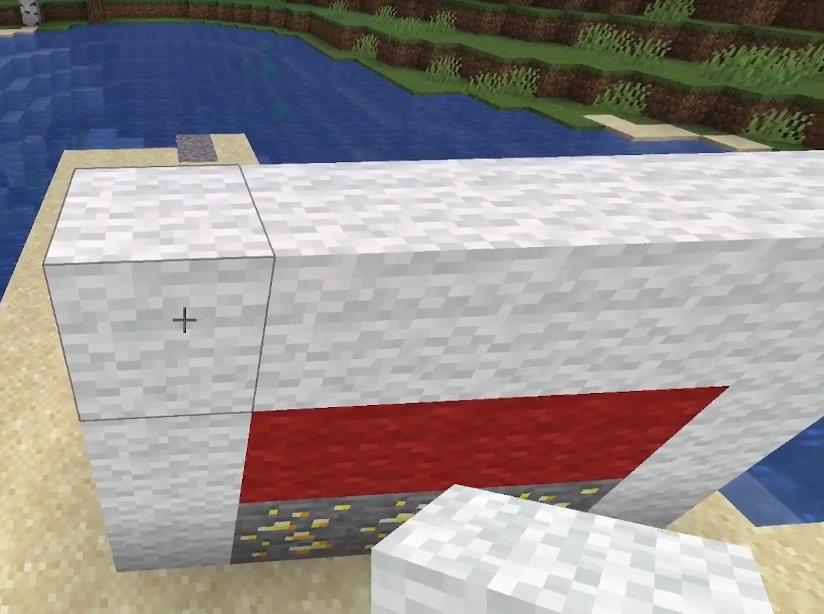
После этого ставим сверху еще 2 блока красной шерсти через 1 блок и закрываем по бокам белой как бы выстраивая череп.
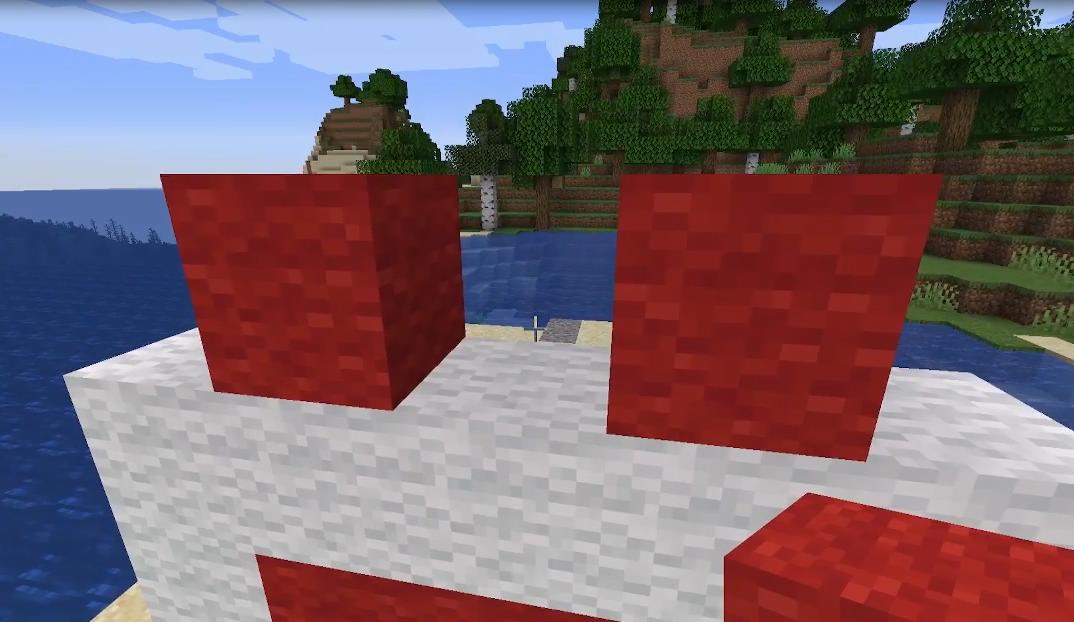
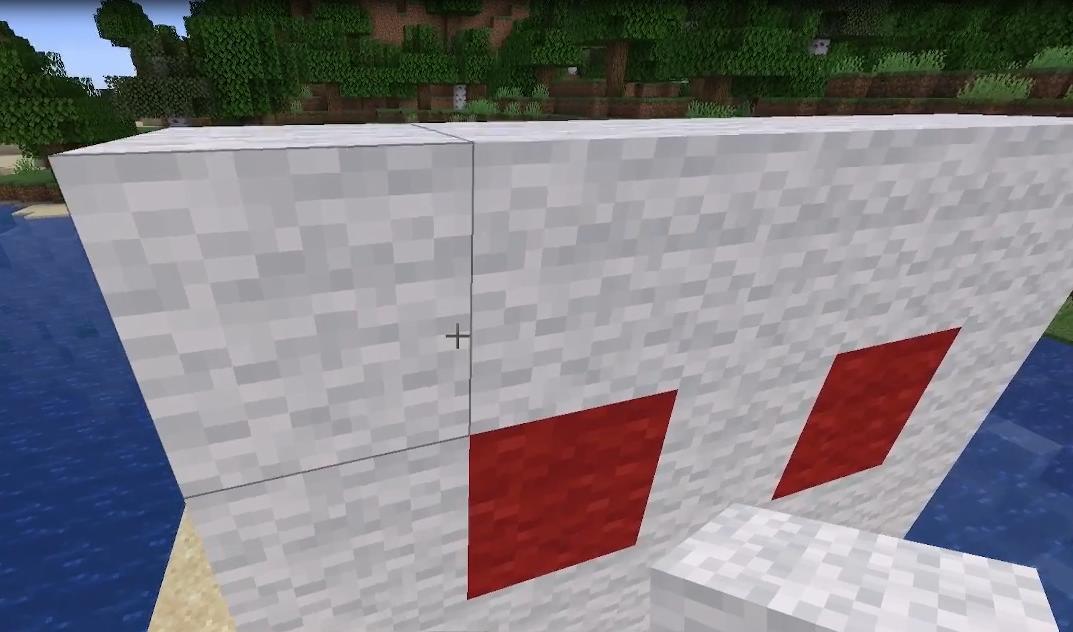
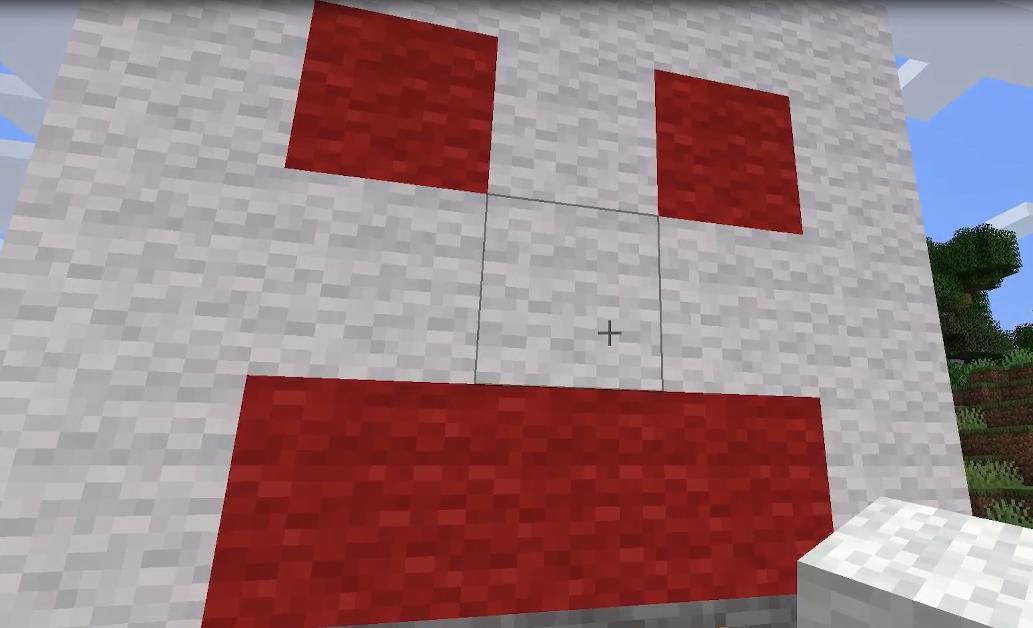
По бокам алтаря устанавливаем факелы.
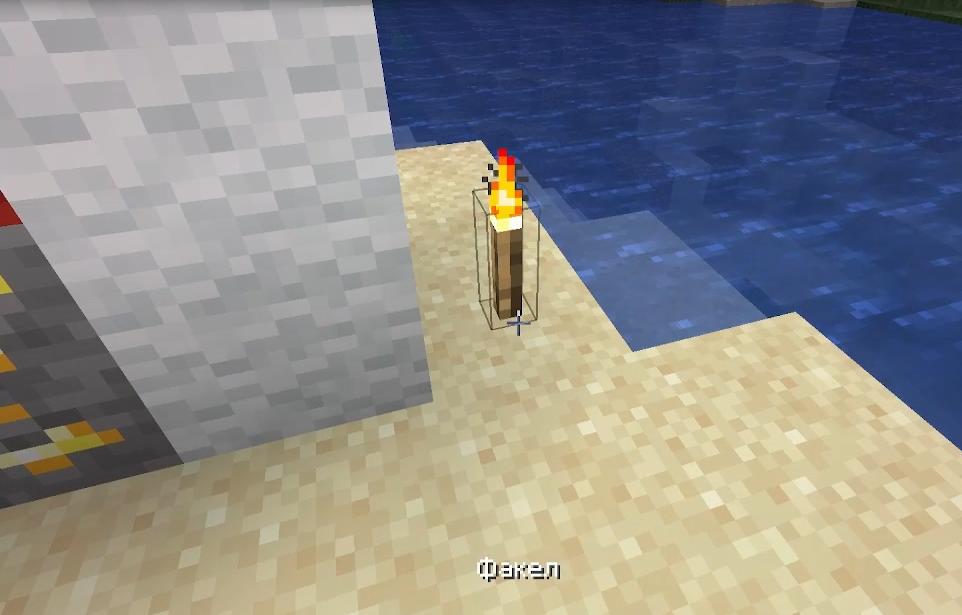
Ждем наступления ночи.
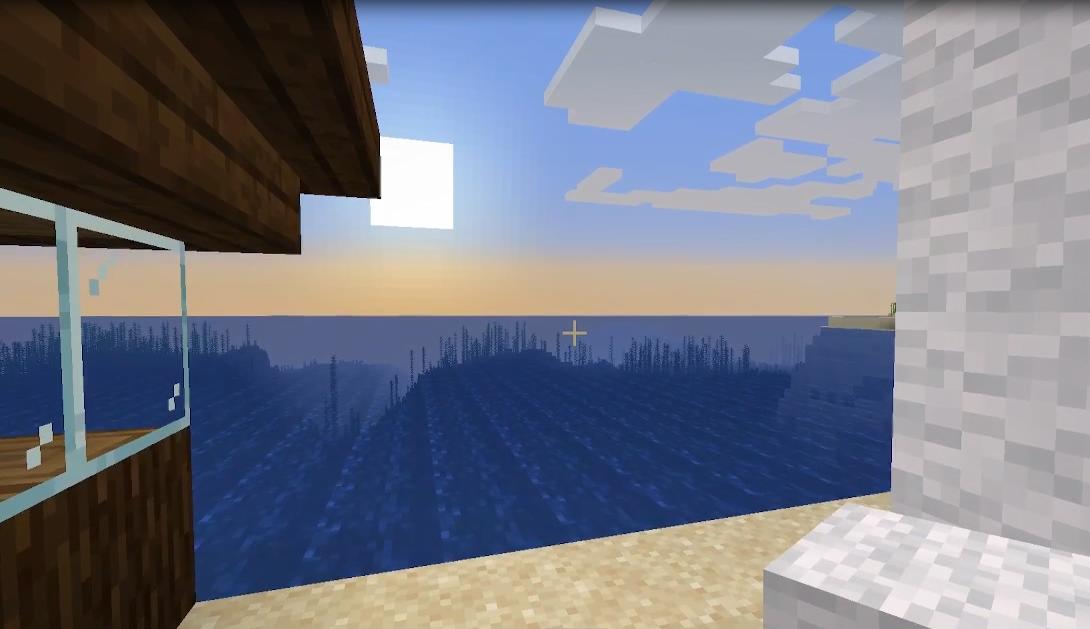
Устанавливаем таблички по обе стороны алтаря и на одной стороне пишем для него послание.
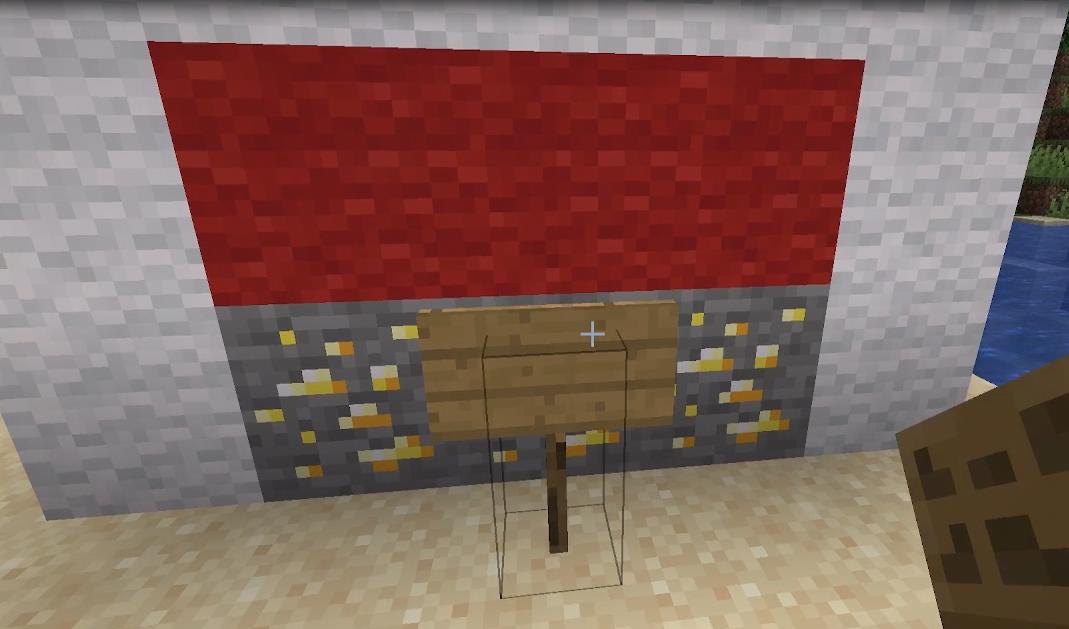
Поджигаем красную шерсть и начинает творится какая то чертовщина. Появляются непонятные звуки, моргания экрана и лаги.
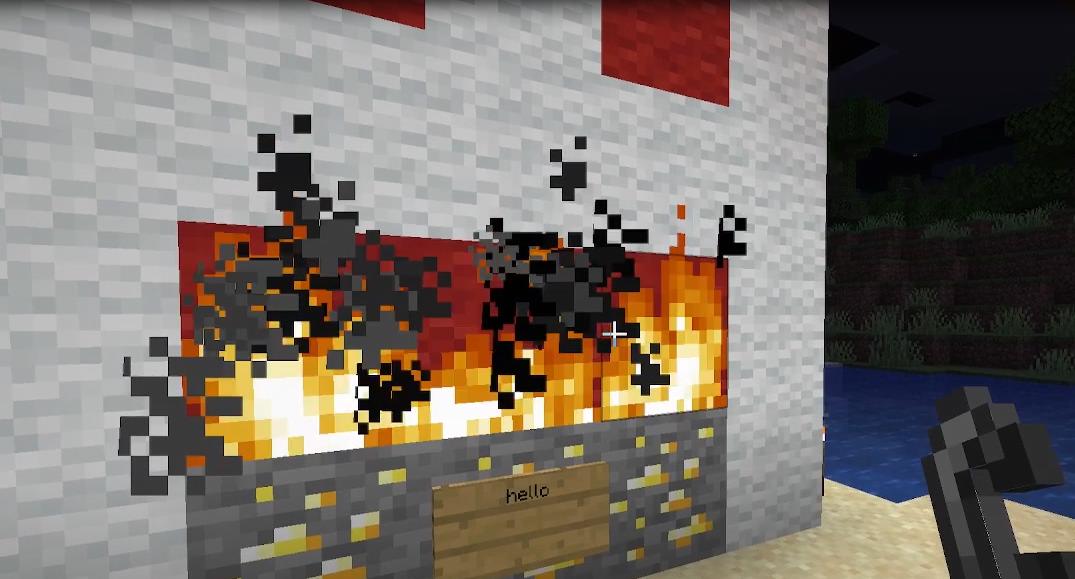
Ждем пока сгорит алтарь.
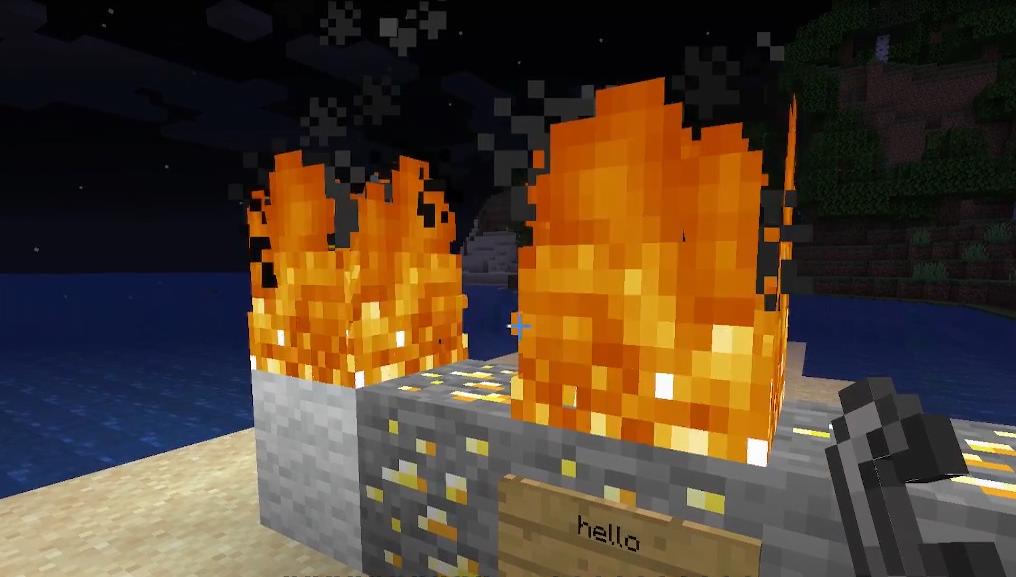
Сразу после того как догорит последний блок шерсти явится Лукас.