
Chisels & Bits Mod 1.16.5/1.12.2 (The Ultimate Building Tool)
Author: AlgorithmX2 ❘ 2 weeks ago ❘ 855,386 views
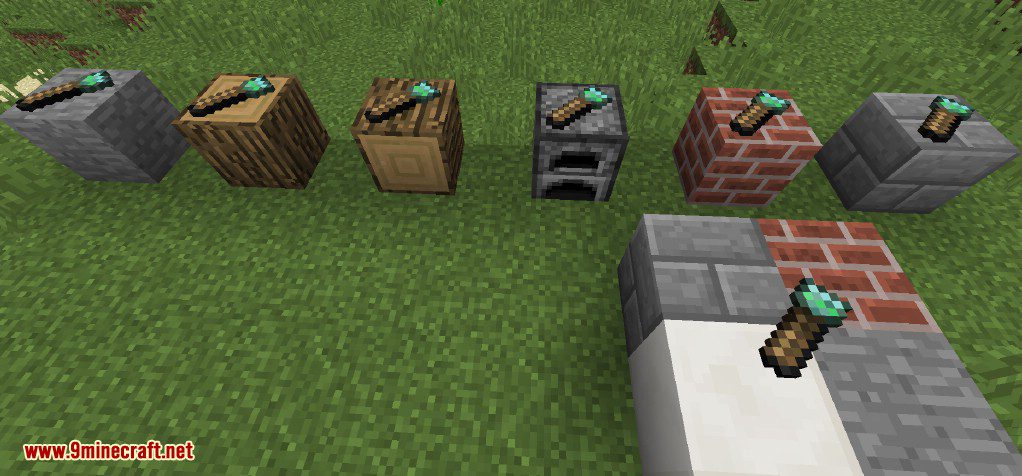
Chisels & Bits Mod 1.16.5/1.12.2 adds several chisels, a wrench and ways to copy designs and store bits. These tools enable you to create new custom decorative blocks and designs to decorate your bases and improve the flexibility of your building style.
This is a Minecraft mod about creating endless custom decorations using in game materials. Well that’s pretty broad, but its accurate, Chisels and Bits takes existing blocks in your game world and lets you manipulate them together to create new custom creations, sculpting, copying, sawing, rotating, measuring and building is all possible at a micro-scale.
Screenshots:
Custom Fence Design: A small pen for sheep created using the mod.

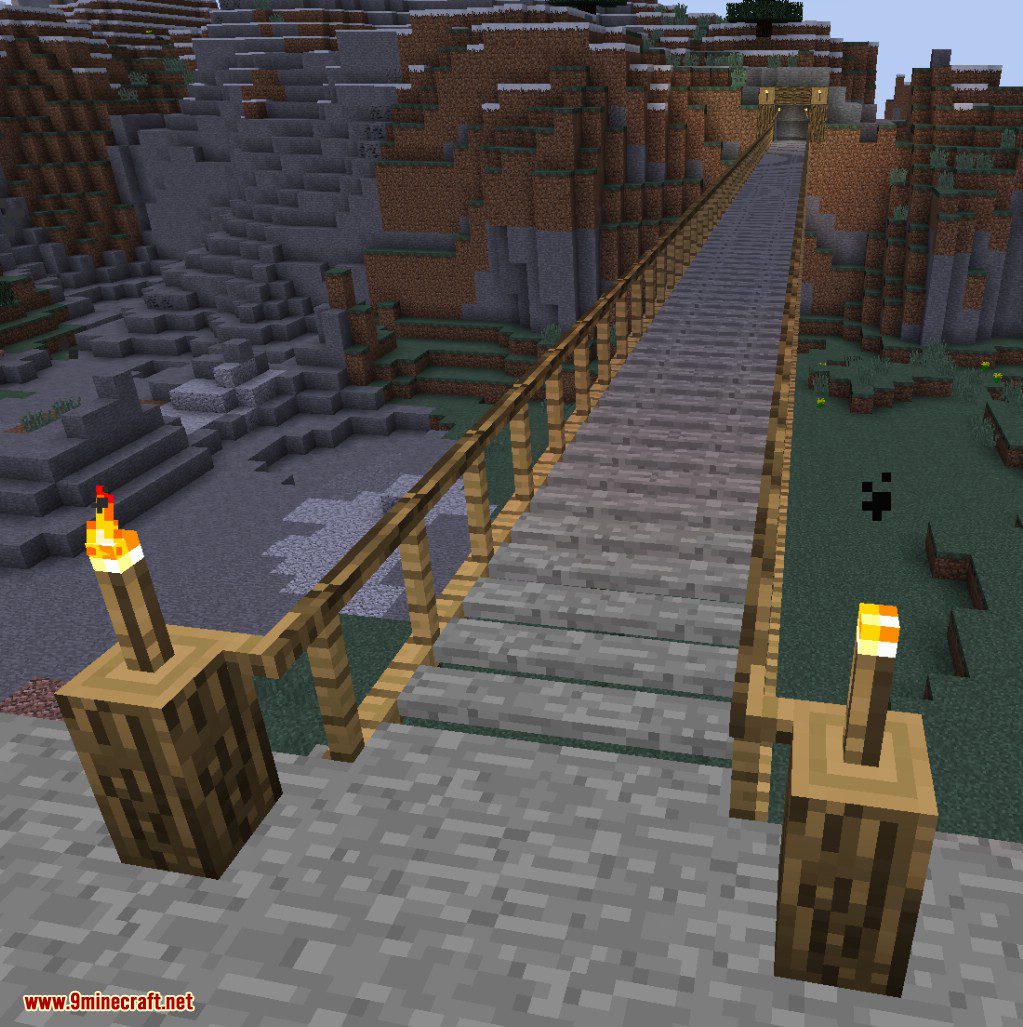
Custom roof and stone bit path: Using the mod to create a stylized path of stones and a mild sloping roof.

Find the way to your buried treasure with custom clues: The mod was used to create a custom sign that points toward the goal.

A Custom Welcome sign make foam oak trees over a path: Custom Sign created from oak logs and oak planks, the text is written in coal.

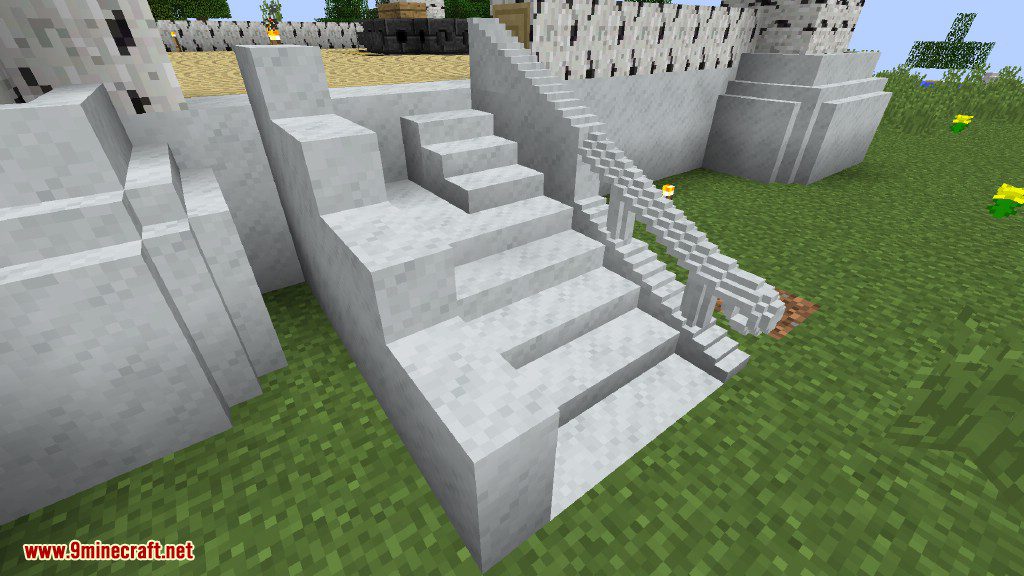
Create Stairs with other materials: Creating the wondrous smooth stone stairs.

Tables to keep your fancy creations on: A custom table made of oak logs, planks, and stone.

Dressing up Quartz Pillars and Accents: Using Chisels to Give Pillars some depth and some gold Lines to some obsidian.

Custom Tall Torches: Create Fancy Mounts for torches/levers or other things, as long as there is a flat surface in the middle of the chiseled block you can place item frames, levers or torches on them

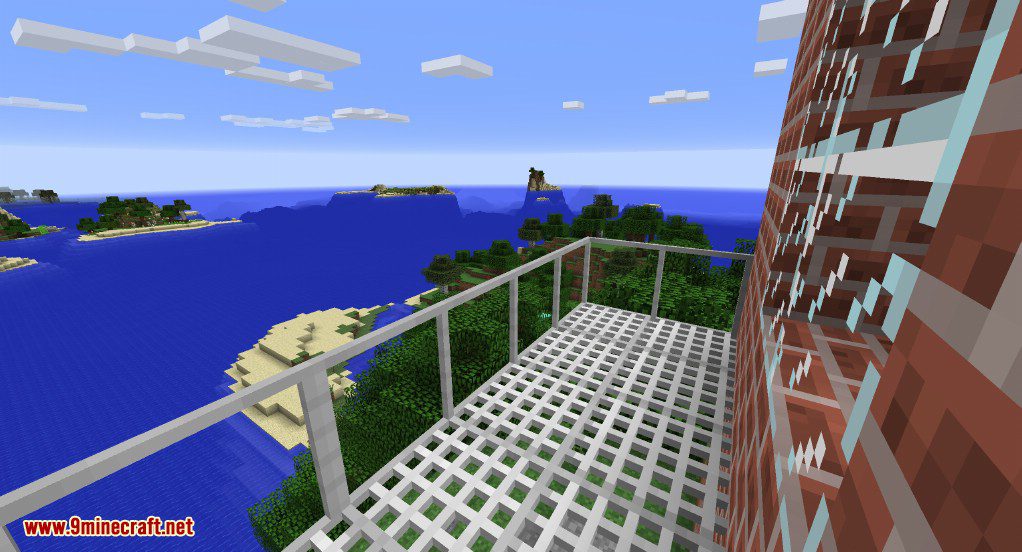
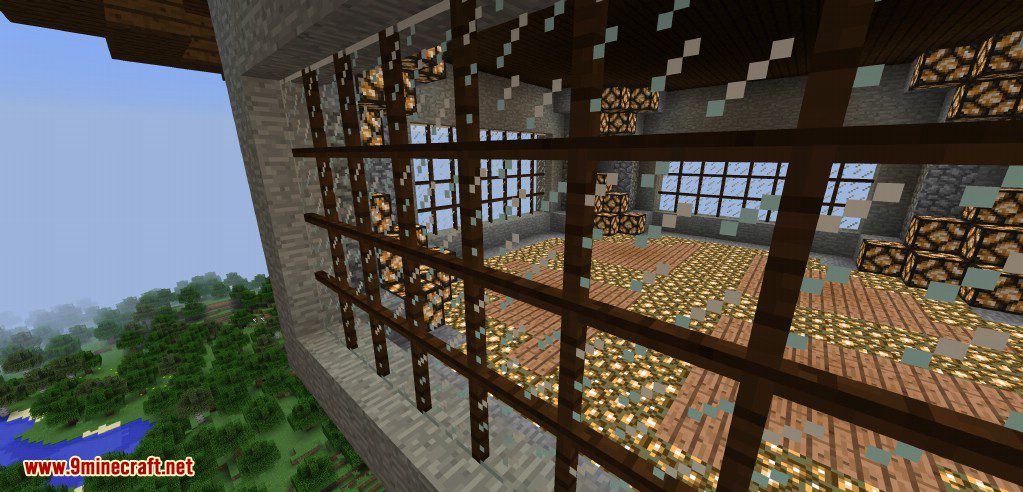
Custom Windows and More
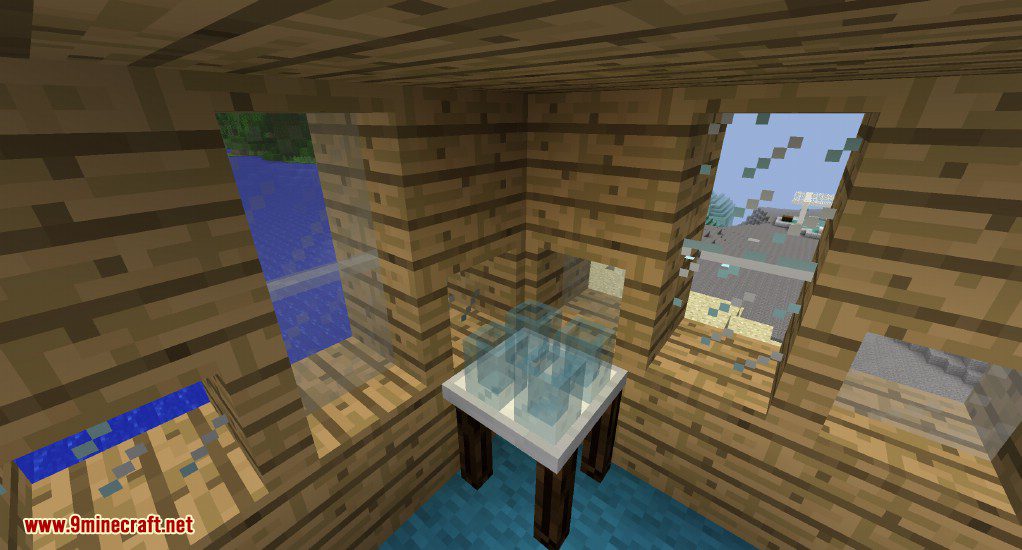
Create Designs Using Compatiable Mod Blocks
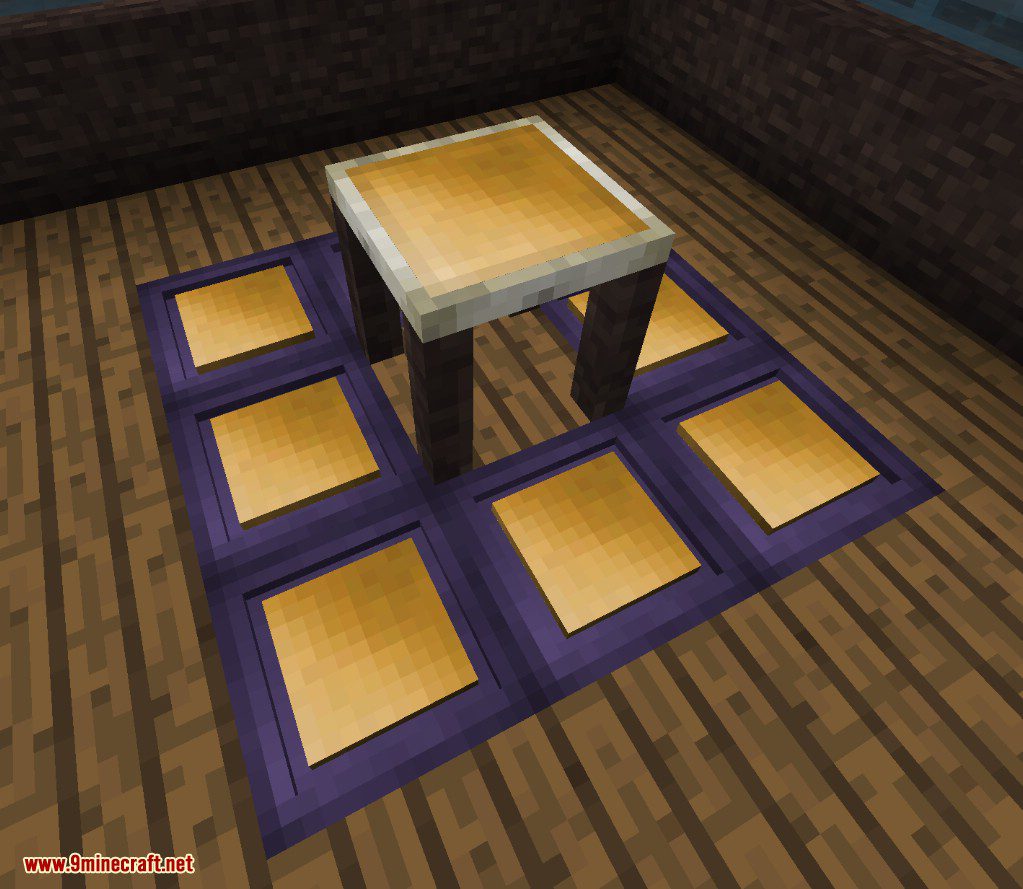
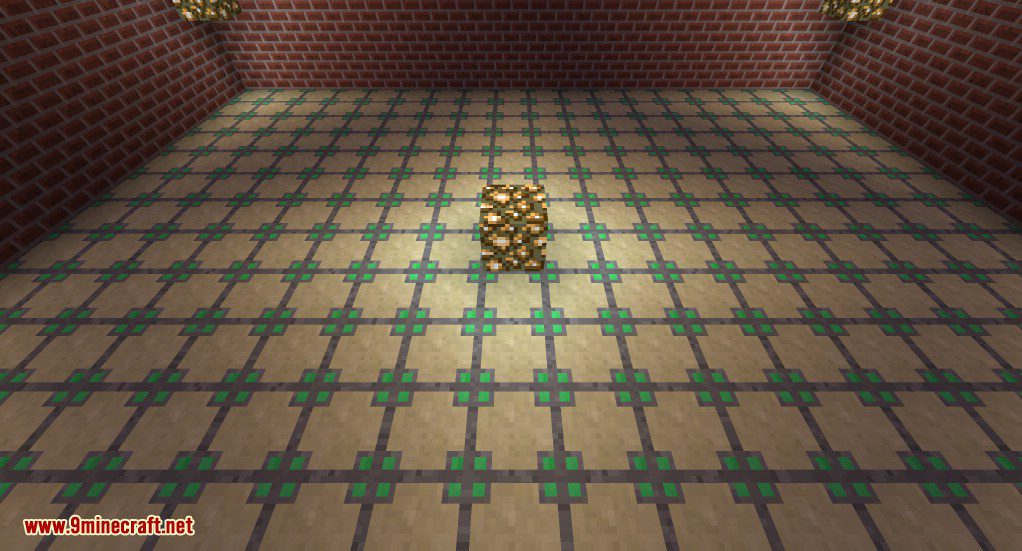
Custom Flooring with Various Materials
Creating the Chisels and Bits Logo
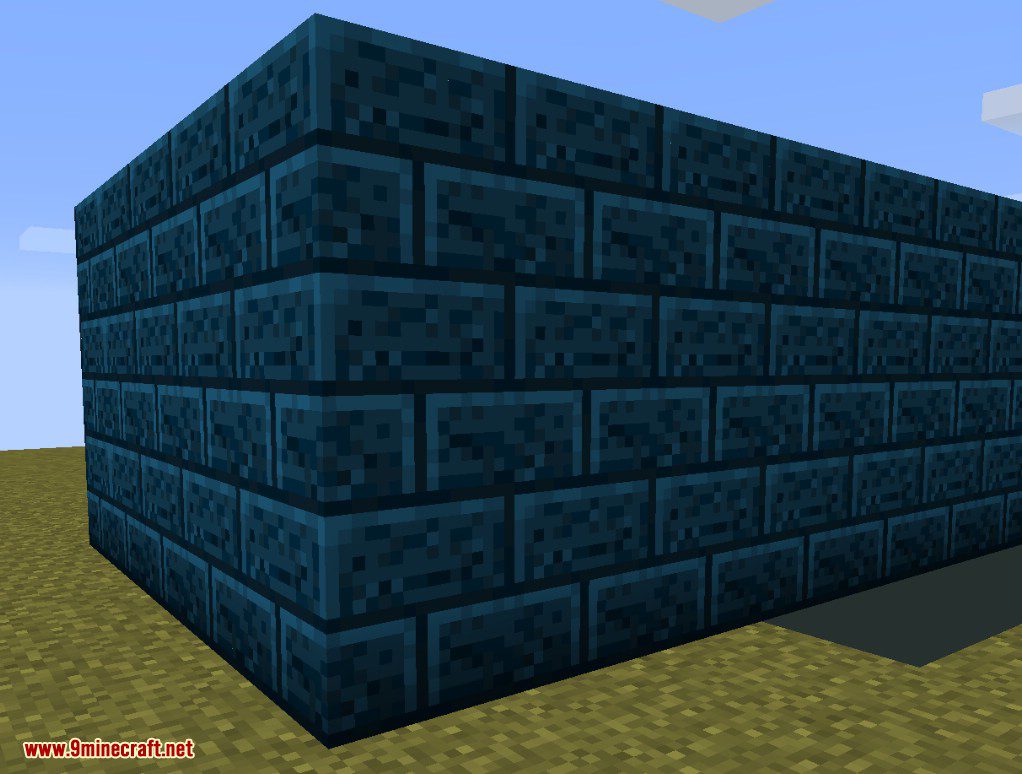
Bricks made with Flat Colored Blocks
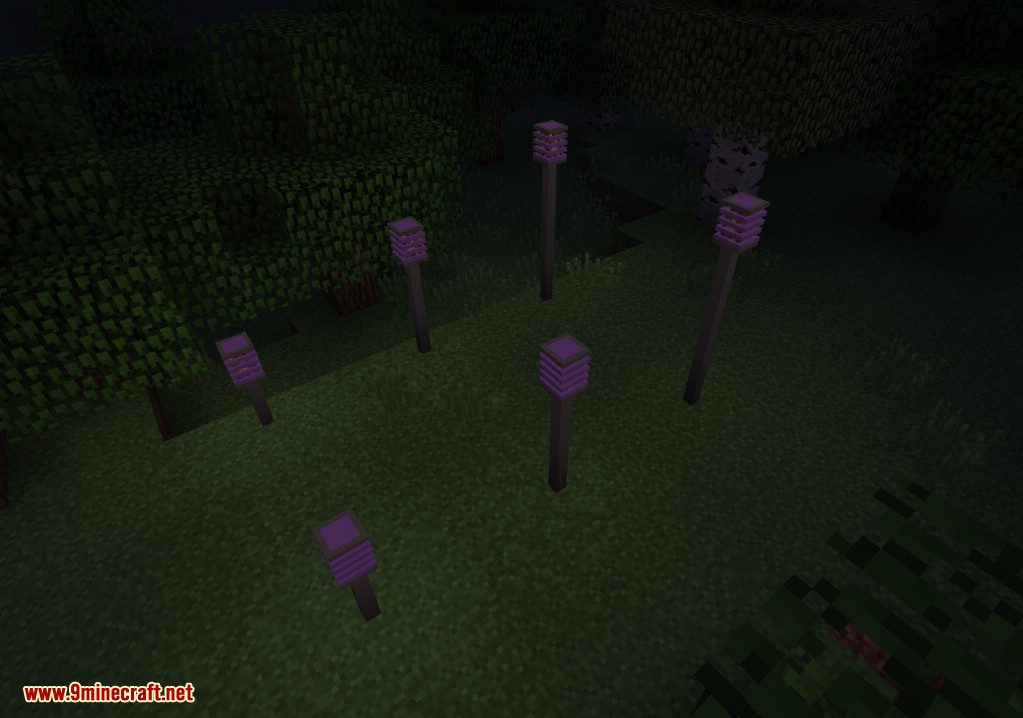
Custom Light Sources
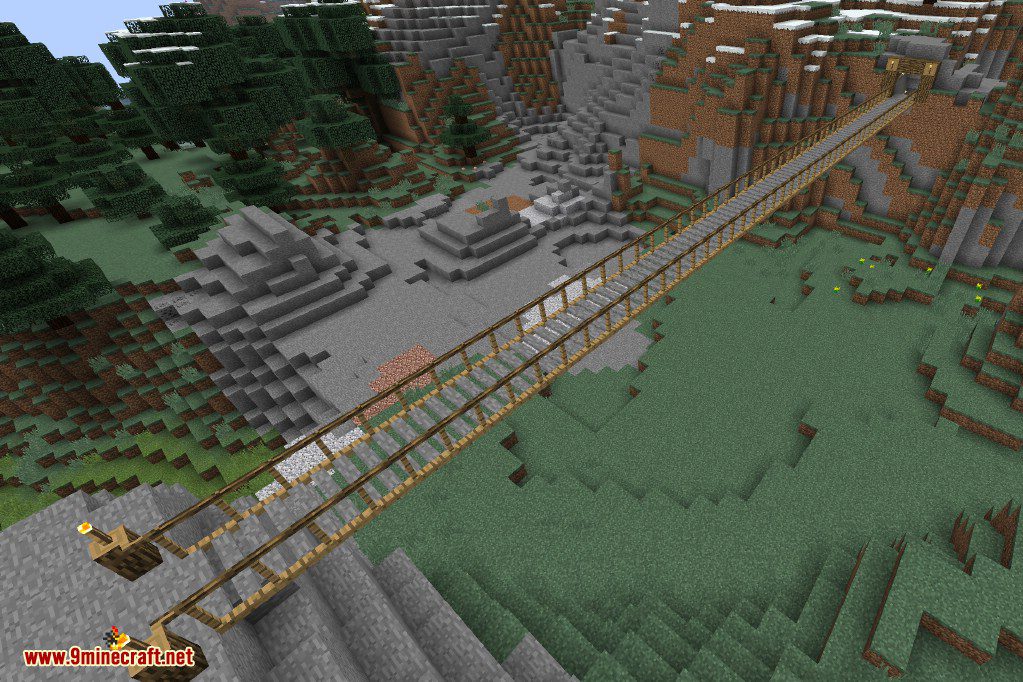
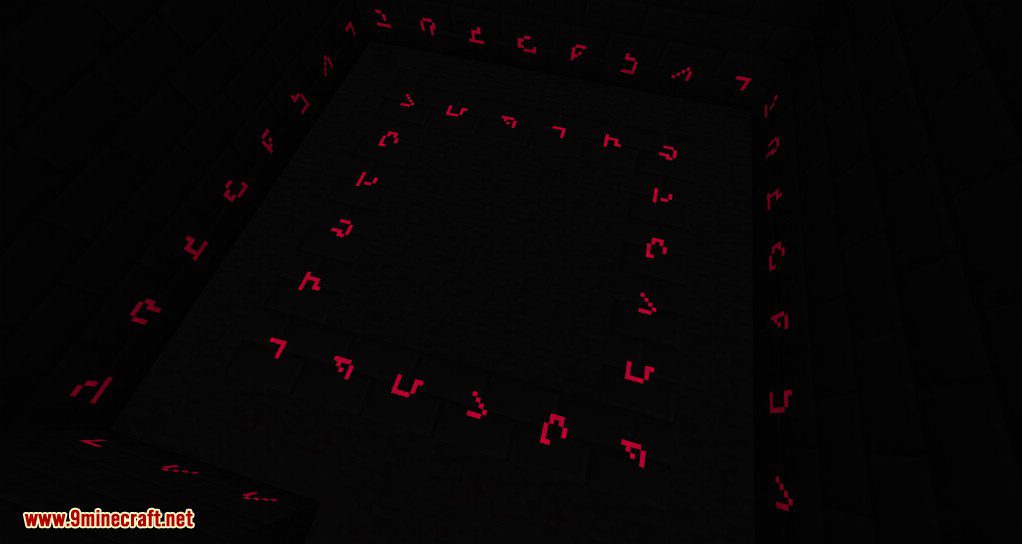
Glowing Blocks to create Runes
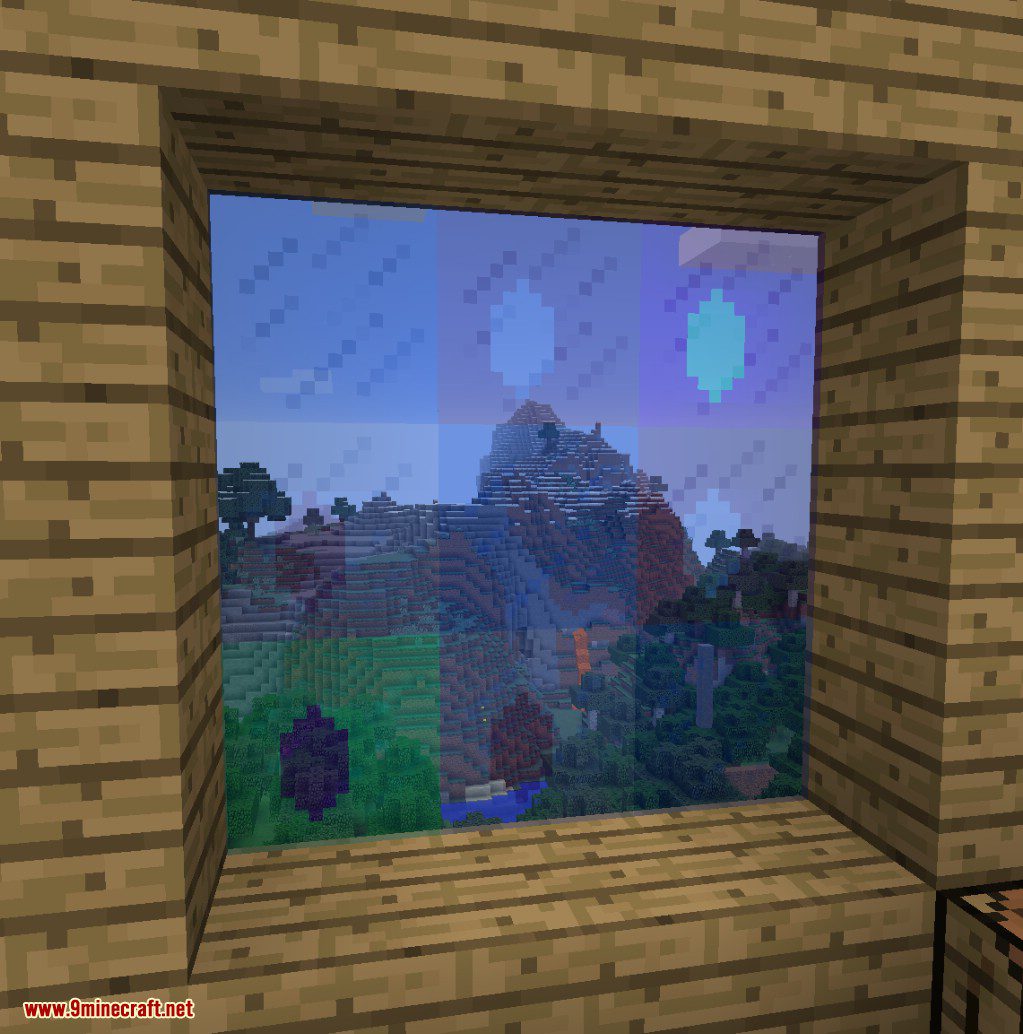
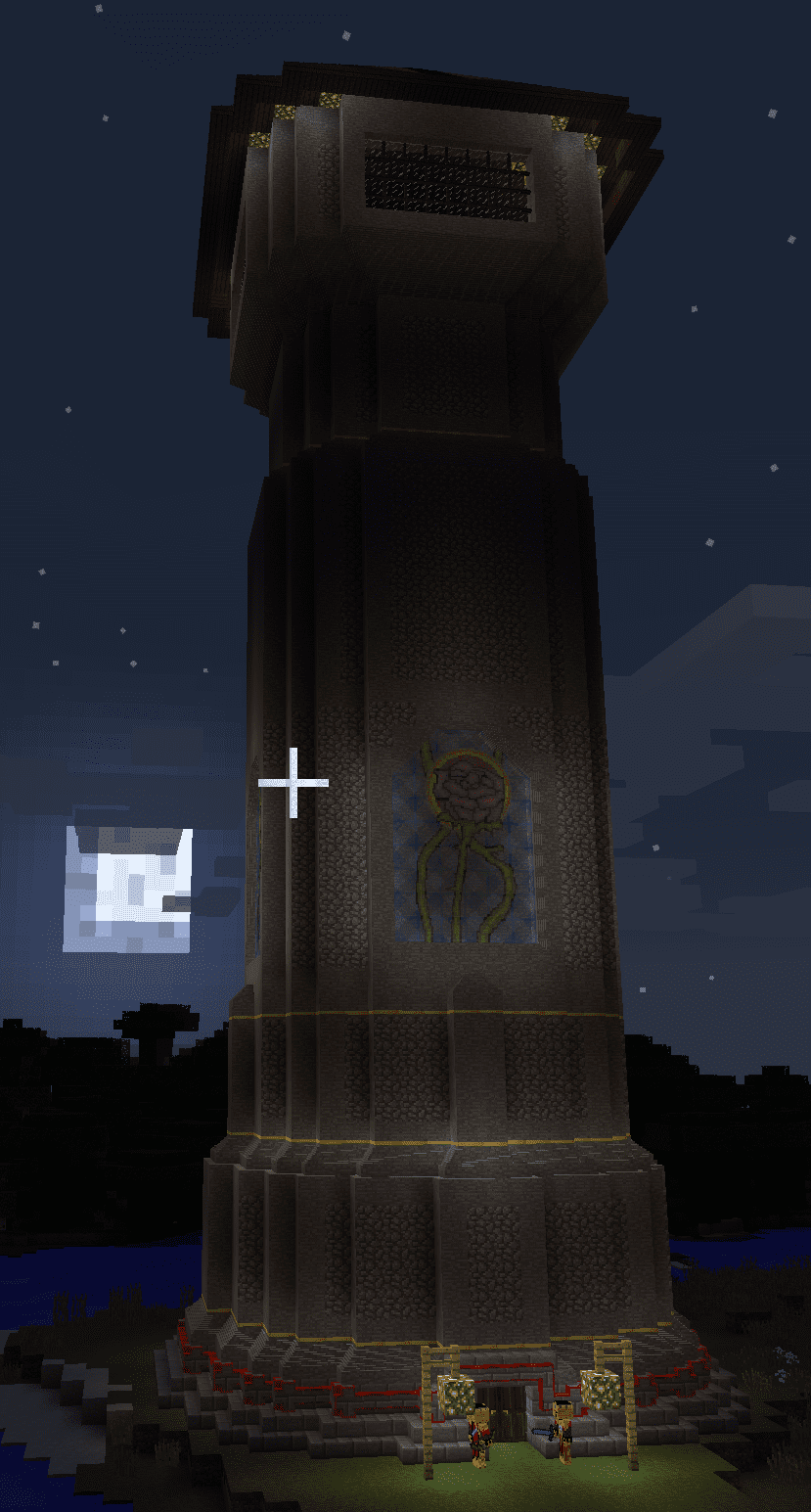
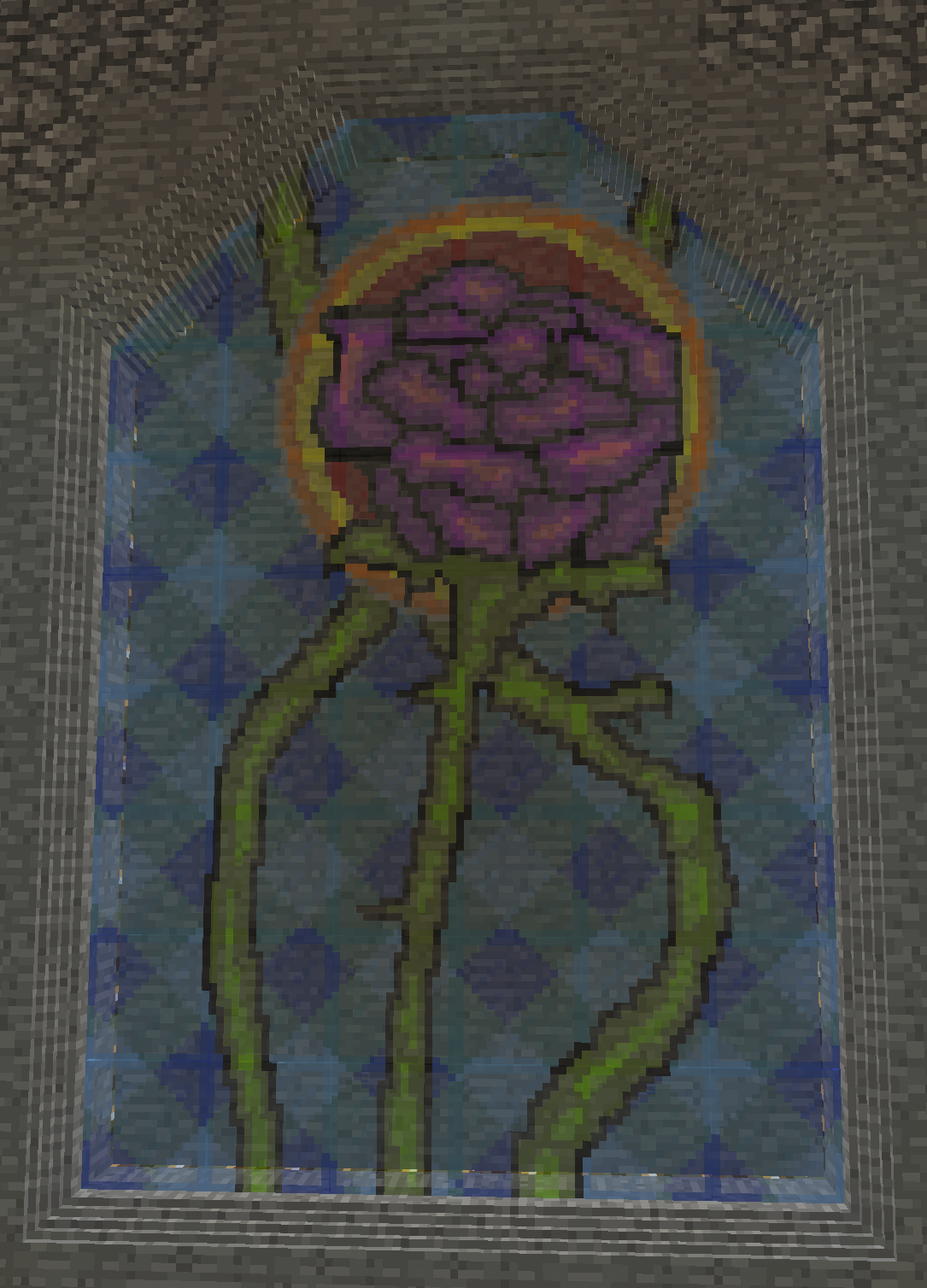
Stained Glass Style designs
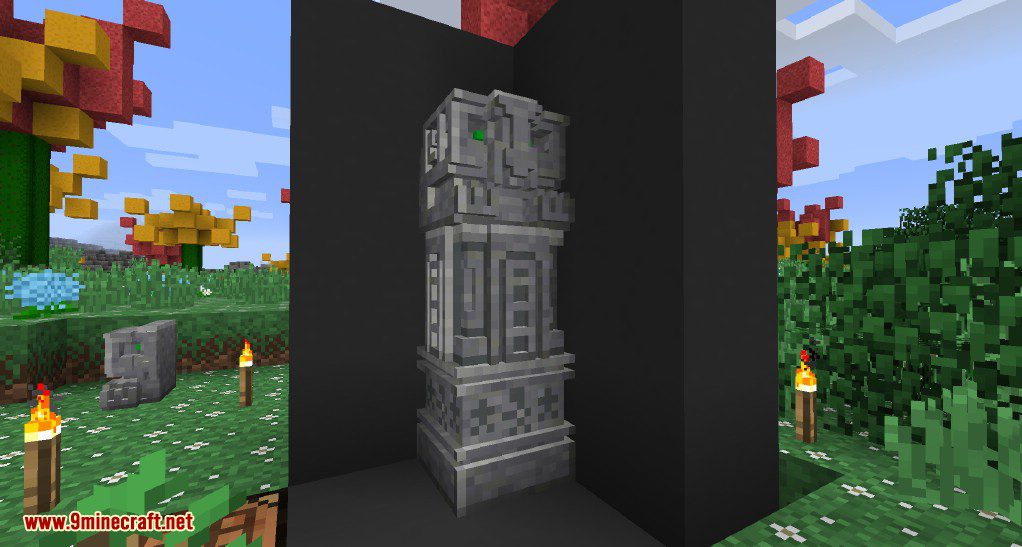
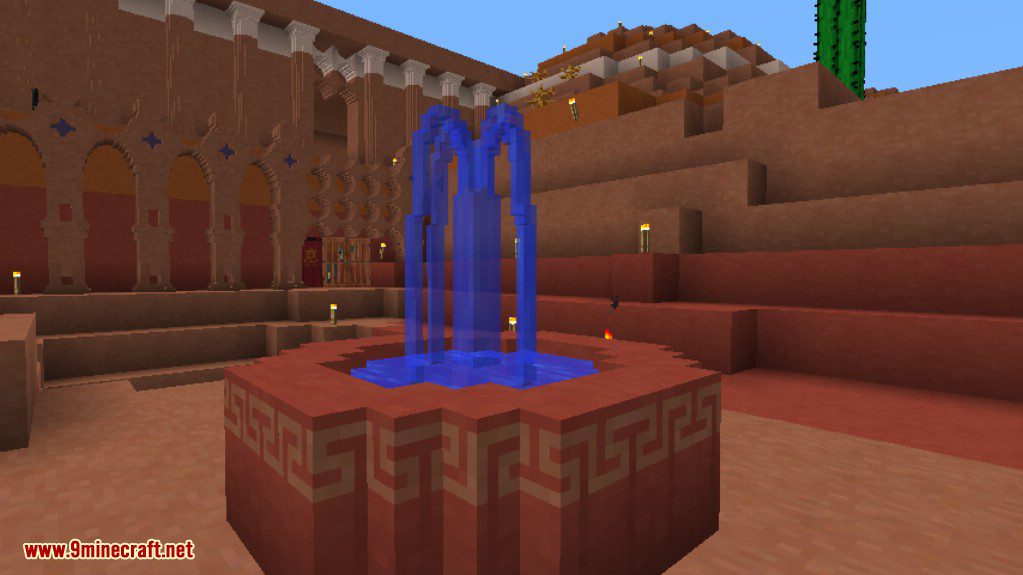
Aztec Pillar Thing
Crafting Recipes:
Item Recipes


Utility Recipes
Re-use your prints by clearing them or keep them around to store your previous designs.


Chiseled Block Crafting
Including the Required Bits + Bag ( with bits ) with a Positive Pattern will allow you to craft the block written on the Positive Print this lets you duplicate more intricate works effectively.

Requires:
How to install:
Chisels & Bits Mod 1.16.5/1.12.2 Download Links:
Previous versions:
For Minecraft 1.10.0
For Minecraft 1.8.0
For Minecraft 1.8.8
For Minecraft 1.8.9
For Minecraft 1.9.0
For Minecraft 1.9.4
For Minecraft 1.10.2
For Minecraft 1.11
For Minecraft 1.11.2
For Minecraft 1.12.2, 1.12.1, 1.12
Chisels & Bits Мод 1.16.4, 1.12.2, 1.11.2, 1.10.2, 1.9.4, 1.8.9

Мод добавит много новых инструментов для строительства. Среди них будет долото, гаечные ключи и остальное. Они позволят игроку создавать пользовательские декоративные блоки. Chisels & Bits вы наверняка слышали о данном дополнении. Всем советую попробовать и скачать его, чтобы строить эпичные постройки и декорировать уже существующие строения. Пиши в комментариях как тебе мод и делись ссылками с другом.


Инструкция по установке!
Установить Forge
Скачанный архив или jar файл перетащите в папку mods
Мод на архитектуру Chisels and Bits
Мод Chisels and Bits предоставляет креативный способ придавать форму блокам в. Майнкрафт, вырезая из них отдельные кубики. Нужно просто скрафтить долото из камня, золота, железа или алмаза. После этого вы сможете вырезать из блоков, создавая украшения, мебель, все, что можете себе представить.
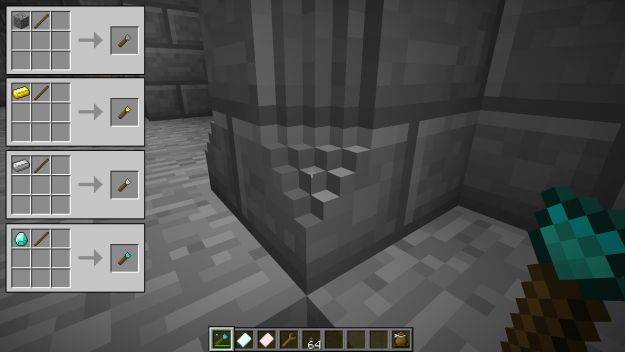
Прекрасно то, что вырезанные куски можно заполнить другими. Благодаря этому можно сделать оригинальные дизайны с мозаикой для дома.
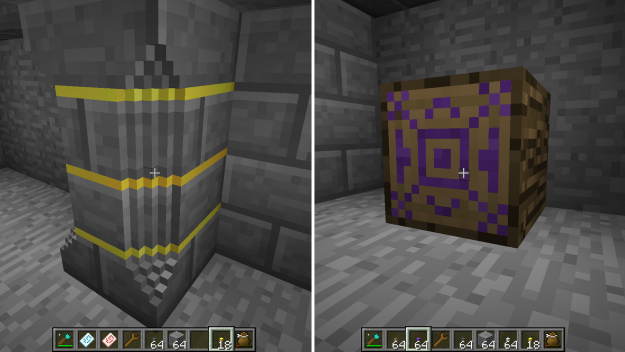
Можно даже создавать статуи любой формы и дизайна!
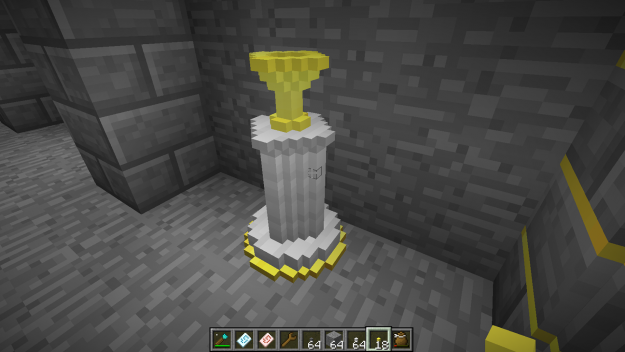
Если заняться пиксель-артом, можно разнообразить оформление магазинов.
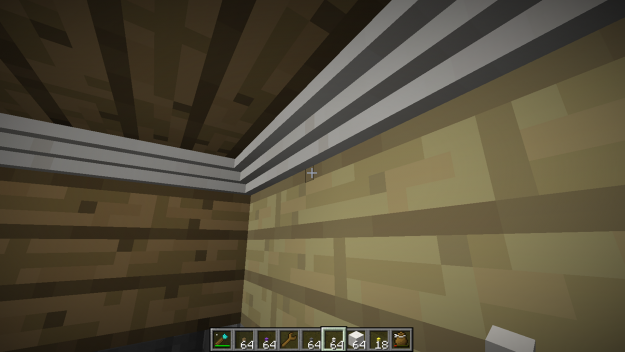
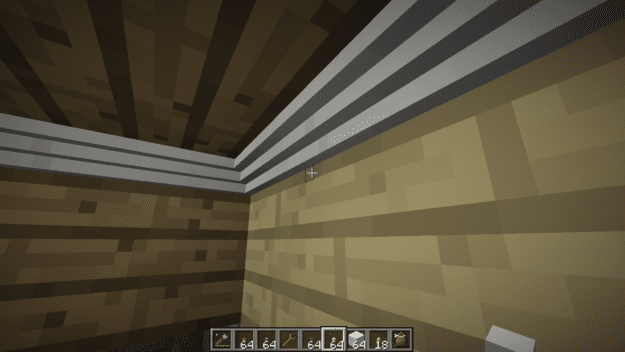
У потолка дома можно сделать элегантный карниз.
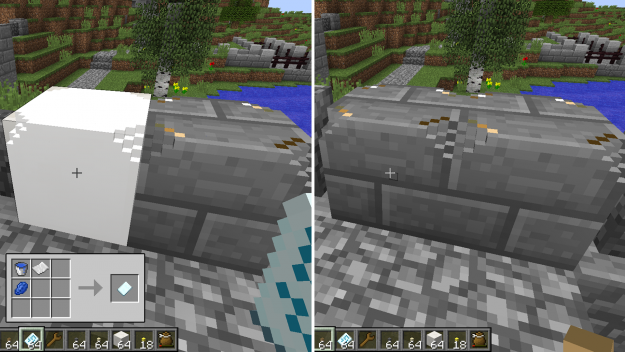
Еще лучше этого — возможность копировать и вставлять свои творения при помощи Chisel Designs Template. Просто кликните правой кнопкой мыши, держа в руке дизайн. Из-за этого действия дизайн скопируется. Затем кликните правой кнопкой мыши на любой другой блок, куда и вставится дизайн.
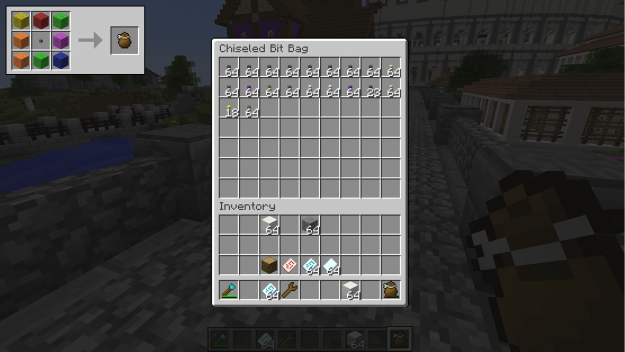
Однако для создания нового блока нужен будет большой запас небольших блоков. Именно здесь в игру вступает Chiseled Bit Bag. Это дополнительный инвентарь, предназначенный специально для вырезанных кусочков. Это позволяет освободить основной инвентарь от такого количества кусочков, но в то же время можно вставлять дизайны в блоки без опаски.
Пожалуйста, обратите внимание на несколько моментов:
Скачать мод Chisels and Bits можно по этой ссылке: клик

Chisels and Bits
The Chisels and Bits mod provides a creative way to sculpt and chip away at the individual cubes that make up many of the blocks in the game. Simply craft a chisel of stone, gold, iron, or diamond and you’ll be able to take off pieces of full blocks to create designs, furniture, or anything you can imagine.
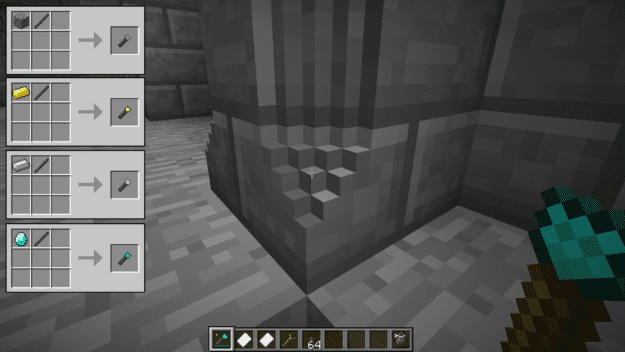
What’s great is you can fill in the gaps you take away with any other chiseled pieces. This allows you to get pretty intricate with designs to take your homes to the next level with inlays.
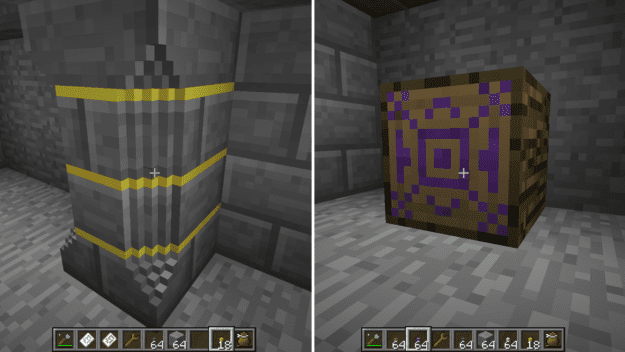
You can even craft statues of any shape or design!
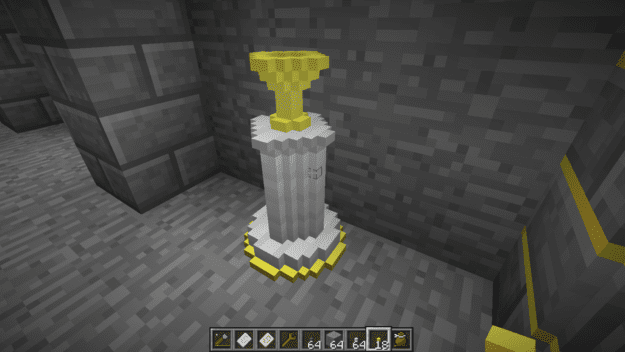
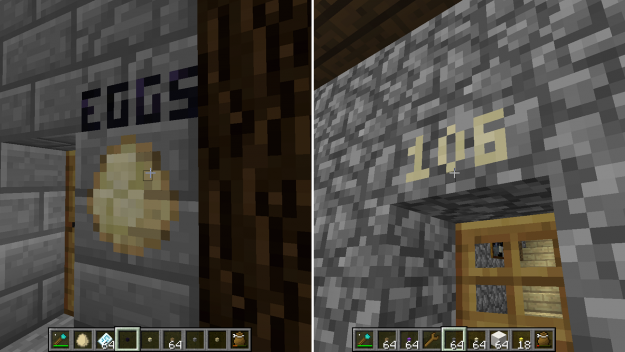
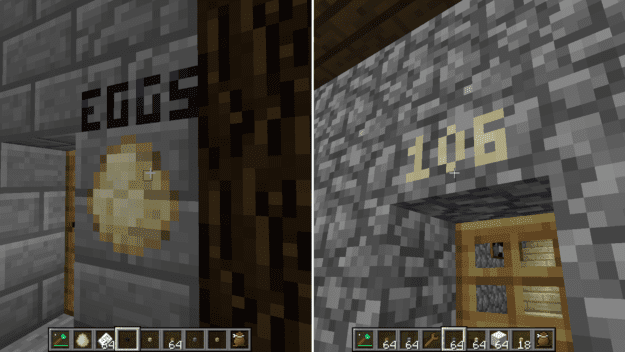
Get creative with pixel art and step up the signage of your shops.
Or even give your home some elegance with crown moulding on the ceiling.
And even better is the ability to copy and paste your creations with the Chisel Designs Template. Simply right-click with the design in hand. This will copy whatever the design is. Then you just need to right click any other block and it will paste it there.
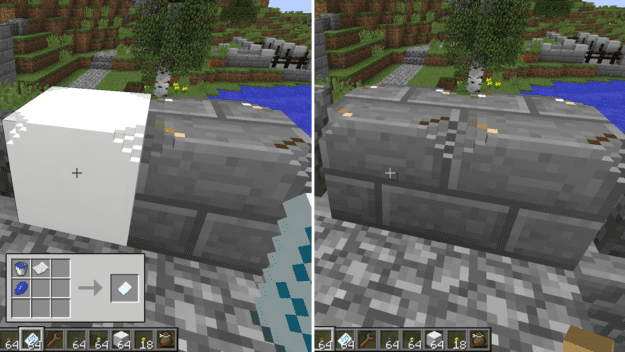
But you’ll need to have a steady supply of chiseled blocks to make the new block. This is where the Chiseled Bit Bag comes in to play. It acts as an extra inventory specifically for chiseled bits. It’sВ a great way to keep your main inventory free from so many bits and allows you to paste blocks in bulk.
Chisels Bits Mod for Minecraft 1.16.4/1.16.3/1.15.2/1.14.4
The Chisels and Bits mod is perfect for players who like creating intricate and unique designs. The best part about this mod is that you don’t need to download a horde of resource packs or a ton of mods to get all the designs you want for your home or other building you’re constructing. Using the chisel and bit along with a guide meant to save designs, you can carve your unique imprint onto every block you see in Minecraft if you so wish. It’s a very unique take on building and block design and a very welcome one at that thanks to how seamlessly it works.


Different bits will create different visual effects when used on the face of a block, so you’ll want to try them all individually and figure out which bits work best for creating the specific designs and images you want. It would be wise to carry around several different ones as well, since no single bit is going to do everything you want, unless all you want are simple designs anyone could do in a minute or two. The limits to what you can do with your chisel and bits are pretty much endless. It’s possible to create dozens of unique designs for every block so you’ll be busy for a long time with this mod.


The Chisels and Bits mod will let you do all kinds of things you never even realized you wanted to do in Minecraft. What’s better than a wooden sign with a wall of text? Maybe a sign in the shape of an arrow which simply points in the right direction to go. What about windows – they get pretty boring all being the same size and shape. This mod will let you cut the panes into fractional sizes like halves, quarters and whatnot, so you can actually make your home look more realistic and less blocky. This mod is definitely worth checking out.
How to installВ Chisels Bits Mod?
Download Chisels Bits Mod
RELATEDMORE FROM AUTHOR

Chocapic13’s Shaders Mod for Minecraft 1.17.1/1.17/1.16.5/1.15.2/1.14.4

Morph Mod for Minecraft 1.16.5/1.16.4/1.15.2/1.14.4

BetterFPS Mod for Minecraft 1.17.1/1.17/1.16.5/1.15.2/1.14.4

MrMeep_x3’s Shaders Mod for Minecraft 1.17.1/1.17/1.16.5/1.15.2/1.14.4

KUDA Shaders Mod for Minecraft 1.17.1/1.17/1.16.5/1.15.2/1.14.4/1.13.2
Too Much TNT Mod for Minecraft 1.17.1/1.16.5/1.16.3/1.15.2/1.14.4

Xaero’s Minimap Mod for Minecraft 1.17.1/1.17/1.16.5/1.15.2/1.14.4

Biomes o’ Plenty Mod for Minecraft 1.17/1.16.5/1.16.4/1.15.2/1.14.4

Malisis Doors Mod for Minecraft 1.17/1.16.5/1.15.2/1.12.2
54 COMMENTS
THIS MOD IS SO CUTE.
this is exactly what i wanted, thanks for making it.
how do u download it
Won’t let me use it.. I’m using version 1.8.8?
yes. if you want on the most lower version. you must play on mc 1.8.9
when i go to download it it just says failed to load the manesterish thing which is the main file how do i get it if it wont even open plus from what ive seen of this mod i was amazed to see it only being 197kb i am impressed you sir have gotten yourself a cookie made of gold
Forge 1.9 : Crash. Why? Mod version: 9.2, Windows 10
im running on 1.9 with windows 8 and its crashes 2 =(
make sure if your using 1.9 it should be specificaly 1.9.4
it works that way for me
and upgrade to windows 10 for easier mod installation and quicker download speed
I did what i was told what to do… and yet when I open the mod menu the chisel and bits mod isnt there. What am I doing wrong?
I downloaded this mod and Forge and my game keeps crashing. Does anyone else have this problem or is it just me?
me too. im using 1.10.2
I am also having crash issues with 1.9.2 WIndows 10 :/
Please add 1.7.10. Thank you in advance. рџ™‚
The mod crashed on launch
make sure your using the right version of forge and take any mod out of your folder like vertical slabs and mods more or less like it where you can modify blocks because your mod loader will not be able to handle it
Is there a maximum number of chiseled blocks per chunk now? I’m running into an issue where chiseled blocks are disappearing (visually. The objects are still there). This wasn’t an issue with 1.8. I’m currently using 1.9
when i tried this mod it crashed upon world opening
BEST MOD EVAR. l if u need help ask me somting
It crashes when I launch it
i cant find the mod folder on my ac book – can u help.
I get errors from the 1.9 and the 1.9.4 downloads, neither one will work with my forge. I have the latest version of forge so I don’t understand at all why it won’t work. Keeps saying it wants a different forge.
you need the specific forge version for that, for example, the 1.9 forge for 1.9 and so on. any other forge version WILL NOT work WHATSOEVER.
this is not working for 1.10 its not letting me right click and change
In order to place/break something I have to click on the “bit” multiple times. Sometimes it doesnt even let me break it. I have tried everything, restarting my minecraft/my computer, closing all other programs, even unplugging my computer. If anyone know how to fix this, can you please help me? 3:
Wow… I really like this texture pack. Great job on it. рџ™‚
I want to make my own … I need it to be mmm 4 bit though. Looking to make it for use on a laptop.
My game keeps crashing and this is what it says:
—- Minecraft Crash Report —-
// Everything’s going to plan. No, really, that was supposed to happen.
Time: 1/14/17 4:14 PM
Description: FML has discovered extracted jar files in the mods directory.
This breaks mod loading functionality completely.
Remove the directories and replace with the jar files originally provided.
java.lang.RuntimeException: Extracted mod jars found, loading will NOT continue
at net.minecraftforge.fml.relauncher.CoreModManager.discoverCoreMods(CoreModManager.java:305)
at net.minecraftforge.fml.relauncher.CoreModManager.handleLaunch(CoreModManager.java:253)
at net.minecraftforge.fml.relauncher.FMLLaunchHandler.setupHome(FMLLaunchHandler.java:102)
at net.minecraftforge.fml.relauncher.FMLLaunchHandler.setupClient(FMLLaunchHandler.java:79)
at net.minecraftforge.fml.relauncher.FMLLaunchHandler.configureForClientLaunch(FMLLaunchHandler.java:41)
at net.minecraftforge.fml.common.launcher.FMLTweaker.injectIntoClassLoader(FMLTweaker.java:138)
at net.minecraft.launchwrapper.Launch.launch(Launch.java:115)
at net.minecraft.launchwrapper.Launch.main(Launch.java:28)
A detailed walkthrough of the error, its code path and all known details is as follows:
—————————————————————————————
i found a duplication glitch in version 1.11
you kine a whole block and all the bits go into your bits bag and when you have an couple stacks of 512 take 64 off one stack and start tapping another of the same block and you will double it every time giving you more blocks to but down i mined one diamond block and did this and not i have 184937652 diamond bits on one stack
i also don’t recommend placing 100 blocks and breaking the all out once…. i crashed my game
but id give a 5 star rating
You should add a stand to put weapons/items on, to chisel, which would change their appearance in your hand.
hallo ich möchte bitte diesen Mod hier Instalieren und spielen