
Карта OneBlock — Выживание на одном блоке [1.15.2]
Опубликовано 19.05.2020 · Обновлено 17.07.2021

Описание карты
OneBlock — карта для любителей хардкорного выживания в Minecraft. Всё начинается с одного блока, ломая который бесконечное количество раз, вы можете воссоздать целый мир! Со временем лут с этого блока будет становиться лучше и круче, а всё для того, чтобы помочь вам достичь выполнения главной задачи Майнкрафта — победе Дракона Края. Всем, кто готов проявить настойчивость и упорство и встать в один ряд с Лололошкой и FlackJK — Добро пожаловать на карту OneBlock!
Скриншоты
Видео
Как установить OneBlock — Выживание на одном блоке
Скачать карту OneBlock — Выживание на одном блоке
Насколько публикация полезна?
Нажмите на звезду, чтобы оценить!
Средняя оценка 3.6 / 5. Количество оценок: 464
Оценок пока нет. Поставьте оценку первым.

SkyGrid [1.16.3] [1.15.2] [1.14.4] [1.12.2]
Автор: Administrator · Published 23.03.2020 · Last modified 17.07.2021

Карта Prism Minecraft — Выживание в коробках [1.13.2]
Автор: Administrator · Published 26.08.2020 · Last modified 17.07.2021

Карта AREA-53 — Секретная лаборатория-база SCP [1.12.2]
Автор: Administrator · Published 07.06.2020 · Last modified 17.07.2021
One Block Plus
Загрузка
Предыдущие версии
| Название | Размер | Обновлено | Версия игры | Загрузок | |
| oneblock-1.16.x-1.5.0.jar release | 120.52 KB | Sep 3, 2021 | 1.16.5 | 1,228 |  Скачать Скачать |
| oneblock-1.16.x-1.4.3.jar release | 109.59 KB | Aug 1, 2021 | 1.16.5 | 9,566 | Скачать |
| oneblock-1.12.2-1.1.1.jar release | 48.28 KB | Jul 27, 2021 | 1.12.2 | 1,380 | Скачать |
| oneblock-1.16.x-1.4.2.jar release | 107.63 KB | May 24, 2021 | 1.16.5 | 78,264 | Скачать |
| oneblock-1.16.x-1.4.1.jar release | 106.62 KB | May 23, 2021 | 1.16.5 | 273 | Скачать |
| oneblock-1.16.x-1.4.0.jar release | 106.21 KB | Mar 28, 2021 | 1.16.5 | 115,986 | Скачать |
| oneblock-1.16.x-1.3.1.jar release | 99.28 KB | Mar 24, 2021 | 1.16.5 | 639 | Скачать |
| oneblock-1.16.x-1.3.0.jar release | 97.08 KB | Mar 23, 2021 | 1.16.5 | 237 | Скачать |
| oneblock-1.16.4-1.2.6.jar release | 71.73 KB | Feb 7, 2021 | 1.16.5 | 13,934 | Скачать |
| oneblock-1.16.4-1.2.5.jar release | 71.25 KB | Feb 1, 2021 | 1.16.5 | 38,345 | Скачать |
| oneblock-1.16.4-1.2.4.jar release | 69.43 KB | Jan 23, 2021 | 1.16.5 | 1,056 | Скачать |
| oneblock-1.16.4-1.2.3.jar release | 68.33 KB | Jan 21, 2021 | 1.16.5 | 203 | Скачать |
| oneblock-1.15.2-1.2.3.jar release | 67.98 KB | Jan 21, 2021 | 1.15.2 | 755 | Скачать |
| oneblock-1.15.2-1.2.2.jar release | 67.59 KB | Jan 20, 2021 | 1.15.2 | 61 | Скачать |
| oneblock-1.16.4-1.1.0.jar release | 51.41 KB | Jan 6, 2021 | 1.16.4 | 850 | Скачать |
| oneblock-1.12.2-1.1.0.jar release | 48.28 KB | Jan 3, 2021 | 1.12.2 | 2,699 | Скачать |
| oneblock-1.15.2-1.1.0.jar release | 52.01 KB | Jan 3, 2021 | 1.15.2 | 80 | Скачать |
| oneblock-1.0.2-1.15.2 release | 44.71 KB | Dec 15, 2020 | 1.15.2 | 132 | Скачать |
| oneblock-1.0.2.jar release | 41.68 KB | Dec 14, 2020 | 1.12.2 | 152 | Скачать |
| oneblock-1.16.x-1.5.1.jar beta | 121.31 KB | Sep 13, 2021 | 1.16.5 | 0 | Скачать |
| oneblock-1.15.2-1.2.0.jar beta | 69.18 KB | Jan 12, 2021 | 1.15.2 | 113 | Скачать |
| oneblock-1.12.2-1.0.3.jar beta | 42.86 KB | Dec 22, 2020 | 1.12.2 | 731 | Скачать |
| oneblock-1.0.1.jar beta | 37.04 KB | Dec 13, 2020 | 1.12.2 | 126 | Скачать |
Скриншоты
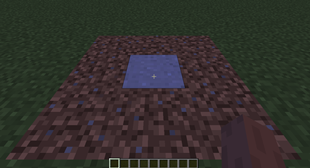
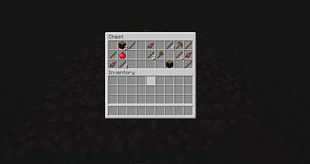
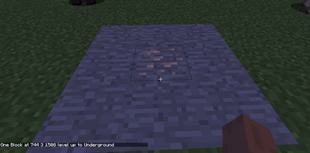
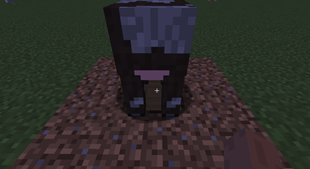



Описание
Один блок
The one block mod-это мод, основанный на карте one block от ijaminecraft. Мод можно играть в мультиплеере, так как каждый игрок может иметь свой собственный блок.
— Если вы хотите играть с уже сделанной пользовательской конфигурацией, я предлагаю вам попробовать модпак, который я разрабатываю : Все в одном
Список изменений 1.2.3
— Исправьте толпу пассажиров.
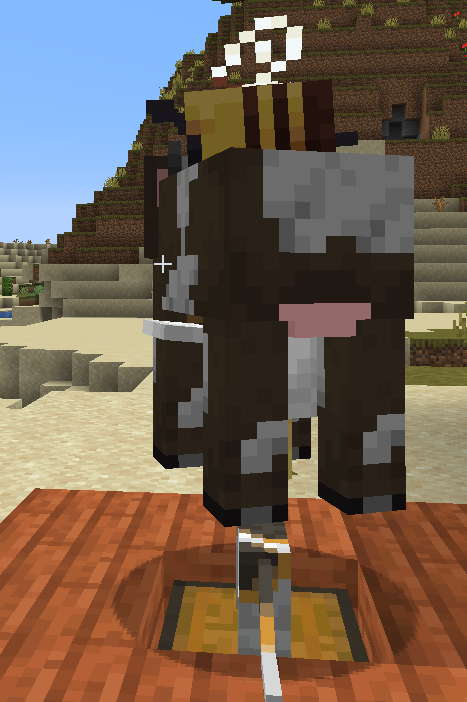
Список изменений 1.2.4
— Ты больше не упадешь с одного блока, когда будешь его добывать.
— Один блок делает некоторые частицы, когда разбивается.
— Когда вы добываете один блок, предмет теперь остается на одном блоке.
— oneblockDataItem теперь может хранить сущность, щелкнув по ней левой кнопкой мыши. (во время кражи храните только его идентификатор)
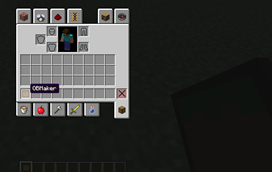
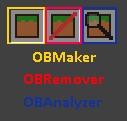
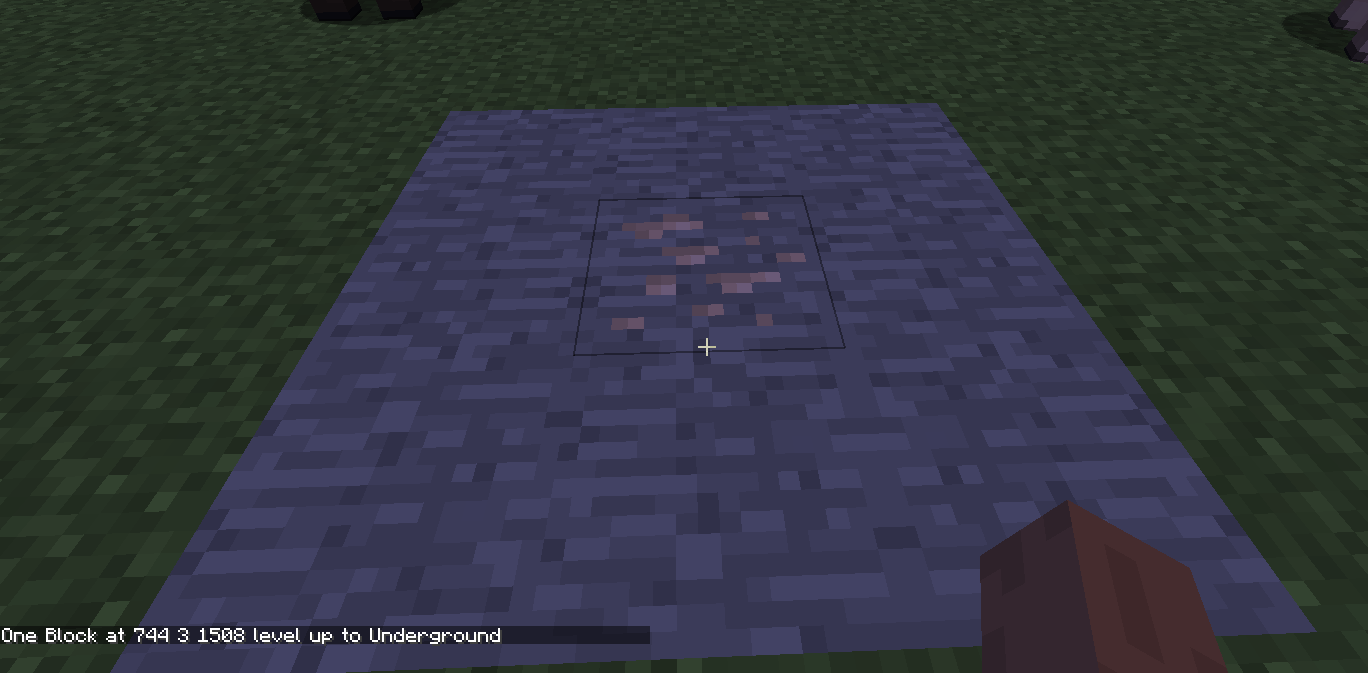
Каждый игрок начинает с «OBMaker» в своем инвентаре.
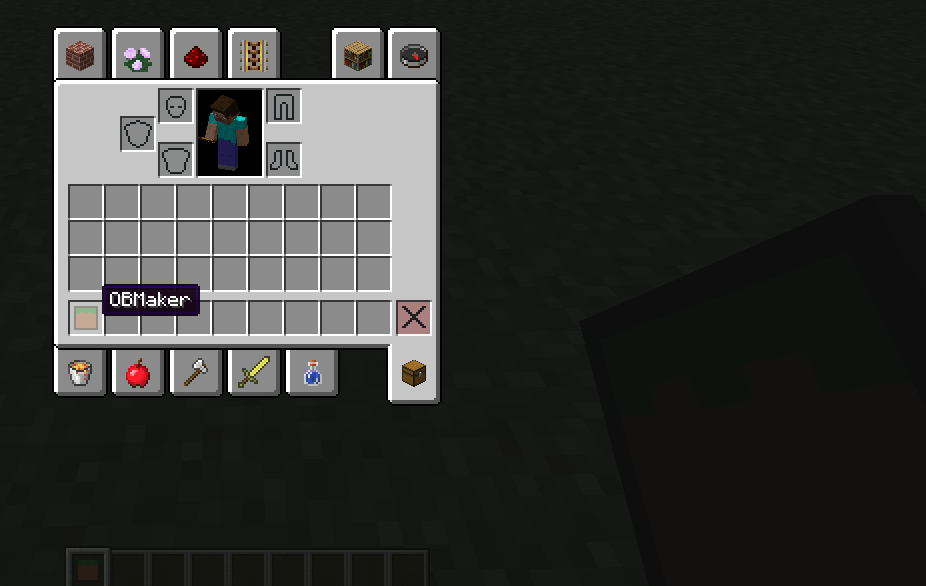
Щелчок правой кнопкой мыши на блоке с этим OBMaker создаст новый «один блок» в этом месте.

Один блок может генерировать разные блоки в зависимости от своего уровня. Он также может генерировать сундук. 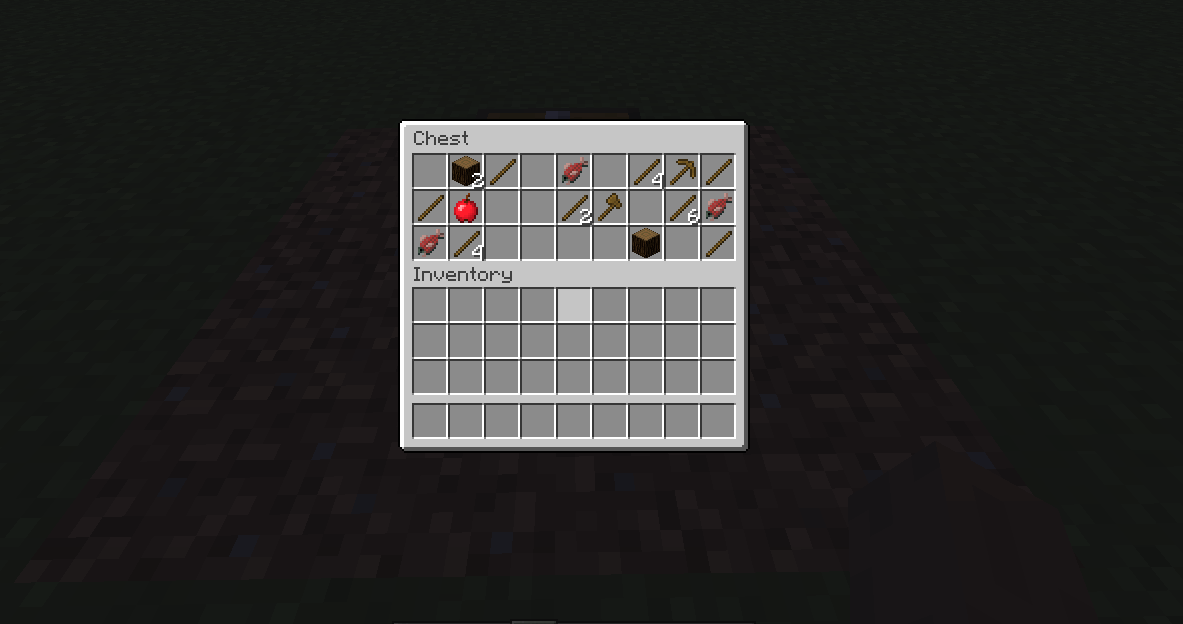 Или сущность.
 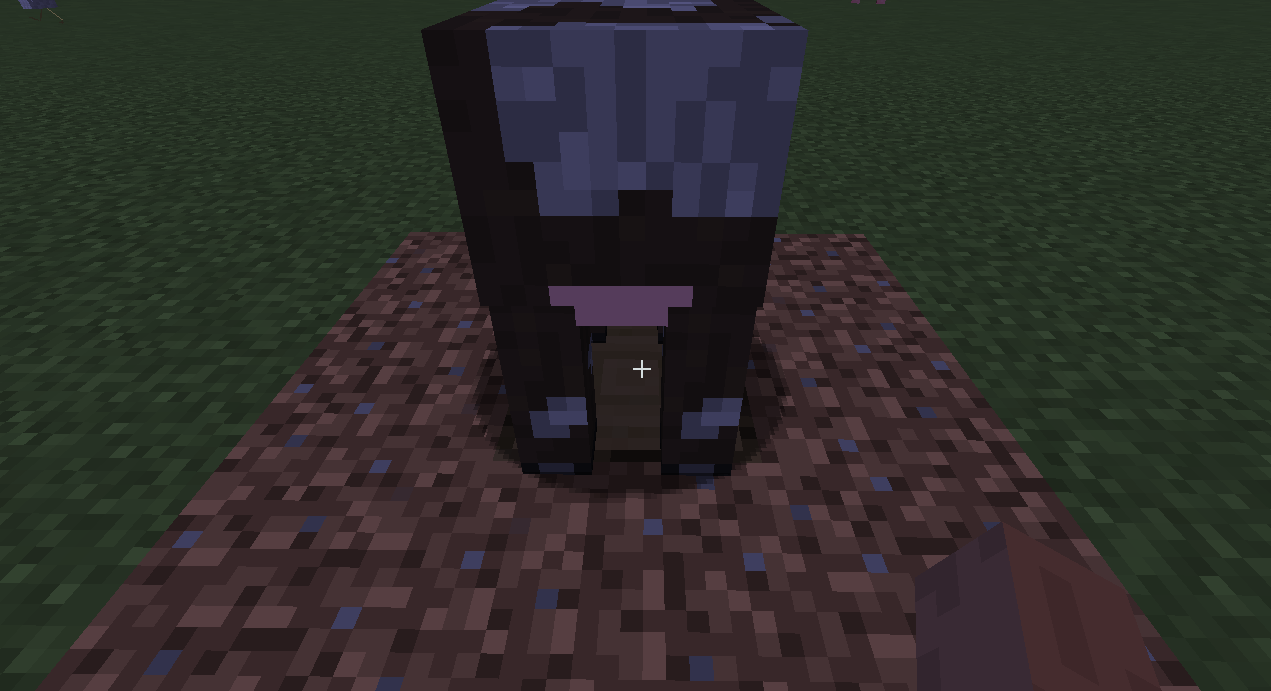 Уровень одного блока повышается после того, как добыто определенное количество блоков.
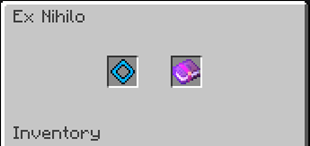
Творческий инвентарь содержит 3 инструмента. 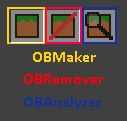
Конфигурации
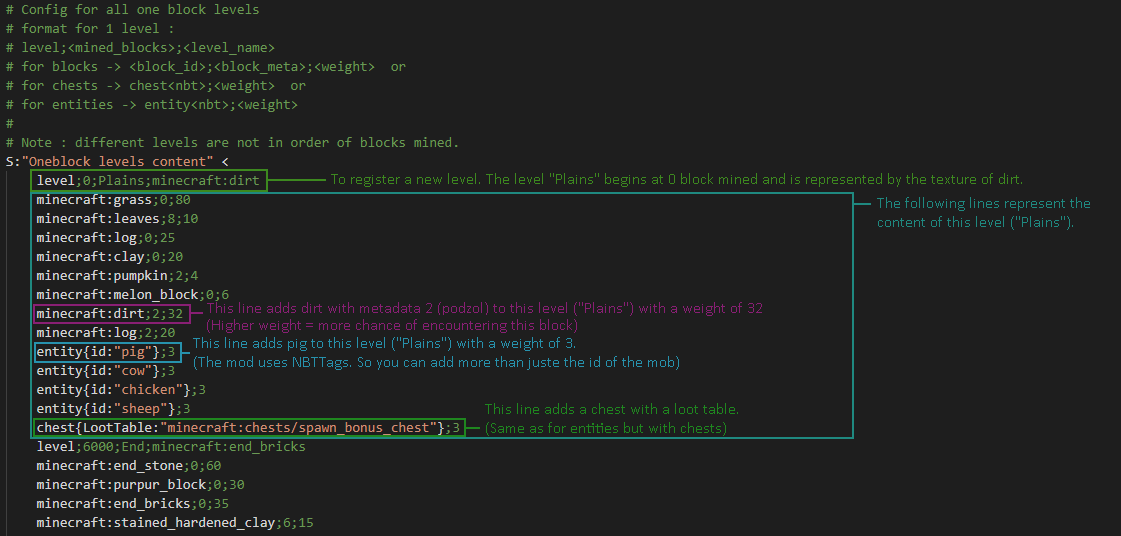
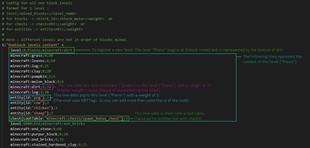
В конфигурации по умолчанию :
Команды

Эти команды помогут вам настроить конфигурации мода.
— «сундук» используется для добавления сундука в выбранной позиции к соответствующему уровню oneblock (добытые блоки).
— «очистить» используется для очистки всех уровней.
— «заливка» используется для добавления уровня на основе содержимого выбранного сундука (вы можете использовать модифицированный сундук, если вам нужно больше слотов)
— «список» показывает вам все уровни по добытым блокам или все содержимое определенного уровня.
— «удалить» используется для удаления уровня.
Сооружения
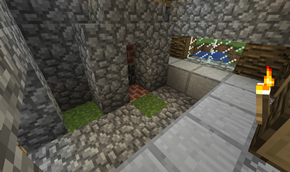
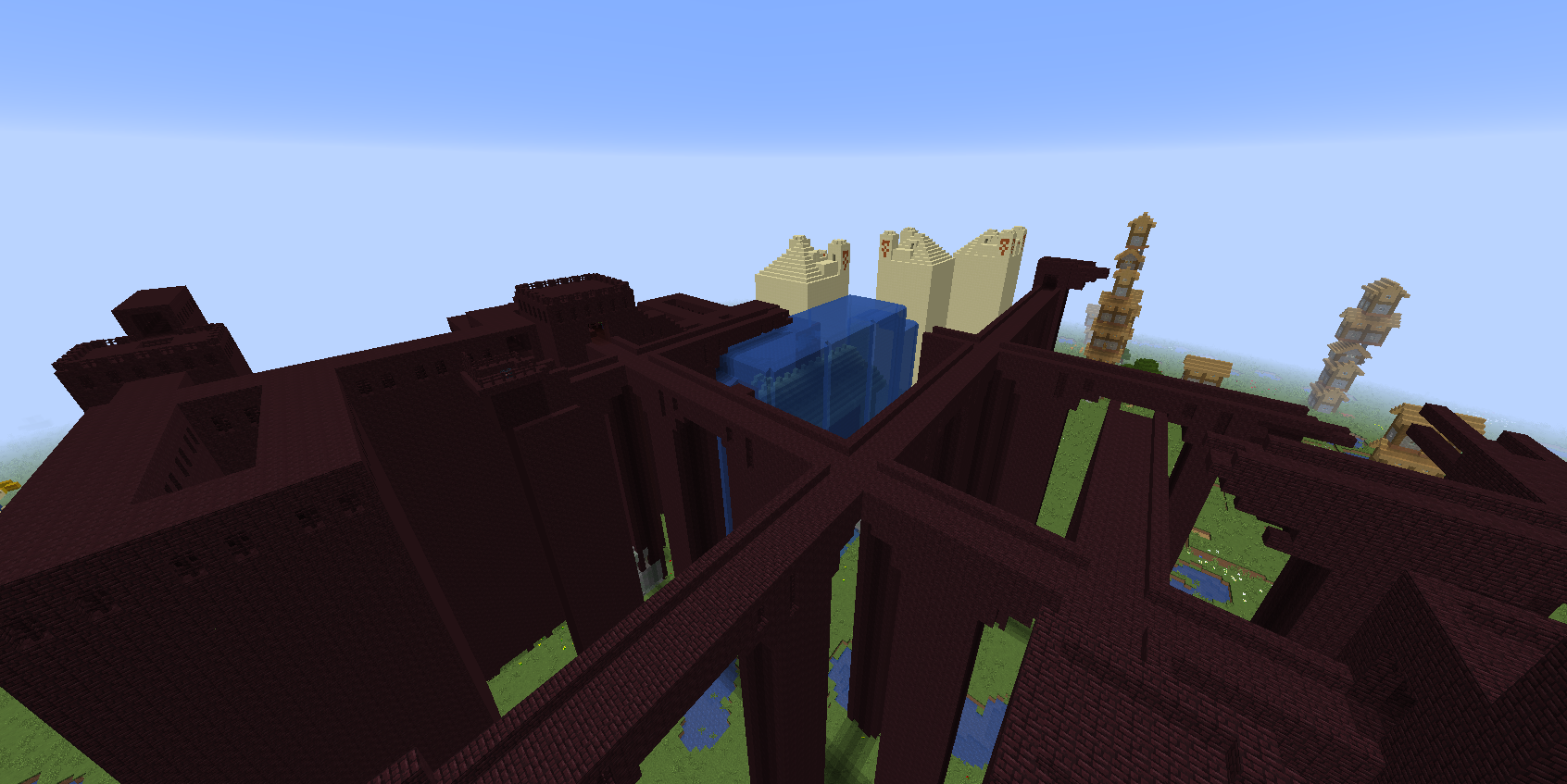
Дом кузнеца, созданный одним блоком. (травяной блок в середине рисунка).
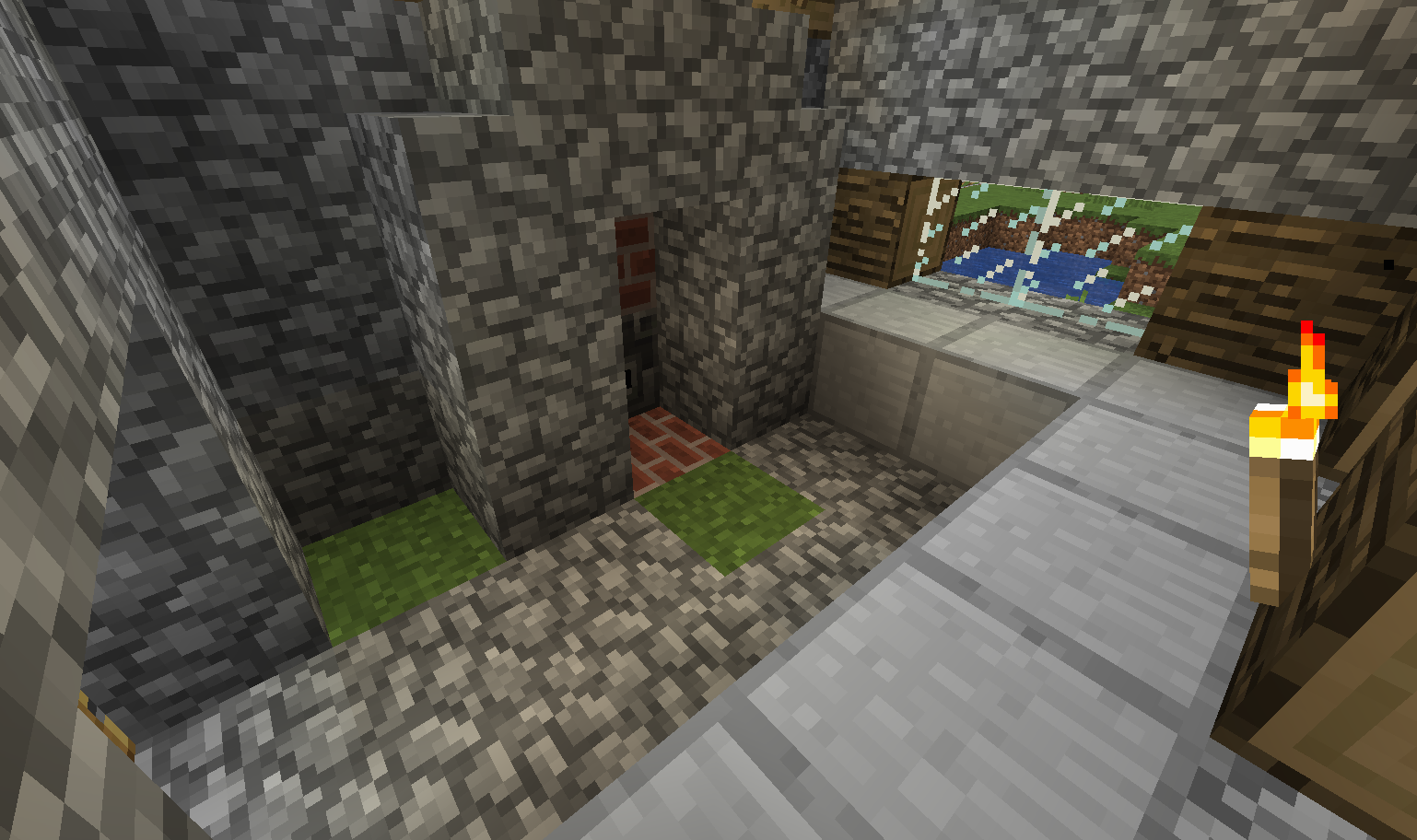
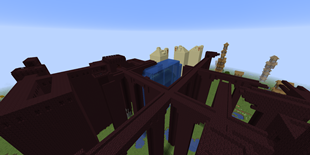
Испытательный мир. Генерация «больших структур». [НЗП] Это может привести к задержкам, высокой загрузке процессора, сбоям… Используйте на свой страх и риск.
Примечание: Вам все еще нужен мод void world, если вы хотите играть в skyblock. Этот мод не изменяет мировое поколение.
Примечание 2: Поршни (и липкие поршни) не могут толкать или тянуть один блок.
Не стесняйтесь давать отзывы о моде.
Вы можете добавить этот мод в любой публичный модпак, если он содержит ссылку на эту веб-страницу или опубликован на curseforge.
Мои другие моды :
Скачать карту на один блок для Майнкрафт ПЕ
Скачайте карту на один блок на Minecraft Pocket Edition: попробуйте выжить в ограниченном пространстве практически без ресурсов.

Карты на 1 блок в Minecraft PE
Майнкрафт ПЕ отличается от многих других игр тем, что здесь вы можете придумать буквально миллион различных испытаний, режимов игры и прочего ради собственного веселья.

Мир в одном блоке
Карта «Minecraft In One Block» отличается от многих других аналогичных карт уникальным подбором параметров и испытаний по пути. Оказывается, наличие всего одного блока на карте никак не помешает развитию юзеров.
Дело в том, что в Майнкрафт ПЕ при разламывании одного блока появятся ещё несколько таких блоков. Со временем единственный в своём роде станет настоящим островом с развитой инфраструктурой.

Стадии развития

Кстати, самым последним уровнем игры является Край, где и обитает дракон Края. Но для открытия портала вам нужны будут Очи Края. Поэтому вам следует быть осторожнее и внимательнее, чтобы не потерять необходимые ресурсы.
Download All in One [Modded One Block] Mod Latest Version for Minecraft 1.16.5 / 1.1x.x
All in One Modded is a mod that increases the speed of mining. It is basically designed around a simple idea, what if you have a minecraft modded one block 1.16.5 structure and then add several other blocks that change the way the whole thing looks. So by using these different blocks you can actually get a full constructed complex minecraft structure. In this type of set up the player will basically dig up every single block in the world every time they mine. This will take a lot of time and a lot of resources. But since this is essentially a one block structure the mining rate is very high.

But if you have the right set of tools you can use this to your advantage and make your minecraft more efficient. These are buildings that are made out of blocks that are already laid in place. The structure is not entirely finished but it can be easily put together. This allows for a lot more flexibility in design but also a much faster rate of construction.
You will need to purchase the necessary materials to build these buildings. All in One buildings are fairly cheap because they are modular. So by using this type of modded building material you are basically getting more blocks than you normally would for a normal sized structure.
You can have as many blocks as you need, but you will only need a few hundred to start with. Once the structure starts to take shape it will not need any more added blocks. You can keep adding to it over time as you get more production. It will also help if you train the villager to work on the mining part of the building. This will speed things up considerably.
A lot of these buildings need two or more power sources to function properly. This is something that will come into play after you start to expand. But having an initial power source will help you in the beginning stages. The best way to go about doing this is to buy a generator. Once you know you will have power to operate most of the time you can start to expand and get more resources.
These buildings modded for remote controlled play are great for getting your feet wet. They are low cost structures that can give you some impressive results. Just remember to be sure to research the different options before buying your first one. This will ensure that you get one that has the best price/performance for you. All in one block buildings are a great thing to try out.
OneBlock

Description
OneBlock is my new survival map in which you stand on a lonely block floating in the void. You can mine the same block over and over, and it gives you basic materials that slowly become better and better. You go through certain phases, and the infinite block slowly upgrades to better blocks, chests and new mobs!
This changelog includes all changes from the releases Beta 1 to Beta 3. Release 2.0.0 is the first true update since release 1.1.1, and all changes mentioned in the changelog are changes from release 1.1.1.
If you experience any problems with this map, one of the options below may help you. Should none of those options address your problem, you may want to report a bug using the checkbox at the bottom.
The map does not show up.
There may be multiple reasons if the map does not show up in the Singleplayer menu.
This can happen if you play the map in the wrong Minecraft version. You can try to use a backup or down-/upgrade the world’s version to the right Minecraft version.
If the infinite block does not spawn any new blocks, this may be because of one or multiple of the following reasons:
Natural mob spawning is enabled by default in the map. If no mobs appear to spawn, this may have multiple reasons:
That’s not a bug. The map only supports one infinite block. Copying or multiplying the infinite block for multiple players is not possible at the moment.
Frequently Asked Questions
Which phases exist in OneBlock?
Excluding the Tutorial and the Afterphases, there are 10 phases total, which are: The Plains, The Underground, Icy Tundra, Ocean, Jungle Dungeon, Red Desert, The Nether, Idyll, Desolate Land, The End. Each phase features a set of blocks, items, and monsters appropriate for the setting. Random blocks from previous phases may also appear.
6500 blocks before the Afterphases. Most of the phases have around 600-700 blocks, though the earlier ones are shorter.
What happens after the phases?
After you complete the tenth phase, an end portal will spawn below the infinite block. After that, the infinite block enters the Afterphases. Then, an infinite number of blocks can appear, and they’re randomly selected from all the previous phases. Special chests still spawn, as well as random mobs from all the phases.
Why do some blocks spawn more frequently than others?
Each block has a weight, which defines how likely it is that it’ll appear for a random block spawn. This weight is roughly equal to how large the pre-defined amount of this block is in all phases.
Which mobs can spawn in OneBlock?
In each phase, a specific set of mobs may spawn. These include most hostile, passive, and neutral mobs. However, the infinite block won’t spawn boss monsters and utility mobs, like the ender dragon or iron golem. All mobs that can be spawned will be spawned at least once. There are also random spawns so that you may get previous mobs again. Besides that, any mob, which can naturally spawn in the Plains biome, the Nether or the End, may appear.
Which chest types exist in OneBlock?
There are normal chests, which contain random items from the current phase. After each phase, you get a benevolent gift, which is a chest that includes a selection of high-quality items. In later phases, special chests can also spawn. These include rare, musical, and odd chests. There’s also variety chests, which can contain items from the current and previous phases.
Can you obtain things from earlier phases?
Yes, there are variety chests, which may contain items from the current and previous phases. Random blocks will also spawn, which may be from the current or previous phases. Any mob spawned in the phases may also randomly spawn again in the Afterphases. Natural mob spawning is also enabled.
Do mobs spawn naturally in the world?
Yes, natural mob spawning is enabled in OneBlock. However, only mobs that can spawn in the Plains biome may spawn naturally in the Overworld.
Are there different biomes in OneBlock?
Each phase has a different theme, which may relate to one or multiple biomes. However, the Overworld is only set in the Plains biome. That means, everywhere you go in the world (except for other dimensions), you have the environment of a Plains biome, regardless of what the infinite block spawns.
Are there naturally spawning structures?
Yes, structure generation is enabled by default. This means that nether fortresses, end cities, and similar structures may spawn in the alternate dimensions!
Is it possible to reach the Nether and End?
Yes, it is. Nether blocks and obsidian can be obtained in phase 7 and later phases. Lava buckets are also available in chests. The end may be reached after completing all the phases.
What is the final goal of OneBlock?
It is what you want it to be! You can do pretty much everything you can do in a normal Minecraft world, given enough time. A good goal might be for you to defeat the ender dragon! But it could also be building the greatest sky castle there ever was! It’s all up to you!
Does OneBlock support Multiplayer?
Yes, the map runs smoothly on servers. However, there is only a single infinite block in the map, which all players in Multiplayer subsequently need to share.
Does this map work in Minecraft Bedrock?
No, this map only works in the Minecraft Java Edition.
Can I record this map for a video?
Yes. You can make videos about the map, stream it, or publish articles about it! But you need to give proper credit! For example, you can add the following to your description:
For more information, you should check out my Copyright License.
Can I reupload the map?
No, you are not allowed to reupload the map or modified versions of it. If you want to modify this map, you may only use it privately without sharing it publically.
How To Install
Select one of the following Minecraft versions to get a complete and easy-to-understand guide on how to install OneBlock in the specific version of the Minecraft Java Edition!
Download
By downloading this map, you accept the Copyright License.