
Сборка StoneBlock 1.12.2 (Тематический клиент)

Ex Nihilo
Ex Compressum
Mekanism
Botania
Industrial craft 2 ex
EnderIO
Immersive Engineering
Draconic Evolution
Forestry
BuildCraft
AE 2
Tinker`s Construct
Cyclic
ExtraUtils 2
Open Blocks
EvilCraft
Actually Additions
RFtools
Random Things
Integrated Dynamics
Extra Cells
Steves Carts
Thermal Expansion + Thermal Foundation + Thermal Dynamics
PSI
Refined Storage
Storage Drawers
Mystical Agriculture
Extreme Reactors
Avaritia
ProjectE
EnvironmentalTech
IronChest
Baubles
Pam`s harvestCraft
Chisel
JourneyMap
CraftTweakers
BetterQuesting
CraftTweaker2
JEI + all addon`s
JEDs
ChanceCubes
Hatchery
DefaultOptions
Clientfixer(даёт русификацию большинства модов, не трогать. )
No Recipe Book
Inventory sorter
More Overlays
Wawla
Hwyla
foamfix
Optifine
BetterFPS

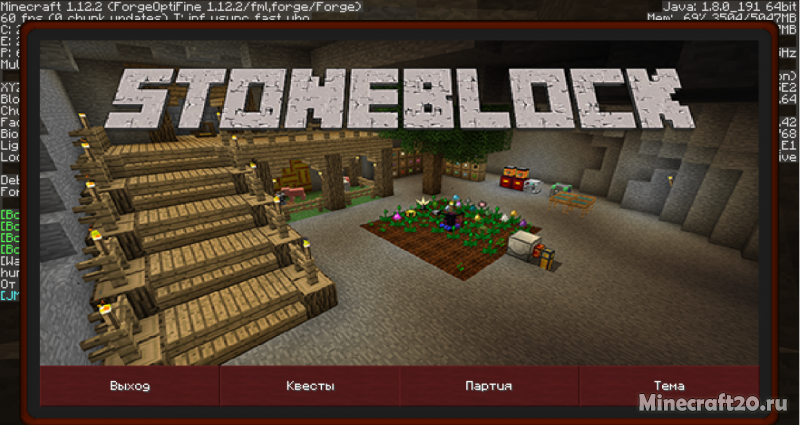
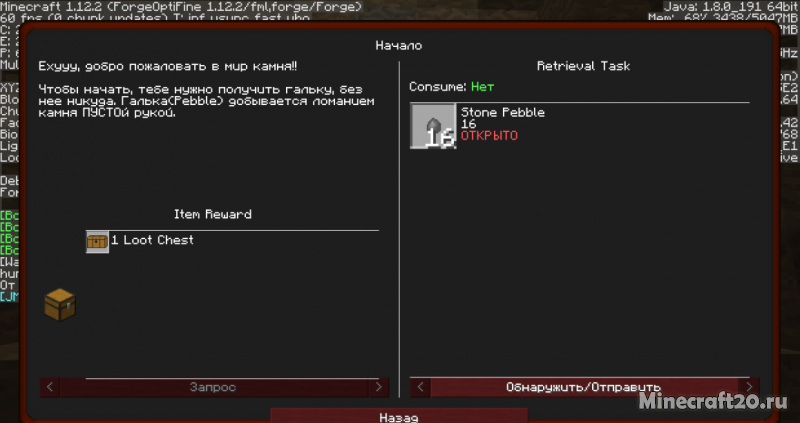
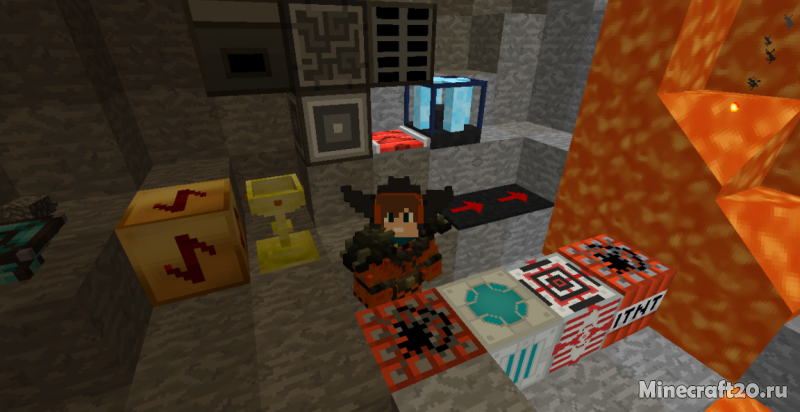
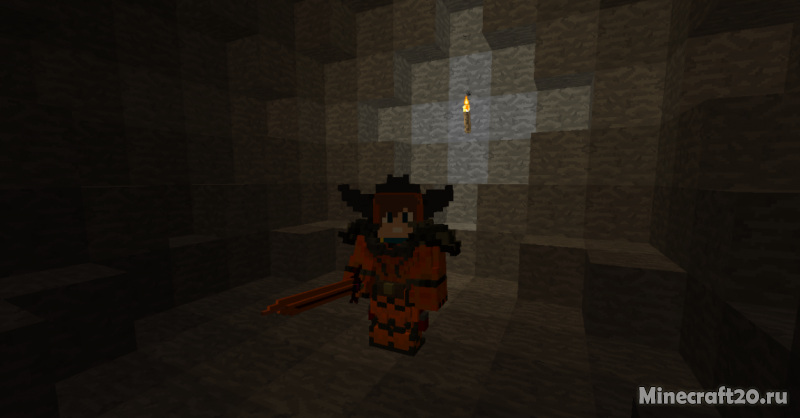
Как установить сборку
FTB Stoneblock 2 Servers
NO BANNED ITEMS ★ FTB Revelation ★ Sky Factory 4 ★ MC.Eternal ★ Sky Odyssey ★ Ultimate Reloaded ★ Stoneblock 2 ★ Sky Factory 2.5 ★ And More!
A community of modded servers! Direwolf20 1.16, SkyFactory 4, GT NH, Revelation, Continuum, MC Eternal, FTB Ultimate and more! Multiplayer fun!
sf4.baconetworks.com = SkyFactory 4 || rev.baconetworks.com = FTB Revelation || sb2.baconetworks.com = FTB Presents StoneBlock 2
Ocean Block : Levitated : MC Eternal : ATM 3,6 : StoneBlock 2 : Enigmatica2 n,e : Skyfactory : Ozone 2,3 : DD&SS : GTNH : Ragnamod And More!
MC Eternal ➤DW20➤Infinity RELOADED➤Revelation➤Sky Odyssey➤StoneBlock1&2➤PO3➤Sky Factory 3 & 4➤Ultimate ➤ OFFLINE ChunkLoading→Custom Plugins
In deiner Welt hast Du das Sagen! Jeder Spieler bekommt eine eigene Welt, in der er tun und lassen kann was er will!
♜ Active and Friendly Community ♜ VR Support ♜ Free Claims and Chunkloaders ♜ Dedicated Staff ♜ Latest modpacks ♜ And More!
Creation Reborn | Discord Integration | Oceania | Revelation | RLCraft | MC.Eternal | FTB University
NEW Compact Claustrophobia ★ Seablock: Rustic Waters★Stoneblock 2★ Free Chunkloaders ★ Friendly Community ★ Professional ★ 80% of plugins are custom ★
♥ StoneBlock 2 ♥ Infinity Expert ♥ RLCraft ♥ Sevtech ♥ SkyFactory 4 ♥ NO BAN ITEMS ♥
MineWorld Network | StoneBlock 2 ♣ No Banned Items
MineWorld want’s to invite you to our community of fun players! We have all kinds of server from vanilla to modded. Join us today!
gamingnetwork
welcome to gamingnetwork currently running ftb direworlf 20 1.16.5 and FTB-stoneblock2 out now and projectozone3 a new way forward new skyfactory4
StoneBlock 2 Modpack Guide
StoneBlock 2 introduces a new way to play Minecraft that is similar to skyblock, except the entire map is made of stone instead of air. It is a unique twist that skyblock fans will love. This pack is the second edition of StoneBlock, with only minor changes from the original pack. We think that Stoneblock 2 is one of the best FTB modpacks to play in 2020.
Of course, it can be annoying in the beginning to dig out your building area but you will get tools later on to remove the stone very quickly.
You will start the game in a very small hollowed-out room with a quest book which guides you through this FTB modpack. Stone can be broken with your hands and this will get you started to get a pickaxe, dirt, wood, and all the other items in the game through various recipes.
This guide will give you a complete overview of the FTB StoneBlock 2 (SB2) modpack, including a starting guide, brief overview of key mods, and general tips and tricks.
How To Download and Install The StoneBlock 2 Modpack
The easiest way to install the StoneBlock 2 modpack is to use the Twitch App. Simply open the app and navigate to mods, then Minecraft, browse modpacks, and select StoneBlock 2. Once it downloads you’re all set to open it and get started.
Starter Tips
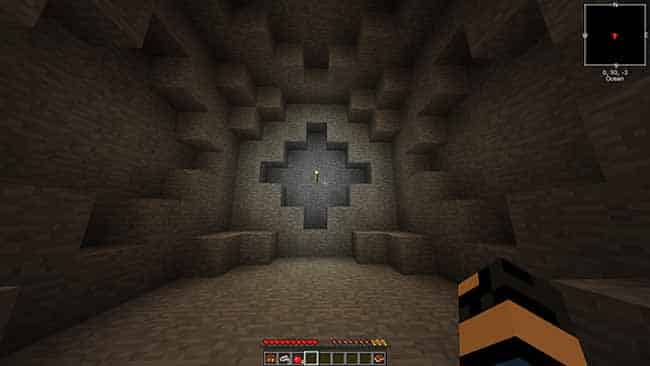
Stoneblock 2 Starting Area
Follow these steps to get started with this modpack:
After following these steps you will have most of the essentials to get started with the other mods. Follow the quest book from here and lookup recipes in the NEI menu to keep progressing.
Milestones
For more guidance on progress, pick some of these milestones and work towards achieving them. They can mostly be done in any order, but some might be easier if done later (like draconic evolution and project E).
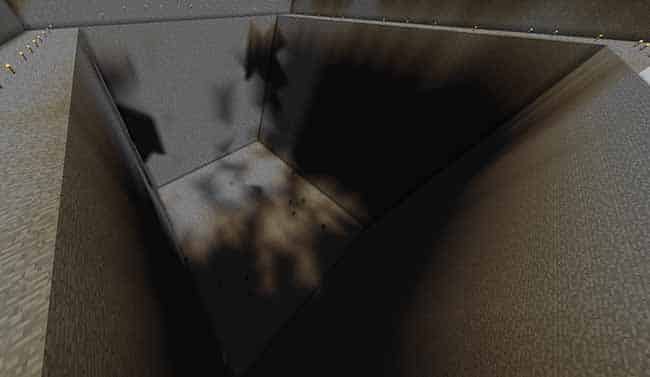
RFTools Builders can hollow out large areas quickly.
Stoneblock 2 Tips & Tricks
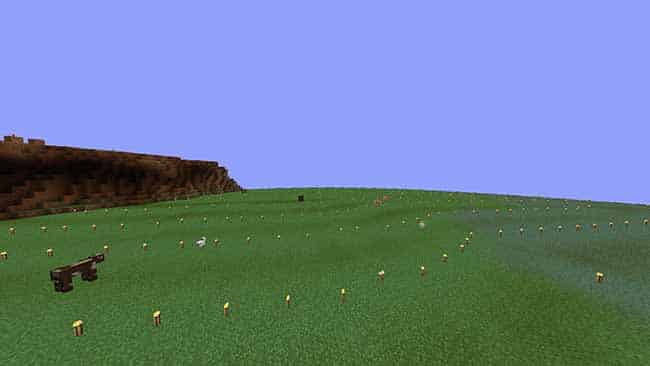
Fake sky using blue luminous blocks.
Stoneblock Tips and Tricks
Please use this if you don’t intend to propose tips.
Feel free to add comments, and propose changes here.
Version History
Performance tips:
Seeds
Uncategorized
Veinminer is in this pack; rebind to a non conflicting key in settings to use.
Hit a Chicken with a stick and killing it afterwards will give you an unbreakable, diamond-equivalent hammer called the Chicken Stick.
Use a chicken stick when manually crushing cobble. It doesn’t break, it spawns chickens, what more could you want?
Veinminer works on trees, crouching bonemeals saplings, do both for quick wood.
For early game fuel convert cobble into Stone Crafting Table then into the wooden version, then fuel up.
For early-game players, build a mob farm as soon as possible. Loot bags are very important.
Try and complete all the quests even if they have no use to you. The rewards can have big effects on your progress.
Compressing gravel, sand, dirt, and dust (default ‘k’ in a 3×3 crafting grid) and using a heavy sieve will massively help your sieving pursuits
If you get something from a loot bag that finishes a quest, try and still get the item required manually so you have a way to generate it.
Bonsai Pots are a gift from heaven for automating wood production. Hopping Bonsai Pots are even better.
Three trees you want to set up in hopping bonsai pots (explained below): slime, apple, spectre (from random things)
Slime = slime blocks = amazing early power source in slime generator if you find a cow or just a cotem for infinite water.
Spectre = lots of cool early game wireless power without having to kill spirits magically
Apple trees = lots of wood and apples. Cooked apples are amazing early game food.
The ultimate furnace is something you should aim to achieve as it helps a lot later on. Certain wands from loot bags help out tremendously. w-in-a-jar
The ‘Sink’ from Cooking for Blockheads is the best i
The acceleration wand, paired with a growth crystal, means instant crops.
Cyclic has a scythe that can harvest all crops of all types within a single right click in a certain area. Pair this with the trick above and you can get a lot of crops very quickly.
For early-game furnace fuel, you can convert cobblestone in your inventory into Stone Crafting Tables (hover over stacks of cobble, press “K”), and then convert those crafting tables into the wooden version in any crafting grid.
Wearing an Enderman Head from Enderman Evolution will help you while in The End.
A crusher can replace auto-hammers without needing a hammer.
I will update this list as I play Keybinds are a ex mess. Veinminer and inventory recipe lookup are likely conflicting with something else.
Ender tears can be thrown into a smeltery for four (or maybe eight?) ender pearls apiece. Use an emerald to make a gem cast for this. Try a pan cast first, it may work and is cheaper.
Quantum batteries hold a ton of RF, charge things in your inventory, and are dirt cheap
Build a cobble compressor sooner than later, the mining dimension tool and deep dark portal take a lot of time to make.
Many passive mobs have a type of bait you can place in the world to spawn them.
There are two types of markets you can build to buy seeds and spawn eggs with emeralds…use them.
A compressed hammer breaks compressed cobble/gravel/dirt/sand/dust. and I will also add the helpful comments.
Use an acceleration wand on the roost chicken breeder to get your chicken farm going, and invest in it early
Push for the Ultimate Furnace, as nothing is faster.
Don’t bother with silk touch early game. Raw stone is slow to mine and doesn’t have many uses
You can place sieves with the same meshes next to each other and they will automatically copy what you do with one.
Placing two sieves with string meshes adjacent to each other and then clicking on one with gravel, for example, will take two gravel but will sieve both.
This can be done with up to 25 meshes in a 5×5 grid. Make sure to click the middle sieve so that all of the material sieves at once
This one may be a bit dumb but the Not Enough Wands Acceleration Wand defaults to its slowest setting. Dig through your keybind options for a bit and you can change the mode.
Growth Crystal’s effect stacks, so if you get like a stack off of loot bags you can have all of your crops instantly growing, and your farm is now only limited in output by how fast your farmer can collect
You can easily trap the wither under the portal home in the end, you can use this to get nether stars and supremium essence at a good rate as long as you have the soul sand and wither skeleton skulls.
In case you don’t want to take the time to make inefficient food, make the entire “Cooking for Blockheads” multi-block structure. It gives you instant food as long as you have the ingredients. It does take time getting all of the structures and blocks for it though.
Cobblestone generator with a compacting drawer on top is literal infinite cobblestone if you have Tier V drawer upgrades.
Early-game food sources
Epic Bacon is easy to get from quest loot bags
Start of Stone Block
Real Early game goals
Bonsai tree, six should sustain you; apples to cook
Mob spawning/slaughtering area (loot boxes are op)
5×5 sifting grid, only works with regular sifters
Cobble Generator v1
Power Generation
You have many options for power but Ex Nihilo gives you unlimited lava (Tiny Progressions Cobblestone Generator into an Ex Nihilo Crucible). The Thermal Expansion Magmatic Dynamo, EU2 Magmatic Generator, and Mekanism’s Heat Generator convert lava into power.
Loot bags provide Spectre Coils, blocks which provide 128 RF/t for absolutely no cost whatsoever. These can be useful for power.
Epic Loot Bags have a chance to drop Spectre Coils which can be attached directly to machines throughout your base so you don’t need wiring or extra Powercells.Mystical Agricultural
Rush tier 3 seeds for redstone plants for a sustained source of redstone, I’ve found that my sifting does not provide enough
Storage
Storage options are basically the same as most other modpacks. AE2 and/or RS for central mass storage, Storage Drawers, Iron Chests, Actually Additions Crates, Quantum Storage for deep storage and less demanding inventories, etc., etc..
Actually Addition Crates are dirt cheap and massive
StoneBlock 2 Modpack Guide
StoneBlock 2 introduces a new way to play Minecraft that is similar to skyblock, except the entire map is made of stone instead of air. It is a unique twist that skyblock fans will love. This pack is the second edition of StoneBlock, with only minor changes from the original pack. We think that Stoneblock 2 is one of the best FTB modpacks to play in 2020.
Of course, it can be annoying in the beginning to dig out your building area but you will get tools later on to remove the stone very quickly.
You will start the game in a very small hollowed-out room with a quest book which guides you through this FTB modpack. Stone can be broken with your hands and this will get you started to get a pickaxe, dirt, wood, and all the other items in the game through various recipes.
This guide will give you a complete overview of the FTB StoneBlock 2 (SB2) modpack, including a starting guide, brief overview of key mods, and general tips and tricks.
How To Download and Install The StoneBlock 2 Modpack
The easiest way to install the StoneBlock 2 modpack is to use the Twitch App. Simply open the app and navigate to mods, then Minecraft, browse modpacks, and select StoneBlock 2. Once it downloads you’re all set to open it and get started.
Starter Tips
Stoneblock 2 Starting Area
Follow these steps to get started with this modpack:
After following these steps you will have most of the essentials to get started with the other mods. Follow the quest book from here and lookup recipes in the NEI menu to keep progressing.
Milestones
For more guidance on progress, pick some of these milestones and work towards achieving them. They can mostly be done in any order, but some might be easier if done later (like draconic evolution and project E).
RFTools Builders can hollow out large areas quickly.
Stoneblock 2 Tips & Tricks
Fake sky using blue luminous blocks.